• KultureGeek
  • Comparateur de prix
       
iPhoneAddict
 iAddictv5Notre Application iPhone/iPad
  • Accueil Apps
  • Actualité Apple
  • Keynote Apple
  • Firmwares & iTunes
  • Contactez-nous
Accueil » Liste des Apps » Apps Universelles » Economie et entreprise » BacBack
L'application n'est plus disponible sur l'App Store français
1.5 iOS €179,99€ Ali golmohammadi 0 0 BacBack is designed to Backup and Transfer contents of your Mac directory to any of your Devices(iPad, iPhone, etc) and back in one simple command. You may transfer from one Device to Another(iPhone, iPad, iPod) as well under WiFi. For additional...
BacBack

BacBack

iOS Universel / Economie et entreprise

179,99€
Acheter sur l'App Store

BacBack is designed to Backup and Transfer contents of your Mac directory to any of your Devices(iPad, iPhone, etc) and back in one simple command. You may transfer from one Device to Another(iPhone, iPad, iPod) as well under WiFi. For additional info visit http://agole.me

This App is designed for your Mac to Send and Receive the entire content of a designated Directory to any of your devices(iPhone/iPad) under a “WiFi” network. This App is Communicating with 'DirBackup', and other file transfer Apps from "Agole Tech Solutions" on your device.
Here is How:
1- Download and install the “MultiFileBackup”
2- Run the App on your Mac and Follow the
instructions displayed on your Mac view.
3- Create Two Folders under user
/Downloads directory named :
Folder. ‘SendFile’ and ‘RcvFile’ like this:
/Downloads/SendFile
and
/Downloads/RcvFile
---------------
4- To Transferre from your Mac’s to your device:
A- Copy all your files from any directory to
'Downloads/SendFile’
and follow instruction on screen.
5- To Received files from your device follow the
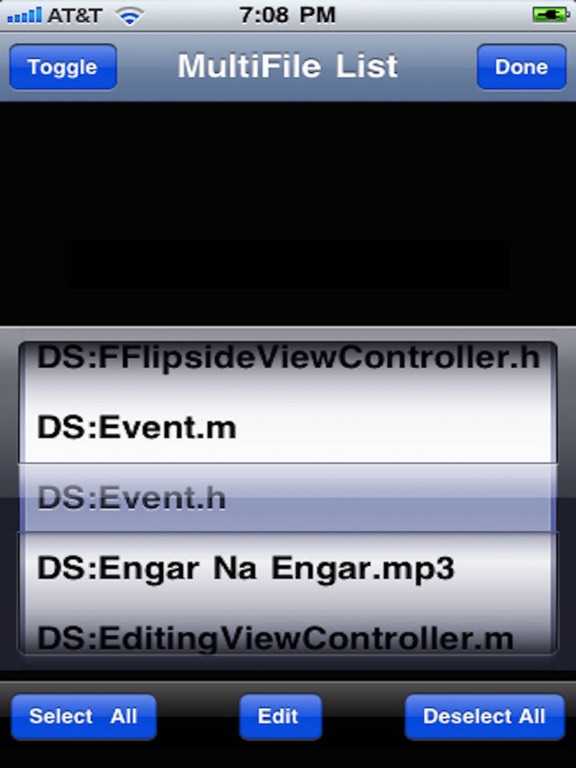
instruction on your screen.


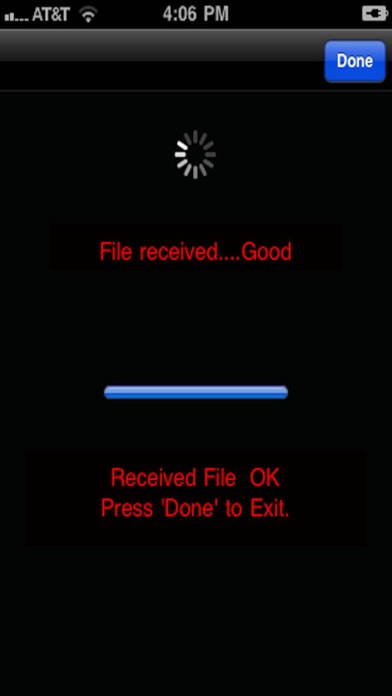
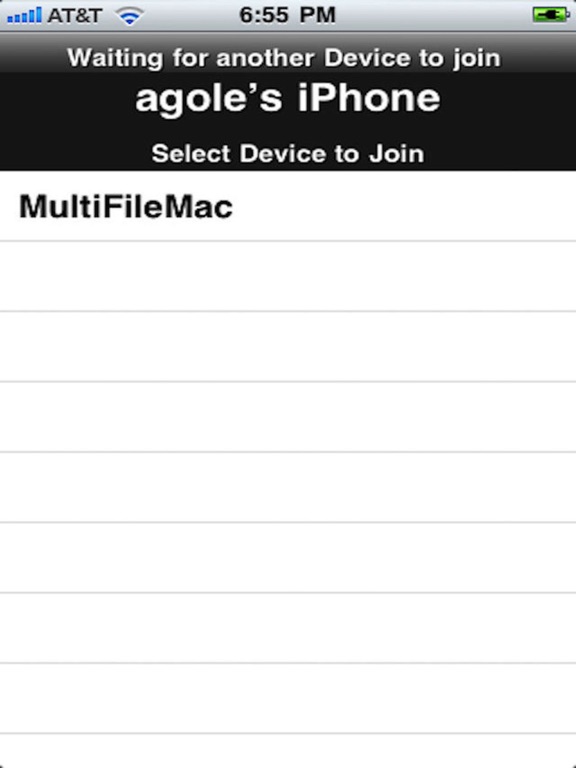
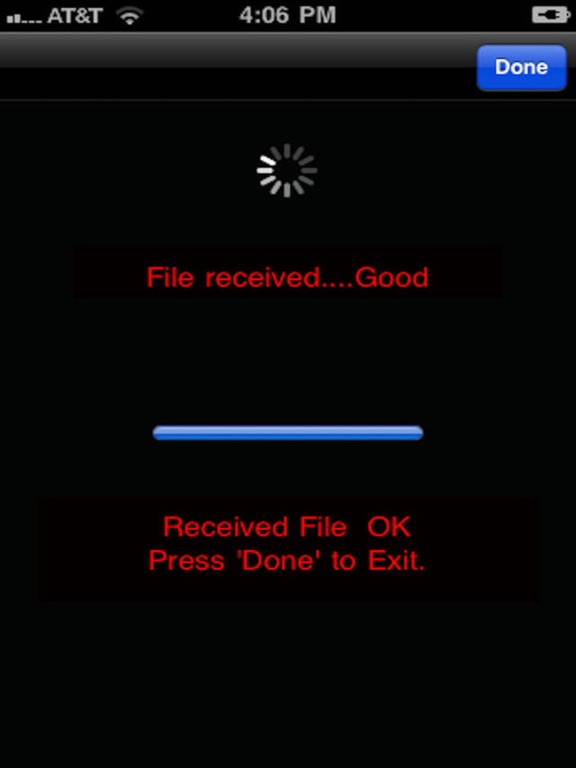
Note: Always remember the ‘Receiving’ device is to Pick the name of joining device during the pairing process.

En voir plus...

Quoi de neuf dans la dernière version ?

update to higher iOS

  • Screenshot #1 pour BacBack
  • Screenshot #2 pour BacBack
  • Screenshot #3 pour BacBack
  • Screenshot #4 pour BacBack
  • Screenshot #5 pour BacBack
  • Screenshot #6 pour BacBack

Note

(0 note)

Détails sur l'application

Version
1.5
Taille
6.4 Mo
Version minimum d'iOS
12.1
Dernière mise à jour
21/03/2020
Publié par
Ali golmohammadi

Newsletter App Store

Recevez chaque jour les meilleures promos

Actualité Apple

Image IA : John Giannandrea s’apprête à vraiment quitter Apple après une longue mise à l’écart
IA : John Giannandrea s’apprête à vraiment quitter Apple après une longue mise à l’écart
Image Lunettes connectées : Apple teste quatre designs avec des matériaux premium
Lunettes connectées : Apple teste quatre designs avec des matériaux premium
Image Artemis II : Apple célèbre les photos prises à l’iPhone 17 Pro Max dans l’espace
Artemis II : Apple célèbre les photos prises à l’iPhone 17 Pro Max dans l’espace
Image Apple ne permet plus l’achat de certains Mac mini et Mac Studio
Apple ne permet plus l’achat de certains Mac mini et Mac Studio
Partenaires : Actualité iPhone - Culture Geek
©2009-2026 i2CMedia | A propos |