FastField: Field Service Forms
iOS Universel / Economie et entreprise
No more clipboards. No more chasing paperwork. No more end-of-day calls to find out where jobs stand.
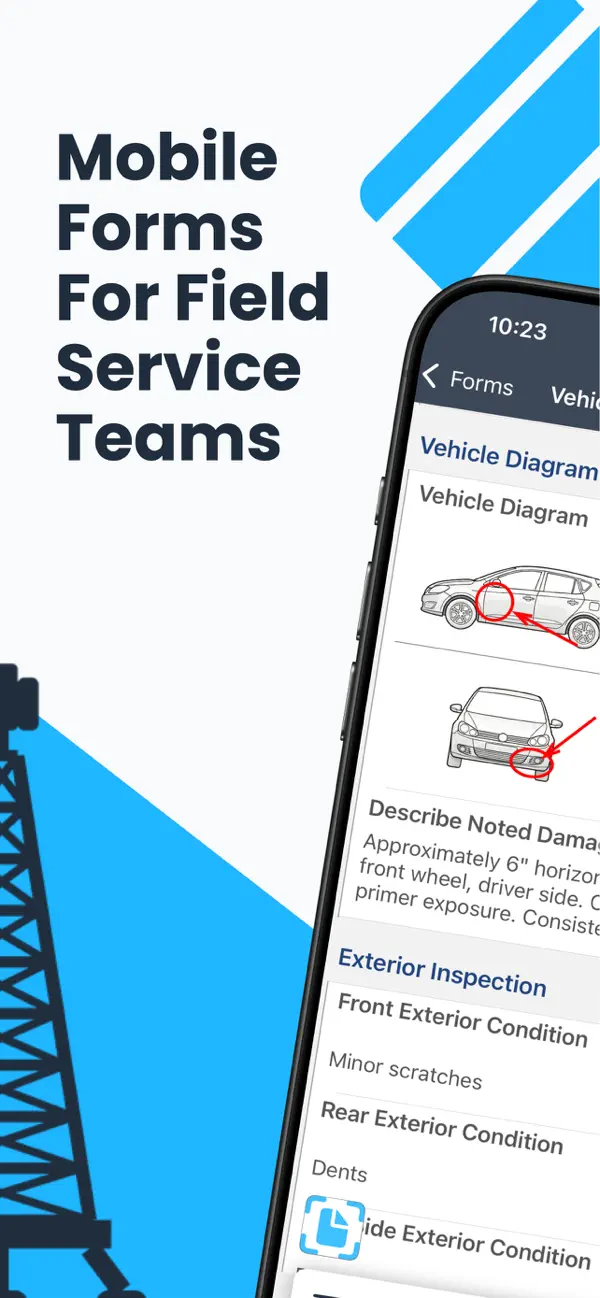
FastField is the mobile forms platform built for field service teams, so managers dispatch with confidence, crews capture the right data on-site, and reports reach the back office the moment a job is done.
From a safety inspection on a remote rig to a maintenance call at a customer site, FastField closes the loop between your field teams and your operations center, in real time, without the lag.
Built for the Industries That Keep the World Running
• Construction: site inspections, daily reports, punch lists, subcontractor sign-offs
• Oil & Gas: asset inspections, HSE reporting, field coordination
• Facilities Management: preventive maintenance, equipment checks, facility audits
• HVAC, Electrical & Plumbing: service calls, technician dispatch, maintenance records, compliance documentation
• Field Services: service reports, technician coordination, customer signatures
• Manufacturing: quality control, compliance audits, maintenance workflows
• Other Businesses: Custom forms for any operational workflow
Dispatch
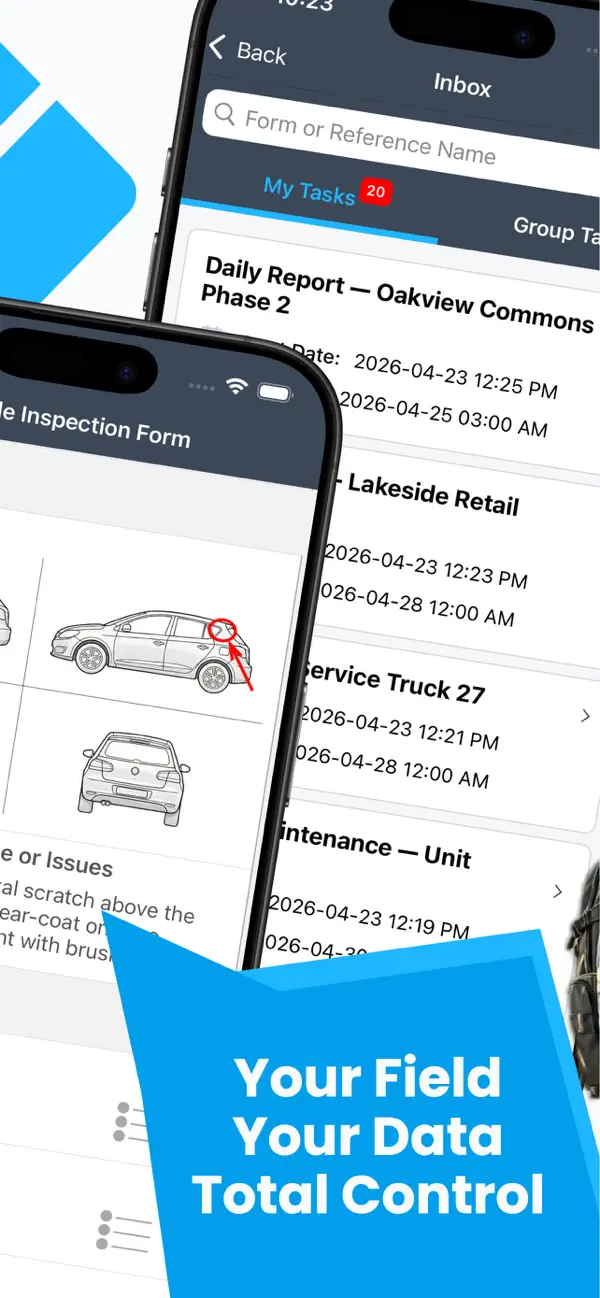
• Assign jobs, inspections, and tasks from a central dashboard
• Schedule field crews across multiple sites with full visibility into team workloads
• Send assignments directly to your team's phone, no paper, no phone calls
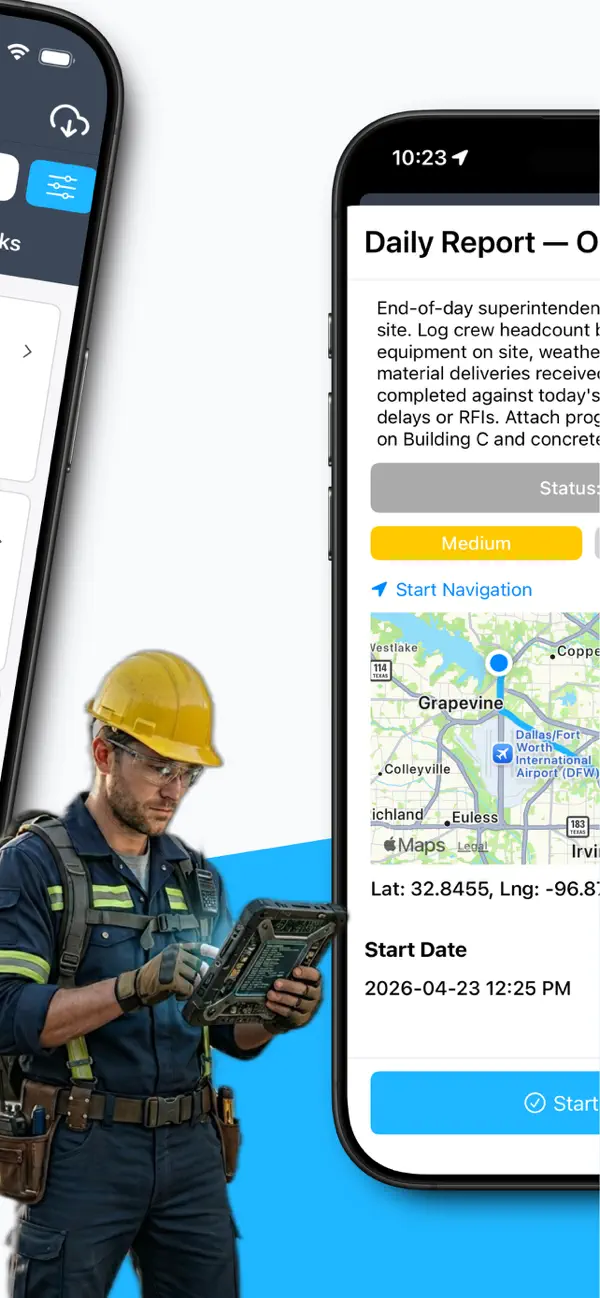
• Check-in and check-out, crews log arrival and departure on-site
Capture
• Custom digital forms for every job type
• Photos with annotations, GPS tagging, signatures, barcodes, sketches, audio, and video
• AI Photo Insights: automatically detect anomalies, hazards, and defects in field photos
• OCR Label Scanning: point your camera at an asset tag; form fields populate instantly
• Conditional logic and auto-calculations: forms that adapt as your team fills them out
• Full offline support: captures everything without a signal, syncs automatically when reconnected
Report
• Professional reports auto-generate the moment a form is submitted
• Delivered instantly to stakeholders, email, or directly into your ERP, CMMS, or back-office system
• Connect via API, HTTP Post, FTP/SFTP, or email, data flows where it needs to go automatically
Optimize
• Live job status monitoring across all sites: open, in progress, completed
• Team location visibility during active jobs, know where your crews are when it matters
• Operational data that surfaces patterns, reduces delays, and drives continuous improvement
Your Field. Your Data. Total Control.
Trusted by thousands of field teams worldwide. Install, build your first form in minutes, and deploy to your team today, no coding required.
Quoi de neuf dans la dernière version ?
Features:
• make Builder tools available
• unify and improve photo processing for single and multi photos
• Use api/formpreview/{id} to render form previews - Empower Fix
• improve AI Photo Insights UI
• Welcome Screen refresh
• new native Sign Up Flow
Bugs:
• Date Time photo overlay has a different font size logic than text font overlay on Single photo in some cases
• AI Photo Insights - missing corrective action in notes
• Lookuplist sync - 1300+ lists causing app to run out of memory
• Biometric (FaceID/TouchID) login button missing for usernames containing uppercase characters