Mobile Forms
iOS Universel / Economie et entreprise
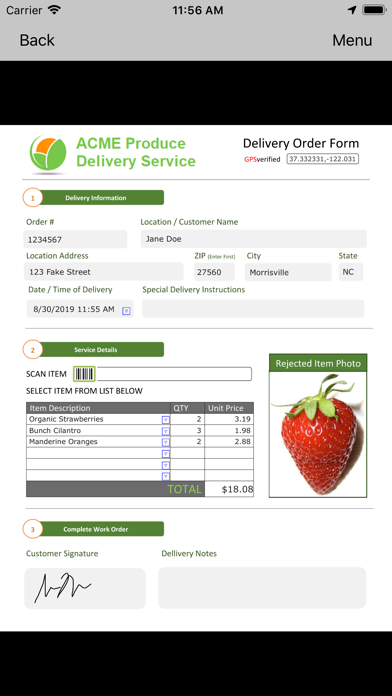
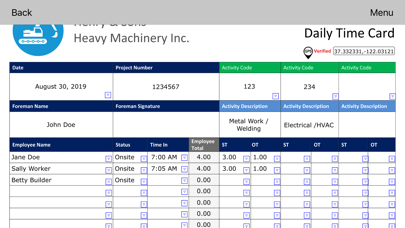
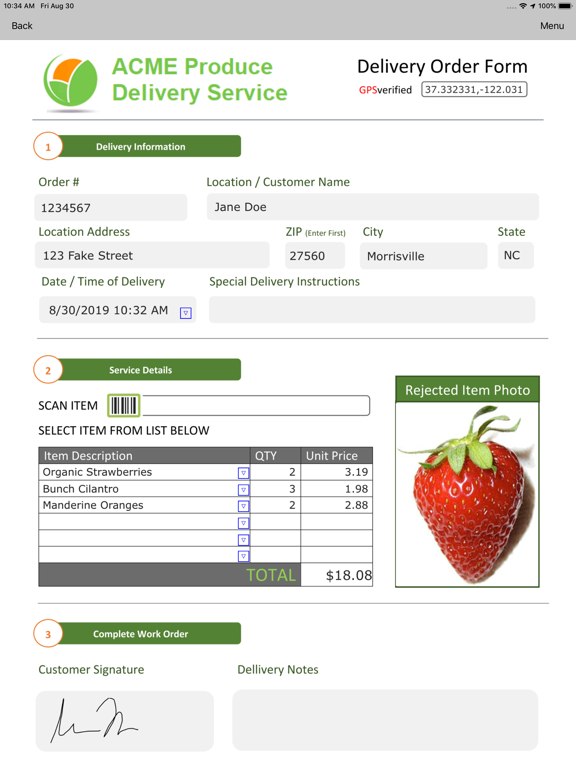
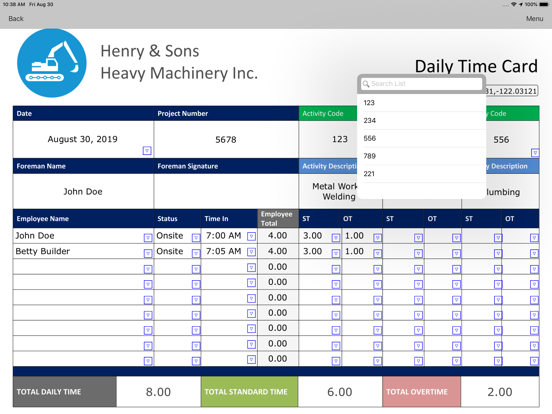
Field2Base Mobile Forms™ lets you easily convert your existing paper forms into digital forms for use on your mobile device or on the web.
Do you have a mobile workforce? Are they completing their jobs on paper forms or trying to email files back to the office? Are you struggling with job information being incomplete, illegible, or taking forever to receive and process? If so, Field2Base Mobile Forms™ is the ideal solution for you.
With Field2Base Mobile Forms™, you can:
- Easily convert your old paper forms into feature rich electronic forms
- Keep the same look and feel of your current paper forms or create brand new ones
- Include enhanced media such as photos, videos, barcodes, GPS coordinates, signature capture, drop down menus, date / time stamps, automated calculations, and much more
- Embed training videos and business logic in your forms so the information is always complete and accurate
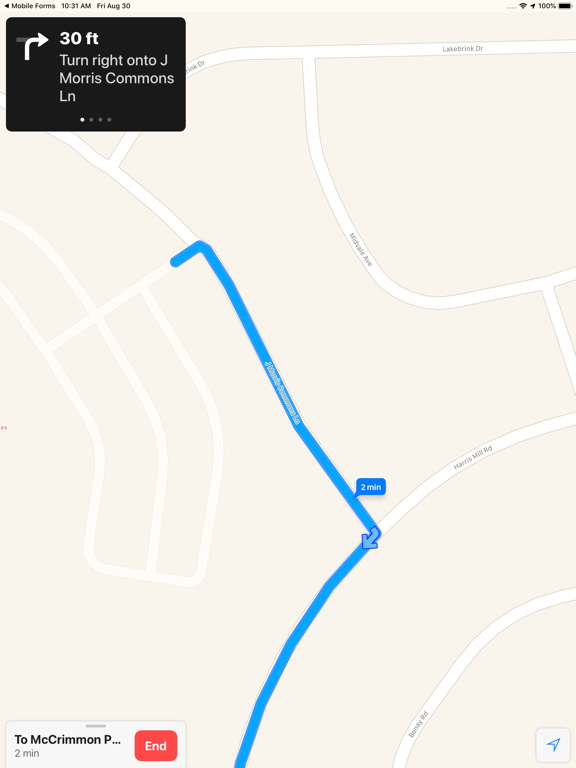
- Complete new (blank) forms or open work orders (with turn by turn directions) that have been dispatched to you
- Save your work as a draft and come back to it later when necessary
- View previously sent forms or start a new form from a previously sent form using the "Quick Copy" feature
- Works connected or disconnected from the internet
- Enterprise grade data security
- Used by every major industry from construction and field service to healthcare and insurance
Free Version vs. Paid Version
You can download the app today and sign up for a Free version that allows you fill out and send sample forms and work orders to the email you registered with.
Field2Base Mobile Forms™ is a monthly paid subscription service. Full use of the application and additional features beyond what is available in the Free version requires that you have a valid and registered Field2Base account.
Terms of Service
To view our terms of service, please go to: https://www.field2base.com/terms-of-service/
Quoi de neuf dans la dernière version ?
Bug Fixes
- Fixed the Set Pen Region Full Screen Capture Type Config Not Working Correctly
- Fixed JavaScript Functions Not Working with Apostrophes
- Fixed the Attach Files Menu Option Not Working when Zero Attachments Are Present
- Fixed Unique ID Regions with the Form Started and Form Sent Triggers Not Working