OpenEye Mobile
iOS Universel / Economie et entreprise
The OpenEye iOS mobile app is your on-the-go solution for access to live and recorded video from your OpenEye video surveillance system. Receive instant alert notifications, leverage powerful analytics, arm locations remotely, and easily navigate through events with a clear timeline—all within an intuitive user interface. With OpenEye, your video surveillance is accessible anytime, anywhere.
Key Features:
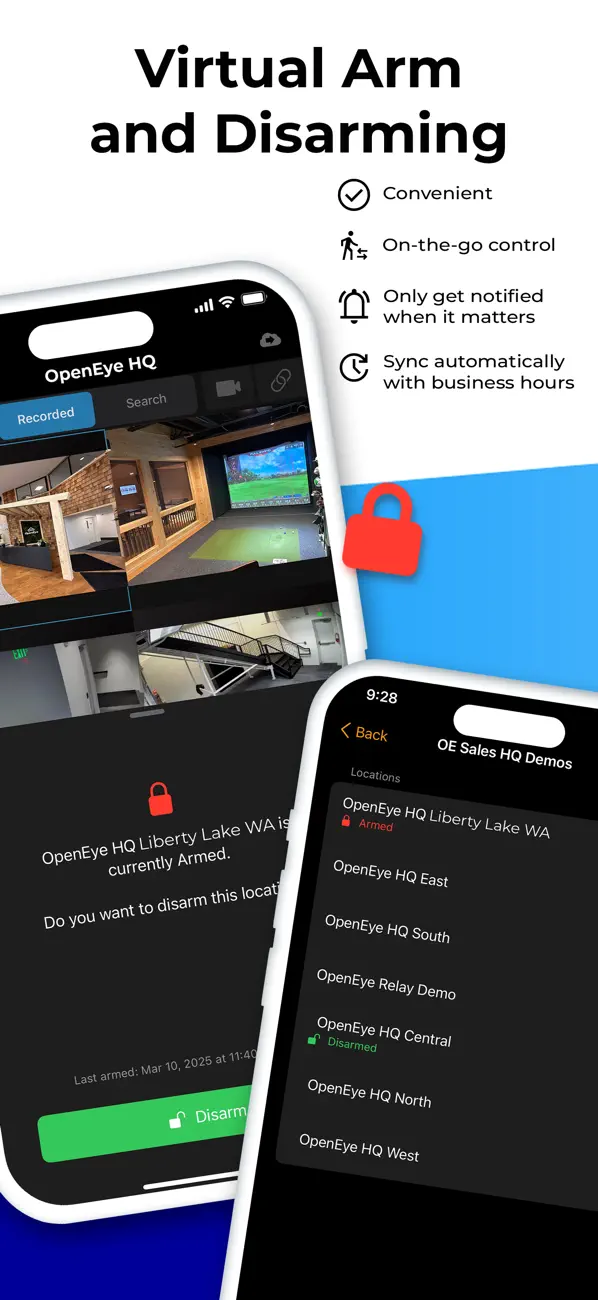
• Virtual Location Arming and Disarming
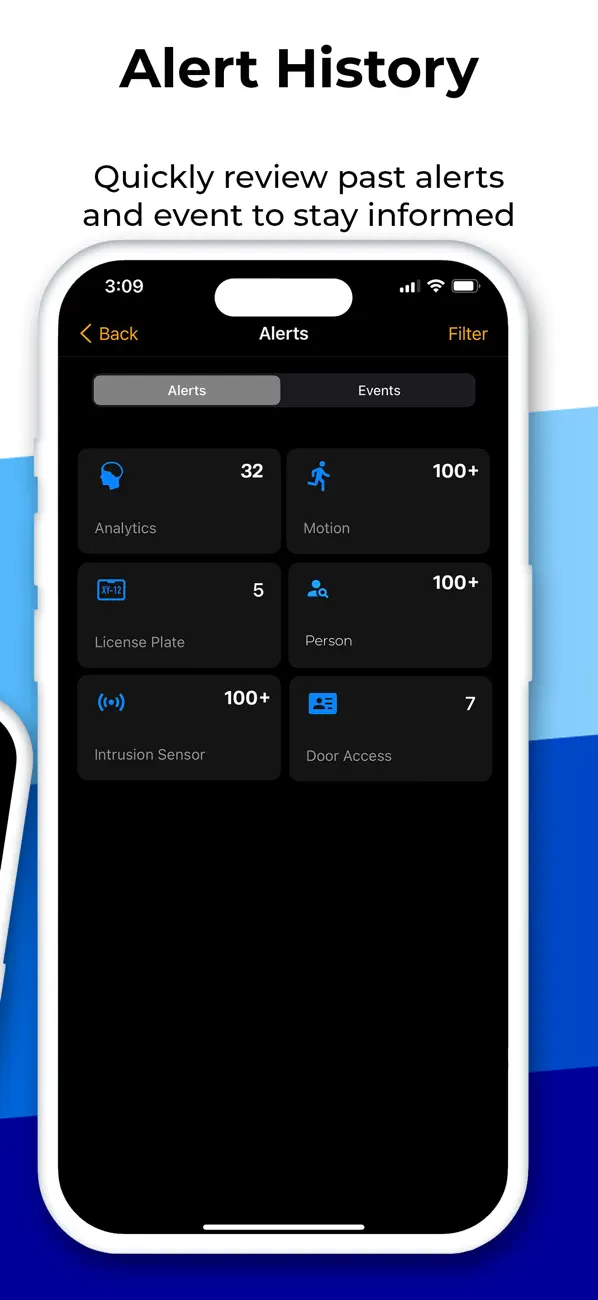
• Alert History Search
• Color Coded Event Timeline Bar
• Centralized Video Management on Mobile with Diverse Event Types
• Intuitive Video Export and Sharing
• Real-Time Push notifications
• Two-way Talk Down
• Customizable Grid Support
• Live Video Streaming and Recorded Playback
• Save Clips to the Cloud
• View 360° cameras with dewarping and PTZ controls
• Apple TV Support
Best Practices:
For optimal performance, OpenEye recommends using this app on a secure Wi-Fi network. Streaming high-definition video over cellular networks may significantly increase data usage and impact battery life.
An active subscription to the OpenEye Web Services cloud-managed video platform for one or more cameras is required to use the OpenEye iOS mobile app.
With over 1 million devices connected, the OpenEye Web Services cloud-managed video platform provides actionable intelligence and improves operational efficiency so that you can stay focused on what matters most—and see the next opportunity to protect and grow your business.
Quoi de neuf dans la dernière version ?
- Added support for iOS 26 to ensure optimal performance and full compatibility with the latest Apple devices.
- Updated the results view option names to Details and Thumbnail in Search.
- Updated the Thumbnail view to automatically cycle through the five images when scrolling through the list of results.
- Updated the default behavior to display Locations containing devices with an expired license in the Location list.
- Updated access to Location arming, allowing users without video viewing permissions to set Arm and Disarm from the Locations list.
- Updated minimum requirements to support iOS version 18 or newer.
- Improved stability and security.
- Fixed an issue that prevented the app from opening when selecting an event in the Alarm.com app.
- Fixed an issue that caused the app to occasionally close unexpectedly when a location contained a 360 camera.
- Fixed an issue that caused the app to occasionally not display the video playback view when opened from a push notification.
- Fixed an issue that caused LPR events to occasionally display thumbnail images from an incorrect time.
- Fixed an issue that caused an incorrect camera to occasionally display when selected from the Cameras list.