• KultureGeek
  • Comparateur de prix
       
iPhoneAddict
 iAddictv5Notre Application iPhone/iPad
  • Accueil Apps
  • Actualité Apple
  • Keynote Apple
  • Firmwares & iTunes
  • Contactez-nous
Accueil » Liste des Apps » Apps Universelles » Economie et entreprise » QuickScan: OCR Scanner
L'application n'est plus disponible sur l'App Store français
2.1.1 iOS €0,99€ Jack Visic 0 0 QuickScan turns your iPhone into a multipage scanner for documents, receipts, notes, invoices, whiteboards and other paper text. With Fast Scanner, you can quickly scan your documents, then print or email them as multipage PDF or JPEG files....
QuickScan: OCR Scanner

QuickScan: OCR Scanner

iOS Universel / Economie et entreprise

0,99€ au lieu de 1,19€
Acheter sur l'App Store

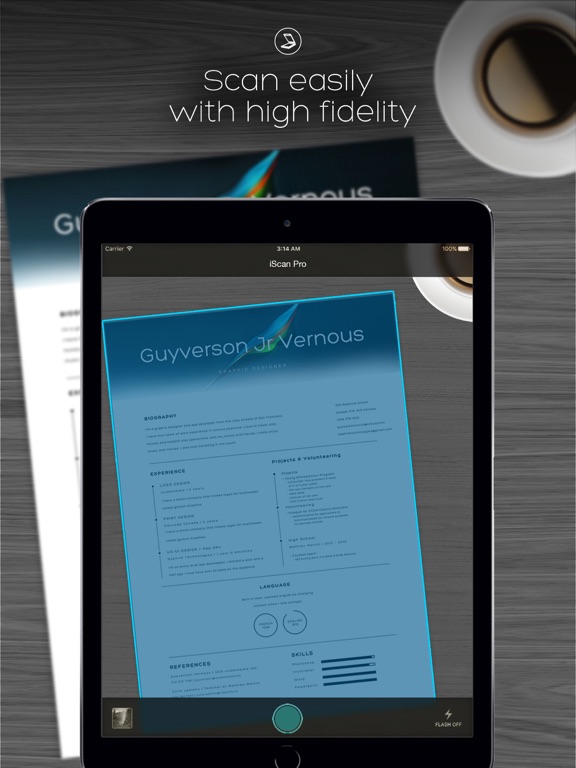
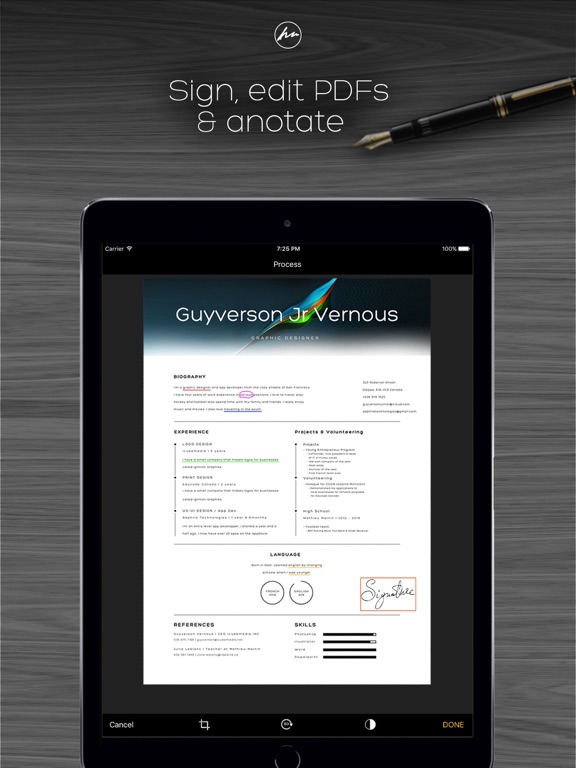
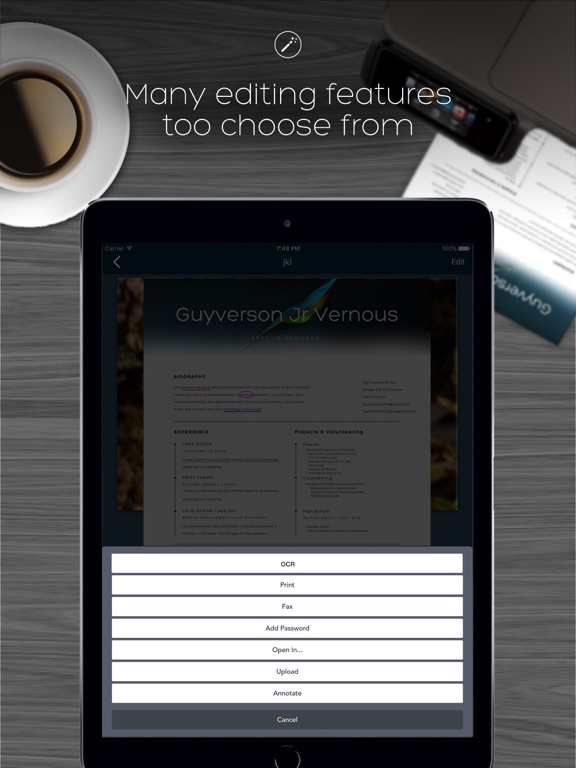
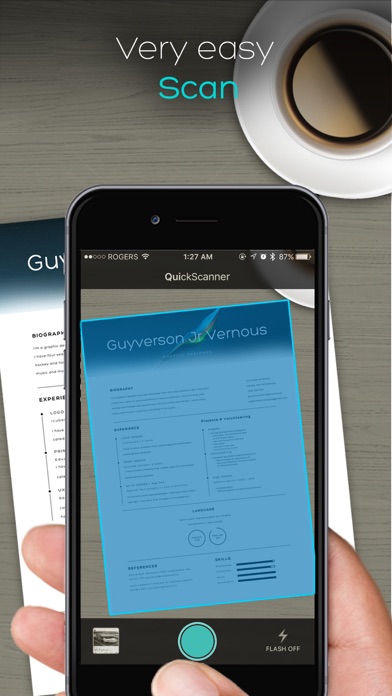
QuickScan turns your iPhone into a multipage scanner for documents, receipts, notes, invoices, whiteboards and other paper text. With Fast Scanner, you can quickly scan your documents, then print or email them as multipage PDF or JPEG files. Moreover, you can save the PDF files in your iPhone or open them in other apps such as iBook, PDF Reader, etc. With a list of editing features such as:

- File Manager
- OCR Text Reader
- Underlining
- Password Protection
- Annotation
- Signatures
- Print
- PDF
- Page detector ( Makes cropping much easier)
- PDF documents
- The best scanner cropping​ tool
- Unmatched scan fidelity
- Simple UI
- Rotating tool
- Greyscale
- Black & white
- Color
- Share with many social and cloud services (if they are downloaded on your device)


Privacy Policy: http://saphiretech.wixsite.com/saphireapps/about
Terms & conditions: http://saphiretech.wixsite.com/saphireapps/about
Got questions or suggestions? Please don’t hesitate to email us at saphiretechnologies@gmail.com
For complete access to all QuickScan features, you will need to allow access to the following:
*Photos – so you can import your snapshots and create PDF documents with them.
*Camera – so you can capture, scan, and manage documents in the app

En voir plus...

Quoi de neuf dans la dernière version ?

Everything is free now !!!
No ads, no in App purchases
Improved OCR and other bug fixes
  • Screenshot #1 pour QuickScan: OCR Scanner
  • Screenshot #2 pour QuickScan: OCR Scanner
  • Screenshot #3 pour QuickScan: OCR Scanner
  • Screenshot #4 pour QuickScan: OCR Scanner
  • Screenshot #5 pour QuickScan: OCR Scanner
  • Screenshot #6 pour QuickScan: OCR Scanner

Note

(0 note)

Détails sur l'application

Version
2.1.1
Taille
81.7 Mo
Version minimum d'iOS
11.0
Dernière mise à jour
18/05/2020
Publié par
Jack Visic

Newsletter App Store

Recevez chaque jour les meilleures promos

Actualité Apple

Image Protective Custody : Benicio Del Toro et Ben Stiller réunis dans une comédie Apple TV
Protective Custody : Benicio Del Toro et Ben Stiller réunis dans une comédie Apple TV
Image Lil’ Finder Guy : Apple dévoile les premiers croquis de la « mascotte » du MacBook Neo
Lil’ Finder Guy : Apple dévoile les premiers croquis de la « mascotte » du MacBook Neo
Image Le mode vocal de Claude s’améliore sur iPhone avec des modèles IA plus puissants
Le mode vocal de Claude s’améliore sur iPhone avec des modèles IA plus puissants
Image Les Fous du Pickleball : la comédie sportive produite par Ben Stiller est disponible sur Apple TV
Les Fous du Pickleball : la comédie sportive produite par Ben Stiller est disponible sur Apple TV
Partenaires : Actualité iPhone - Culture Geek
©2009-2026 i2CMedia | A propos |