Artist Ideas
iOS Universel / Education
Artist Ideas is Mobile Interactive Art Education Tool that can be used in the classroom as part of the curriculum. These ideas will inspire you and your students:
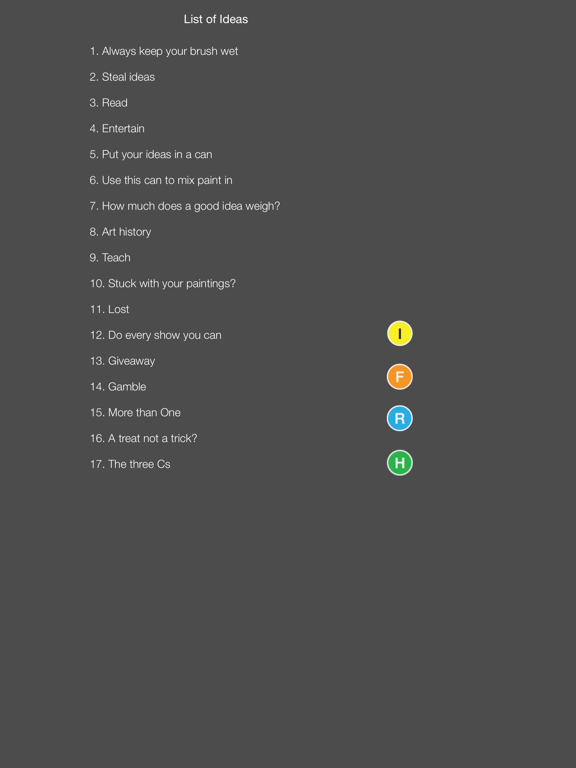
• Select a new Artist Idea (pink button) to include in the lesson plans for the week.
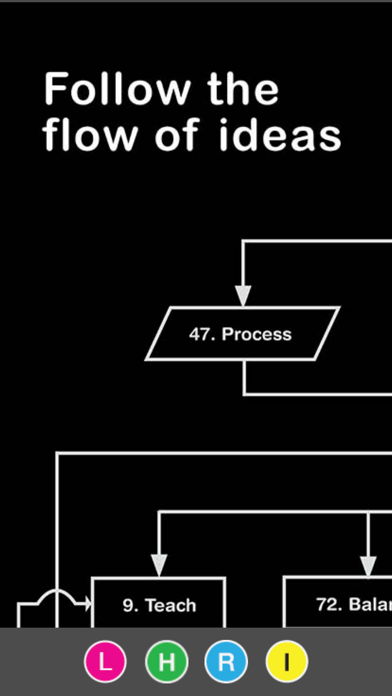
• Use the flow chart (orange button) for a discussion on how Artist Ideas connect, feed and work together.
• Have your students search on their iPads for an Artist Idea (pink button) that corresponds to an assignment.
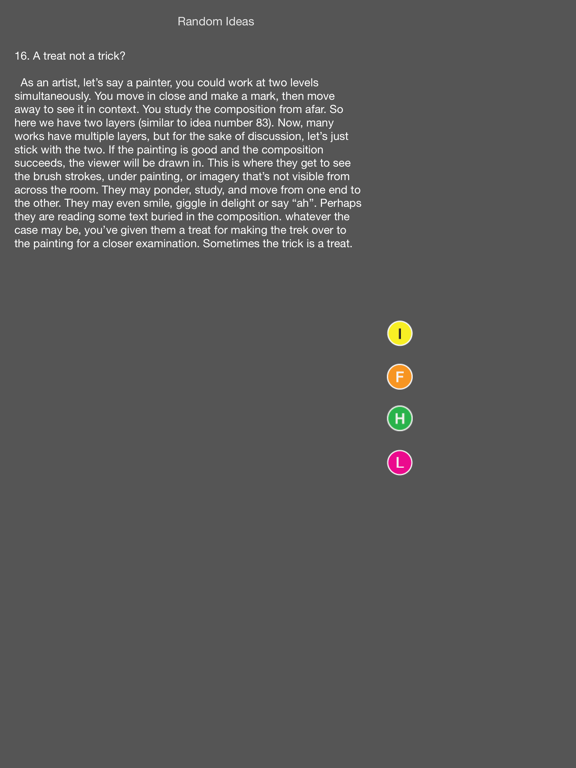
• You may also select an Artist Idea at random (blue button) from your iPhone, iPad or Apple Watch during critique time. Random ideas are a wonderful tool for in-depth class discussions.
• Apply a random Artist Idea (blue button) to a students work for a lift of confidence.
• Overcome writer’s (Artist's) block with a random Artist Idea from your Apple Watch.
• Discuss and create new Artist Ideas with your class.
Quoi de neuf dans la dernière version ?
This update from Apple will improve the functionality of this app. No new features are included.
Now you can shake your iPhone or iPad for a new random idea. When using the Random function, shake is active. Don't let artist's block keep you from painting, twist your wrist and your Apple Watch will generate a new random idea in glances mode.