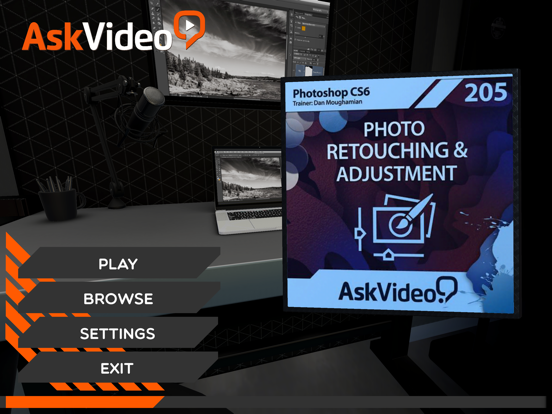
Retouching & Adjustment Photos
iOS Universel / Education
Learn how to make your best photos even better in this 54-tutorial course on Photo Retouching and Adjustment with pro photographer and popular Photoshop educator, Dan Moughamian.
This course starts with a strong foundation demonstrating how to customize Photoshop’s key settings, menus and keyboard shortcuts specifically for photographic workflows. Here, those new to Photoshop will gain valuable insights into some important concepts such as color mode, color spaces, profiles, and bit depth before diving into Photoshop's powerful retouching features.
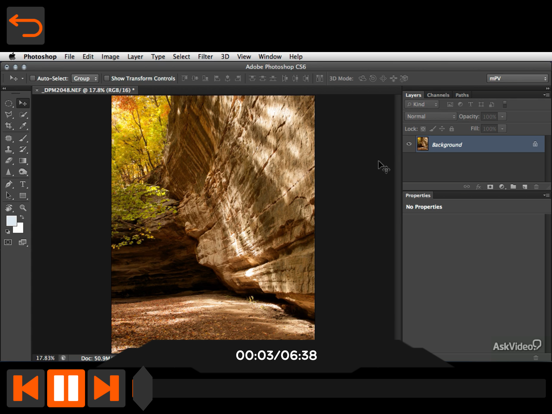
Next, you’ll learn how to leverage some of Photoshop’s most powerful tools and filters! You will see how easy it can be to accurately refine the detail, color, and composition in your photos, using popular tools like the Healing Brushes, Patch tool, Blend Modes and the new Blur Gallery. Dan also reviews the top methods for making and refining selections, as well as how to magically remove unwanted objects from your photos. Then you will takes these strategies to the next level, as you learn how to harness Photoshop’s super powerful amazing Content Aware functionality. You’ll learn how to effortlessly scale, move and patch images with this new intelligent algorithm to create seamless edits of even the trickiest photos.
Dan brings it all together by demonstrating the most useful Adjustment Layers and Smart Filters for photographers. He demonstrates how to get your photos to look exactly the way you remember them BEFORE capturing them. You will see how easy it can be with Photoshop, to make the digital version of your scene, look just how you remember it! You’ll even learn how to “heighten reality” by creating fun Tilt-Shift effects, flattening perspectives with the new Adapative Wide Angle filter, adjusting and replacing colors, and even applying popular HDR effects to your photos!
Quoi de neuf dans la dernière version ?
• New look and feel
• Animated 3D background
• Updated video player engine
• New menu with section names
• Improved support across all platforms