Ayn Rand Institute
iOS Universel / Education
Description
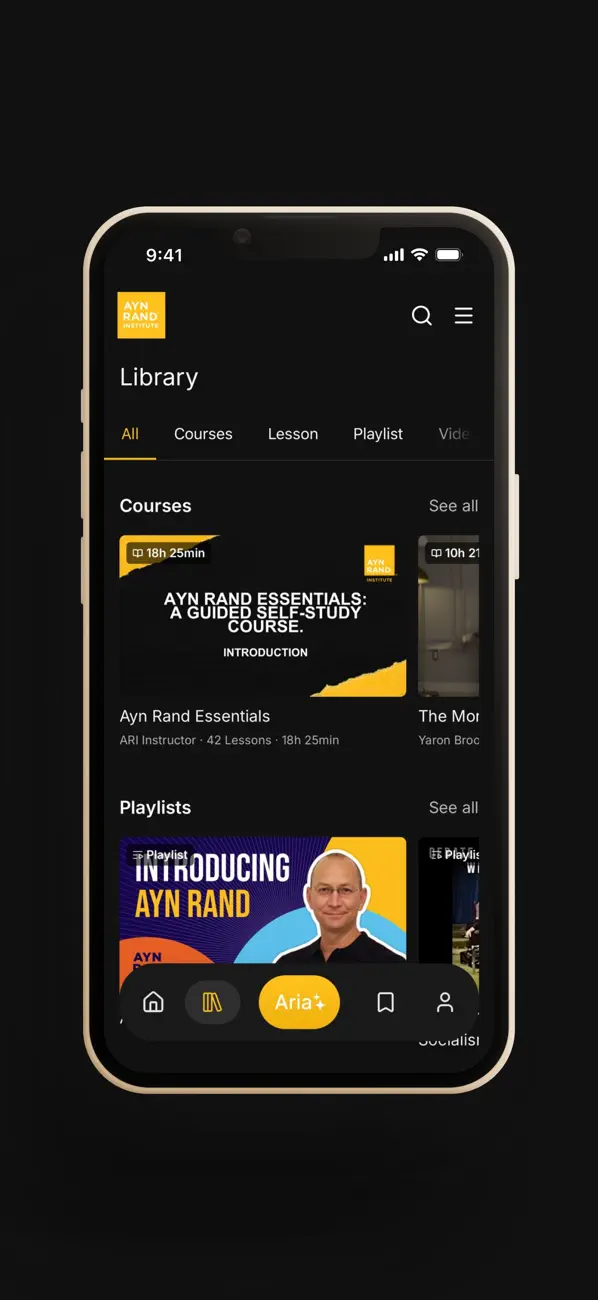
Experience the world's best Objectivist content in one place with the official app of the Ayn Rand Institute.
Learn Objectivism from the world's leading experts and Ayn Rand herself through fifty years of courses, lectures, videos, and articles.
- Get answers to your questions through Aria, the Ayn Rand Institute's AI research assistant with exclusive access to thousands of pages from Ayn Rand's published works.
- Take online courses designed by ARI's faculty.
- Access exclusive content reserved for ARI's supporters.
Designed for Learning On the Go
Download content to watch or listen offline. Save your progress. Create and access playlists that group together the best content.
Ask Aria
Have a question about what Ayn Rand thought or said? Aria, ARI's AI research assistant, will tell you—and exactly where it found it. It’s the fastest way to find what Ayn Rand actually thought: no summaries detached from sources, no hallucinations, just precise, fully cited answers.
The Biggest and Best Objectivist Content Library
ARI is dedicated to sharing and preserving Ayn Rand's intellectual legacy. ARI's Archives house the world's largest collection of Ayn Rand's resources, many of which are available exclusively through the app, with new material added all the time.
Access All of ARI's resources
Find all of the Ayn Rand Institute's content, including videos, podcasts, courses and more, featuring commentary on current events, culture and ideas from experts dedicated to preserving and extending Ayn Rand's intellectual legacy.
Quoi de neuf dans la dernière version ?
Bug fixes and performance improvements.