iPhoneAddict Apps
  • Actualités
  • Accueil Apps
  • iPhone
  • iPad
  • Universelles
  • Mac
  • Apple TV
KG KultureGeek
App
iPhone / iPad Télécharger iAddict v5 Mac Télécharger iAddict Mac
  • Actualités
  • Accueil Apps
  • iPhone
  • iPad
  • Universelles
  • Mac
  • Apple TV
  • Archives keynotes
  • Firmwares & iTunes
  • Contactez-nous
  • Comparateur de prix
  • KultureGeek
Accueil » Liste des Apps » Apps Universelles » Education » iSpeak Button
L'application n'est plus disponible sur l'App Store français
2.1 iOS €3,99€ Goatella 0 0 iSpeak Button is a single message talker. It is an affordable single communication button. You can record your own personal message, and play it back with the touch of a button. This is perfect for beginning communicators, and people who require...
iSpeak Button

iSpeak Button

iOS Universel / Education

3,99€ au lieu de 4,99€
Acheter sur l'App Store
Facebook X E-mail

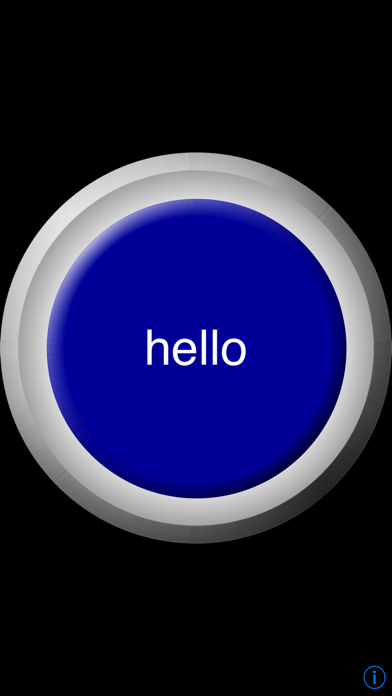
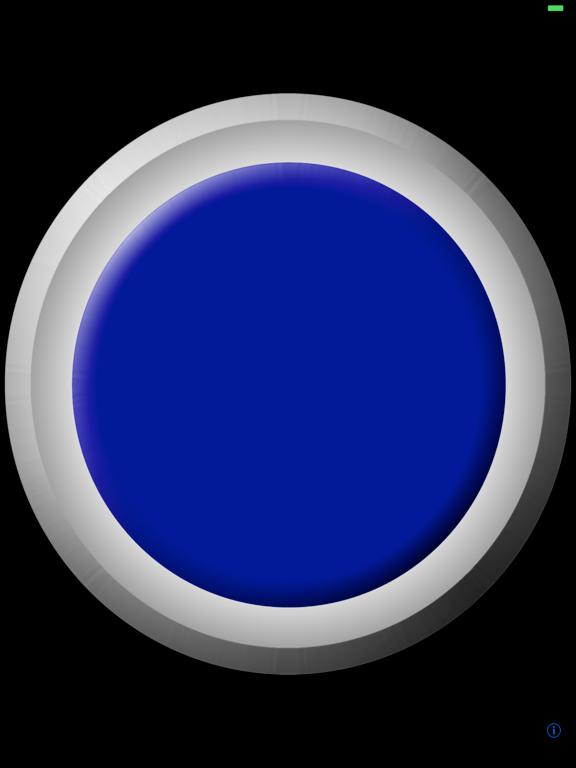
iSpeak Button is a single message talker. It is an affordable single communication button.

You can record your own personal message, and play it back with the touch of a button. This is perfect for beginning communicators, and people who require a large button surface.

You can record over your message as many times as you need.

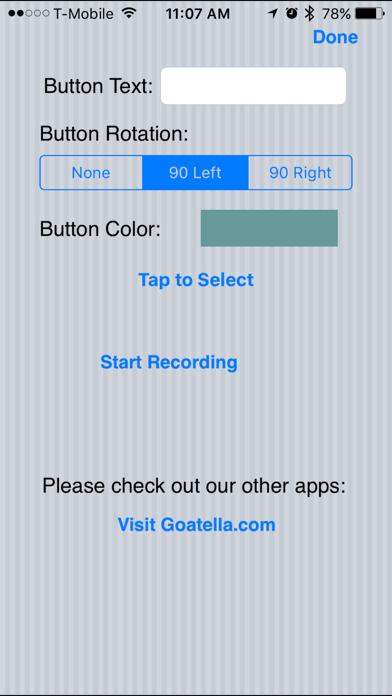
You can add custom text to your button. You can rotate the button from the settings instead of on-the-fly to prevent screen-flip stimming.

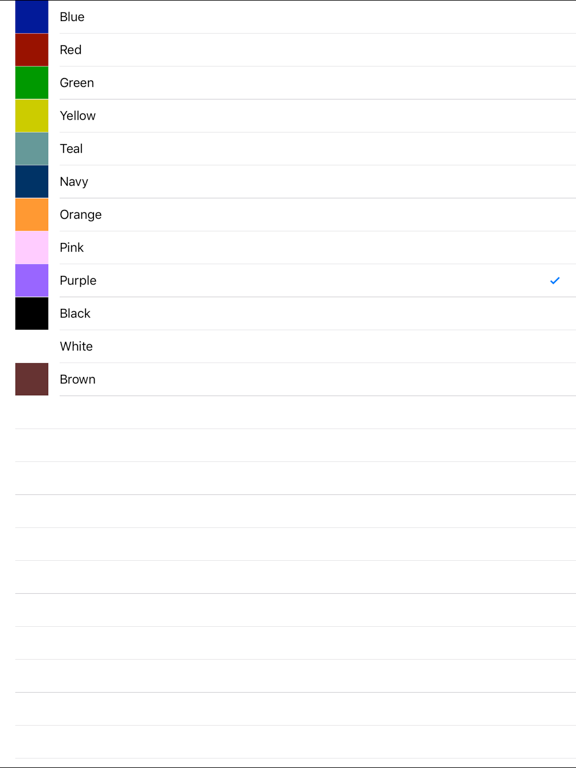
Button comes in twelve different color choices. The color can be changed from the settings.

Need to speak sequences? Search for "iSpeak Sequences", a single switch that says up to 10 phrases you record.

Need a grid of buttons? Search for "iSpeak Grid" for up to 16 buttons per screen.

Need a full AAC app? "iVocalize" is a great communication app with loads of features for under $10.

How to use iSpeak Button:

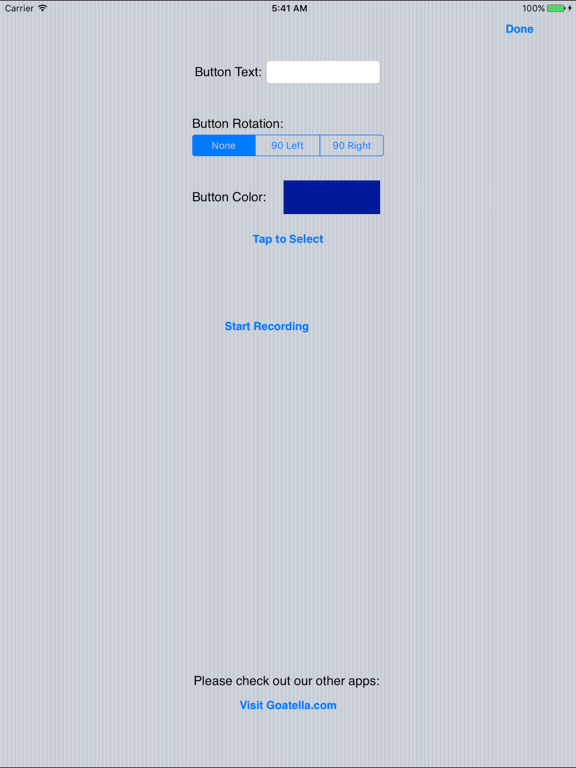
To configure your iSpeak Button, hit the little (i) symbol in the bottom right corner of your device.

From here you can enter your text, choose your button color, and enable rotation.

To record a message, hit the "Start Recording" button. The circle to the right of the button will spin, this is how you know it is recording. When you are done with your message simply tap the "Stop Recording" button.

Be sure your device is capable of recording sound! iPad and iPad2 have built in microphones. All iPhones have microphones. iPod touches 2nd-3rd generation need you to plug in a mic, and 4th has a built in mic.

More help can be found on our website: http://www.goatella.com/

En voir plus...

Quoi de neuf dans la dernière version ?

This app has been updated by Apple to display the Apple Watch app icon.

Updated to work better with new devices

  • Screenshot #1 pour iSpeak Button
  • Screenshot #2 pour iSpeak Button
  • Screenshot #3 pour iSpeak Button
  • Screenshot #4 pour iSpeak Button
  • Screenshot #5 pour iSpeak Button
  • Screenshot #6 pour iSpeak Button

Note

(0 note)

Détails sur l'application

Version
2.1
Taille
4.3 Mo
Version minimum d'iOS
8.0
Dernière mise à jour
14/06/2017
Publié par
Goatella

Newsletter App Store

Recevez chaque jour les meilleures promos

Actualité Apple

Image Apple prépare un système de reprise pour 90 jours avec l’app Cartes
Apple prépare un système de reprise pour 90 jours avec l’app Cartes
Image Apple recrute son nouveau responsable des affaires gouvernementales
Apple recrute son nouveau responsable des affaires gouvernementales
Image Apple veut améliorer les interruptions et notifications (brevet)
Apple veut améliorer les interruptions et notifications (brevet)
Image Google annonce Pixel Tag, son concurrent de l’AirTag d’Apple
Google annonce Pixel Tag, son concurrent de l’AirTag d’Apple
iPhoneAddict Apps

Le catalogue iPhoneAddict pour suivre les nouveautés, mises à jour et baisses de prix de l’App Store.

Apps

Toutes les apps iOS iPhone iPad Universelles Mac Apple TV

iPhoneAddict

Actualité Apple Archives keynotes Contact À propos KultureGeek

Suivez-nous

©2009-2026 i2CMedia. Tous droits réservés.