Signly Network Rail
iOS Universel / Education
Look out for the Signly logo on literature in your local area or visit http://www.networkrail.co.uk/levelcrossings for more information and to request a level crossings user guide.
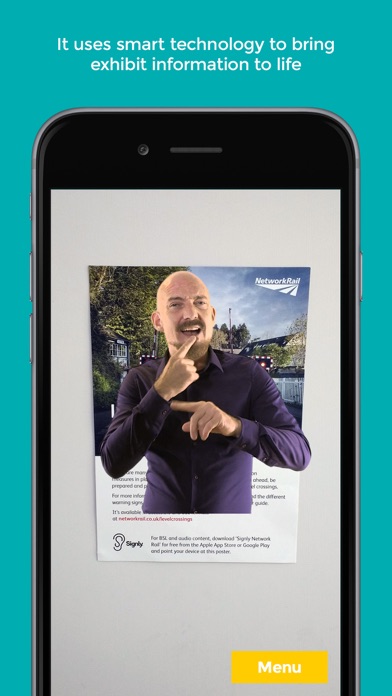
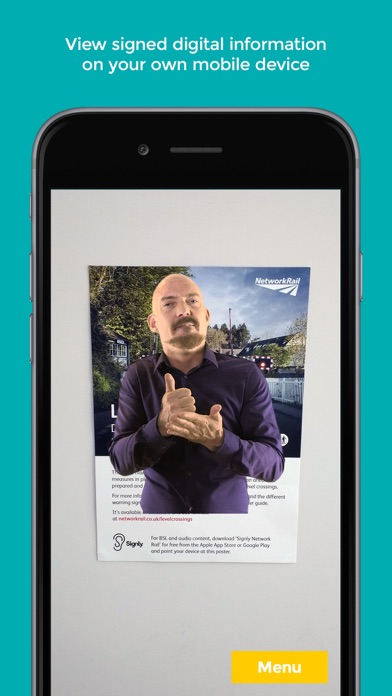
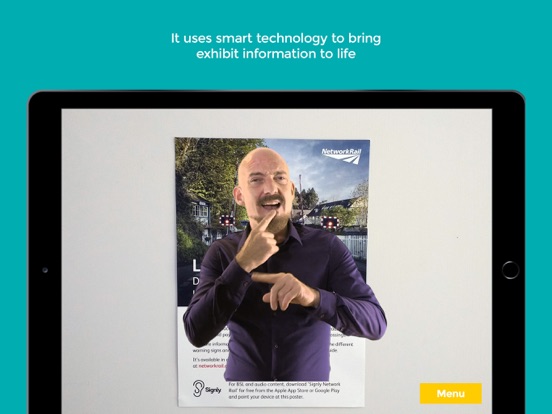
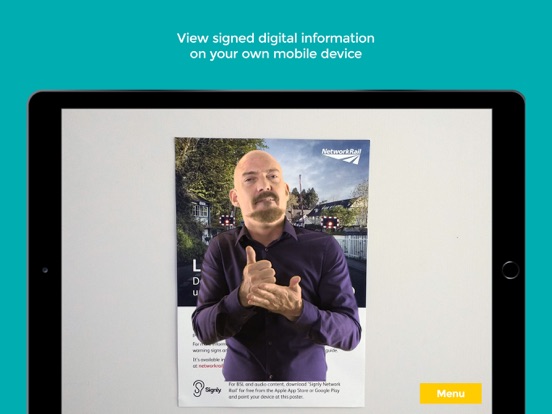
Signly engages deaf users by adding a smart layer of signed content to bring information to life. Simply hold up your device, point at Signly trackables and the signed content appears onscreen. A powerful augmented reality engine looks for objects (labels, printed word, pictures or 3D items) with signed content digitally ‘attached’ to them.
En voir plus...
Quoi de neuf dans la dernière version ?
This update from Apple will improve the functionality of this app. No new features are included.
Added Automatic Half Barriers campaign videos
New icon