Charge Tracker: William
iPhone / Finance
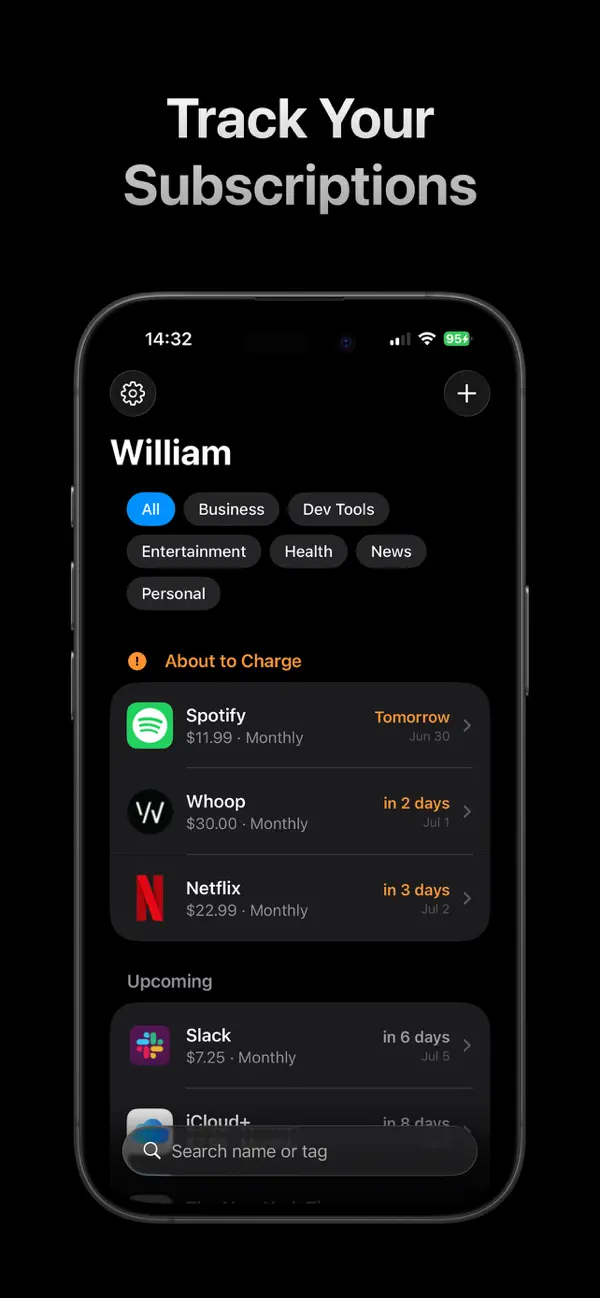
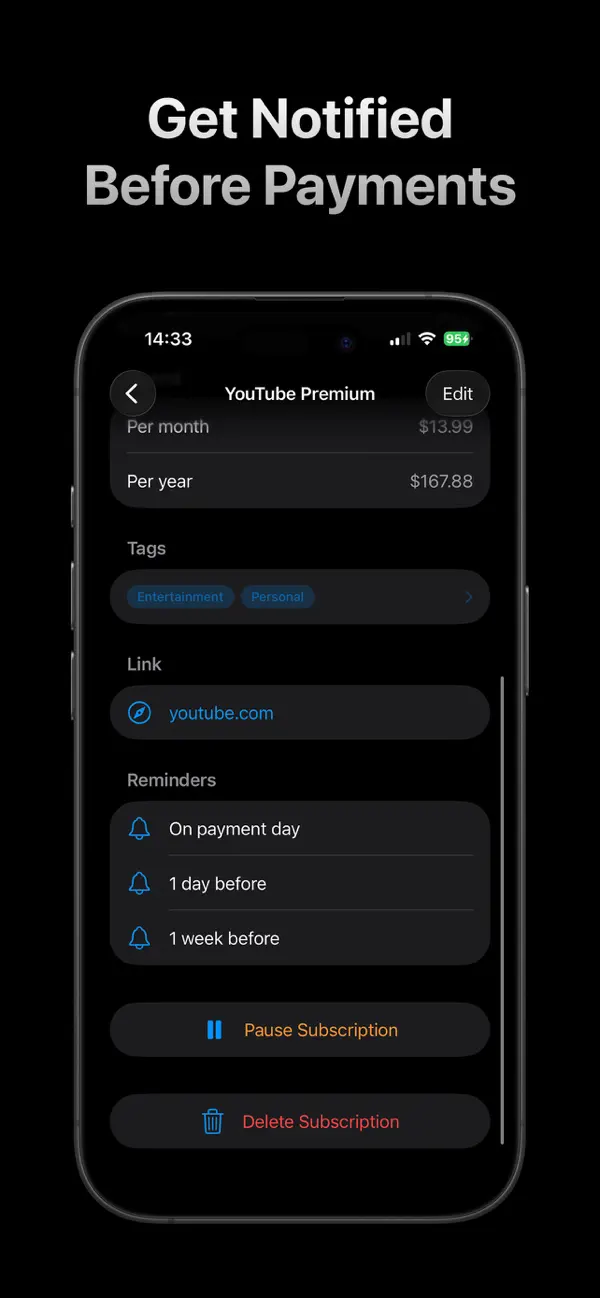
With William, you can track all of your subscription payments. Whether you have software subscriptions, business subscriptions, music, audio books, or movies, you can track what you're paying for on a recurring basis. Add each subscription into William with a few taps, then get notifications when it's time to pay. Never forget about something you signed up for ever again - and now you can always cancel something before it renews, without forgetting.
---
TRACK YOUR SUBSCRIPTIONS
Tap "+" to add a new subscription. Enter the details, choose when you want to be notified, and William automatically pulls the logo for that app or service and adds it to your subscriptions list.
TAG SUBSCRIPTIONS
Within any subscription, just hit the Tags button to assign tags to it. Then you can search, sort and filter based on those tags.
TOTAL SPEND
View total monthly and yearly calculated spend for everything you're paying for. Automatically updates to show you totals for what's on the screen, so you can see the total cost of whatever your current search or tag filter is showing.
PAUSED SUBSCRIPTIONS
If you pause a subscription, simply go into William and mark that one as paused, set a resume date, and William will let you know before you start paying again.
PRIVACY
William doesn't connect to your bank, doesn't access any personal data, and is fully on-device and in iCloud, so there's no privacy concern whatsoever.
NOTE FROM THE DEVELOPER
I built William when I couldn't find any genuinely simple, straightforward, and easy to use subscription trackers here on the App Store. It's cheap, works forever, and doesn't cost you anything or force you to pay to unlock features after you buy it. We don't need more subscriptions to track our subscriptions!
Quoi de neuf dans la dernière version ?
Notifications: nicer display text