Simple DCA Calculator
iOS Universel / Finance
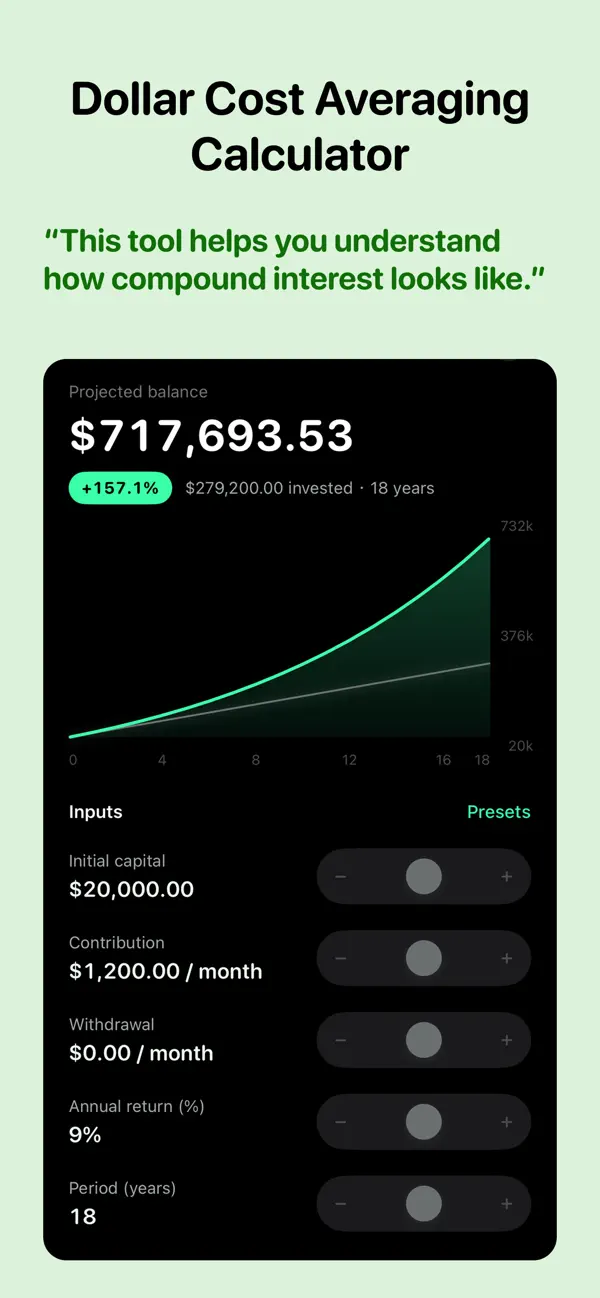
DCA Calculator shows you how consistent, disciplined investing can grow your wealth over time — beautifully, and in seconds.
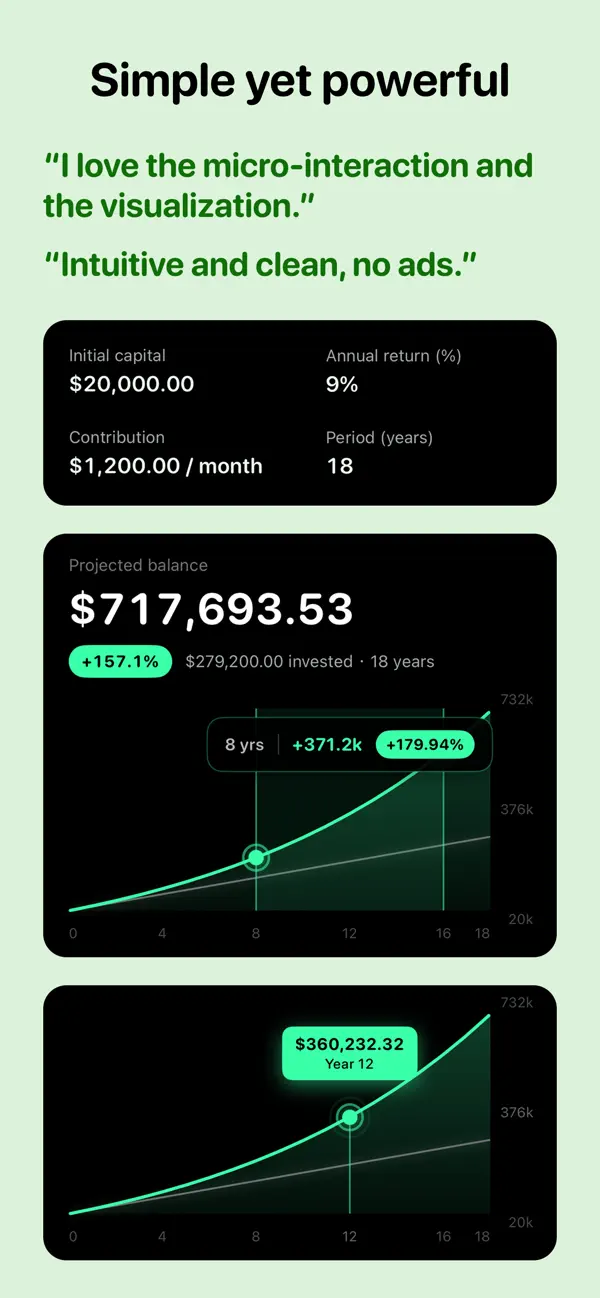
Set your initial capital, recurring contribution, expected annual return, and time horizon, then watch your projected balance update instantly on a smooth, interactive growth chart — plotted against the money you actually put in, so the power of compounding is impossible to miss.
FEATURES
• Interactive growth chart — drag to inspect your projected balance at any point in time
• Flexible contribution schedules — invest daily, weekly, monthly, quarterly, or yearly
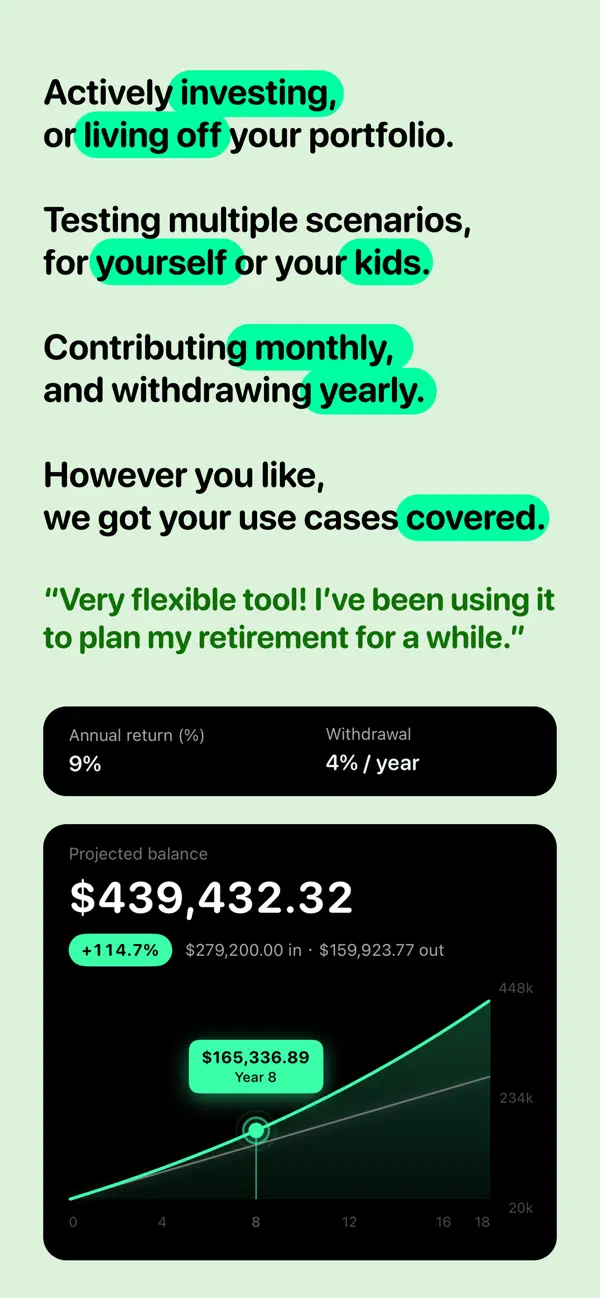
• Withdrawal planning — model fixed-amount or fixed-percentage withdrawals during your investment period
• Saved plans — store as many scenarios as you like, then rename, edit, or revisit them anytime
• Drag to reorder — arrange your plans exactly how you want them
• iCloud sync — your plans follow you across iPhone and iPad, no account required
• Multiple currencies — USD, EUR, GBP, JPY, CHF, and more
• Precise editing — dial in every number exactly with the precision editor
WHAT IS DOLLAR-COST AVERAGING?
Dollar-cost averaging (DCA) means investing a fixed amount at regular intervals, regardless of price. It removes the need to time the market and turns investing into a steady, repeatable habit.
WHO IT'S FOR
• Investors planning funds, index portfolios, or long-term savings
• Anyone saving toward retirement, a home, or a child's education
• Anyone who wants to see compound interest and DCA at work
ABOUT THE MODEL
To keep results clear, returns are assumed to be smooth and constant, and taxes and fees are not included. Withdrawals are taken each period before growth, and the balance never falls below zero. Results are for learning and illustration only and are not financial advice.
PRIVACY
Your data stays on your device and syncs through your private iCloud. No accounts, no tracking, no personal information collected.
Quoi de neuf dans la dernière version ?
A sharper picture of how long your money lasts:
• Run-out forecasts are now precise to the month — "runs out in 1 year 2 months", not just a year count
• Once a plan fully depletes, the projection now stays flat instead of bouncing back — no more phantom recoveries
• The amount you take out turns red when your plan depletes, so shortfalls stand out at a glance
• A brand-new app icon
• Fixed a slider that could stop responding after switching apps mid-drag