MOSA - Manage expense
iOS Universel / Finance
When your monthly expense is too much and you can not control.
You also don’t know which one did you spend money for and when did you do it.
Especially, you don’t know the total expense amount and monthly limitation.
Let MOSA helps you manage your expense easily and you will able to:
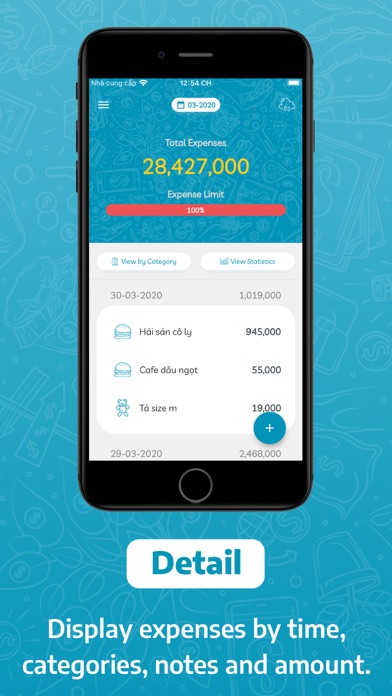
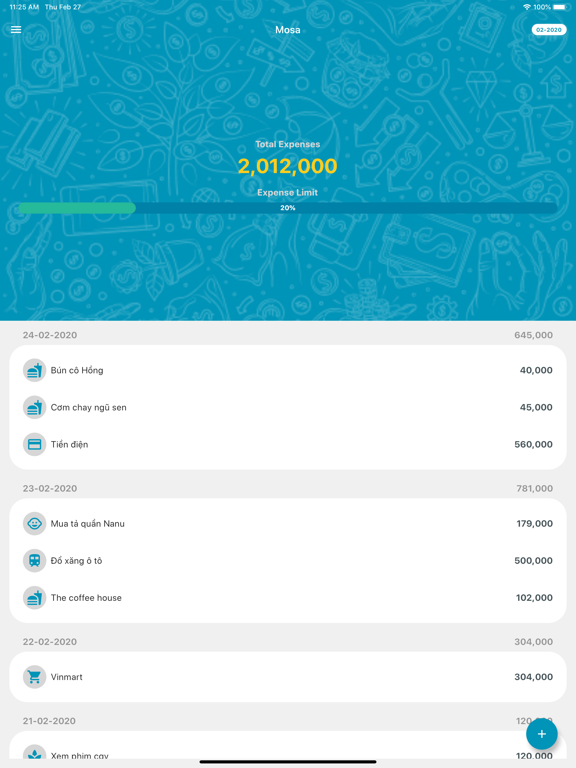
- Track your daily, monthly expense with note.
- View your expense by category.
- Get your monthly expense and display on pie chart.
- Manage expense using beautiful categories.
- Know the monthly limitation by percentage.
- Use only one account to contribute and manage expense together.
First of all, MOSA is very simple and elegant. MOSA brings the best user experiences with beautiful UI and many cute category images. There are not many features but MOSA is enough for you to manage expense.
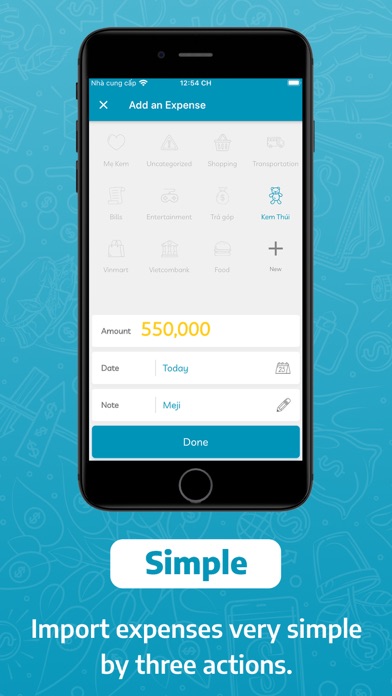
To add new expense, you just need to do 3 fast actions:
- Press add (+)
- Enter amount
- Press done
By default, uncategorised is selected to allow you adding expense as fast as possible. You can edit it later by choosing your category, adding specific note, editing expense’s date.
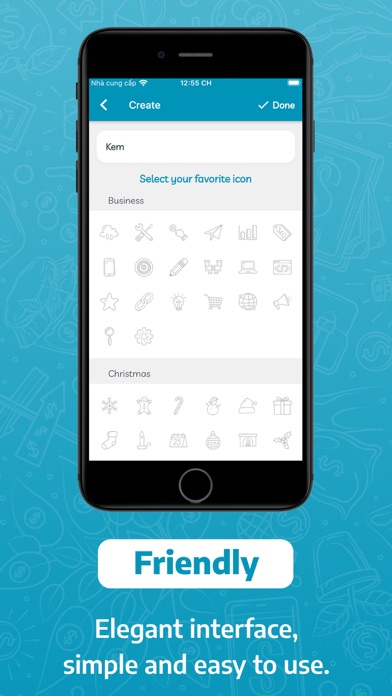
You can use the default categories or create new your own categories using our beautiful images.
With your expense, MOSA supports you to track daily, monthly in transaction view. You can also view expense by category to see how much did you spend on a specific category. And a pie chart will show you the expense with percentage using colorful category images.
Setup the expense limitation can help you know how many percentage you spent, then you can restrict your expense by somehow…
One last great thing, you can synchronize the data to cloud safely to guarantee that your data will always be latest. You and your friends, or your lover, or your family can use one account and manage together. You can backup and restore the data easily as well. You only need an email and password to create new an account.
Finally, MOSA wishes to help you manage the expense easier and smarter to achieve the important target MONEY SAVING - MOSA, our app is totally FREE.
Quoi de neuf dans la dernière version ?
Add total expense statistic chart to do fast track for each month
Make up pie chart for more readable