Sell in May
iOS Universel / Finance
Professional Market Intelligence. Completely Private.
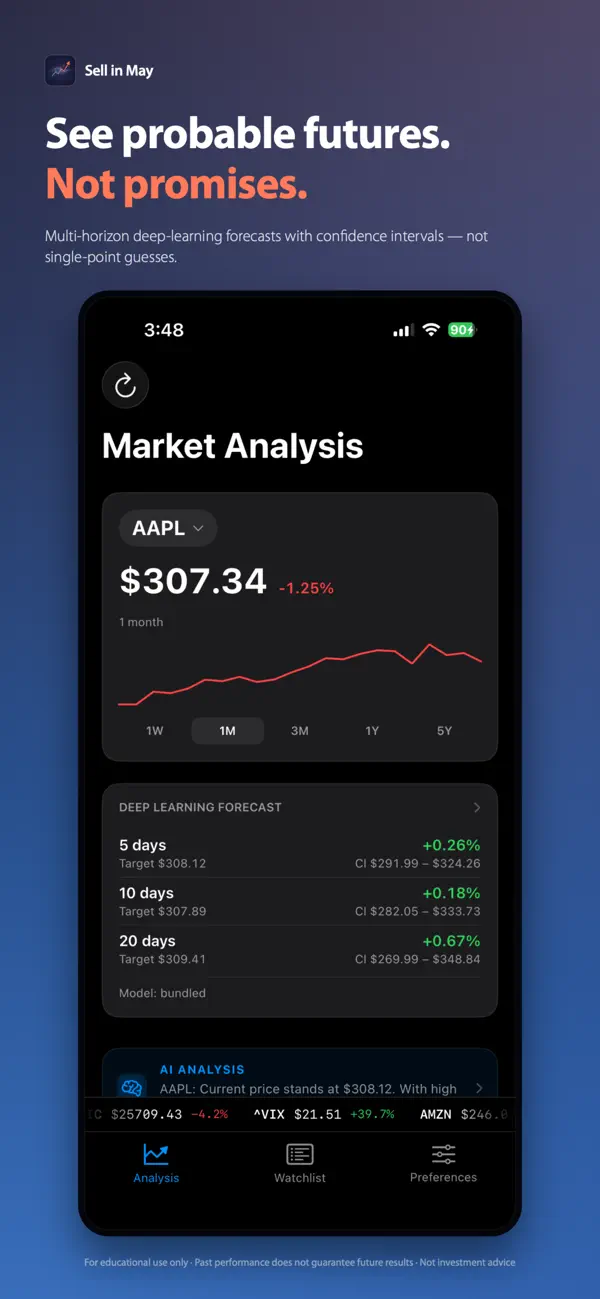
Sell in May brings institutional-grade market analysis to your iPhone—with zero cloud dependency. Combining advanced pattern recognition with optional LSTM deep learning, it reveals what history suggests about any stock's future under similar market conditions.
Regime-Aware Analysis
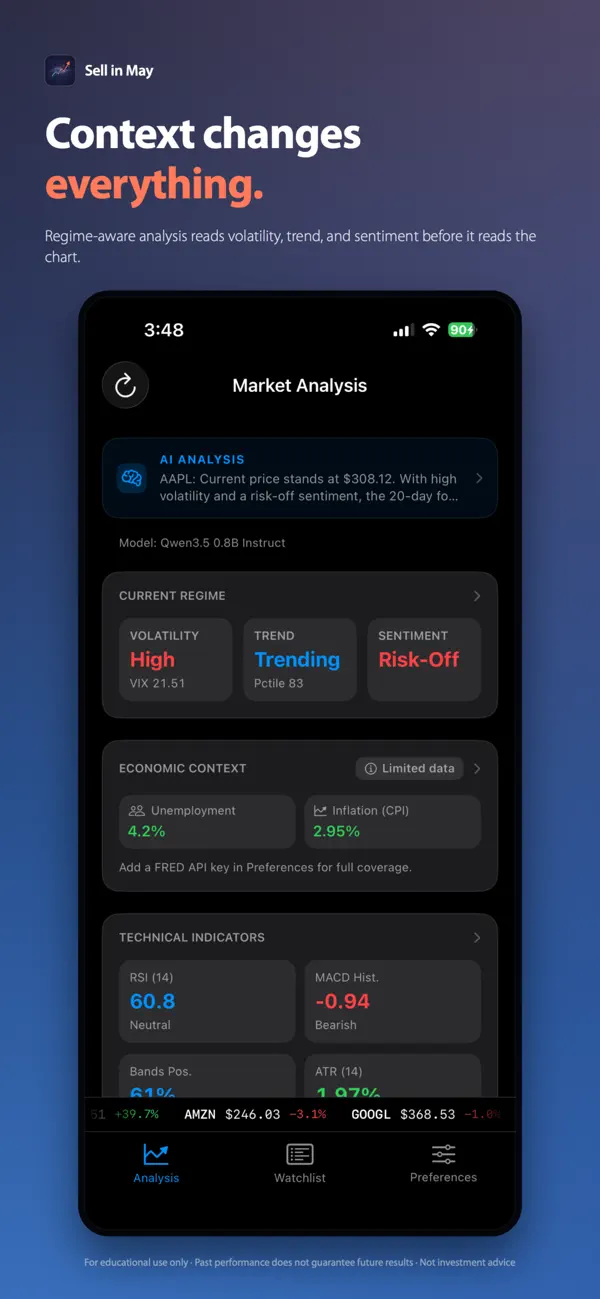
Unlike basic charting apps, Sell in May understands that markets behave differently during bull runs versus bear markets. It automatically classifies current conditions (volatility, trend, sentiment) and surfaces only relevant historical patterns—giving you context-aware intelligence, not just raw data.
Dual-Engine Approach
• Pattern matching across 10+ years of similar market regimes
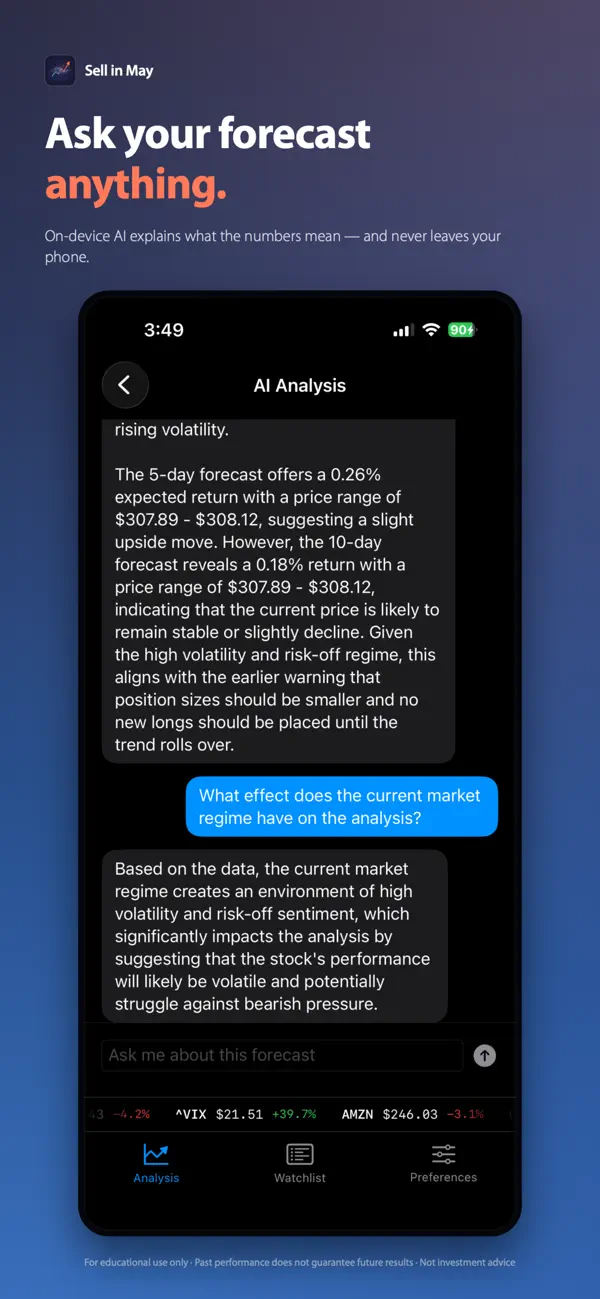
• Optional AI forecasting with probabilistic multi-day predictions
• Two complementary methods reduce bias and increase confidence
100% On-Device Processing
Your data never leaves your phone. No account, no cloud backend, no tracking. Just professional-grade tools with complete data sovereignty. Works offline after initial data fetch.
Professional Features
• Multi-horizon forecasting with confidence intervals
• 14+ technical indicators and risk metrics
• Optional macro-economic context (FRED integration)
• Real-time regime detection and scenario analysis
Perfect for active traders, swing traders, and privacy-conscious investors who refuse to compromise on analytical power.
No subscriptions. No surveillance. No compromise.
Disclaimer: Educational tool only. Past performance doesn't guarantee future results. Not investment advice.
Quoi de neuf dans la dernière version ?
This is a maintenance update focused on handling newly-listed symbols gracefully, making the price chart more honest about how much history it's showing, and a round of reliability and consistency improvements under the hood.
What's New:
- Newly-Listed Symbols: Analyzing a recently-listed company no longer ends in an error. When there isn't enough price history for the pattern match and forecast yet, the app now shows a calm "not enough history yet" explanation and still surfaces what it can — the current price, the economic context, and a Fundamentals link at the top of the screen — instead of failing outright.
- Honest Price Charts: A symbol with only a short history now draws its line across just the span it actually covers, rather than being stretched edge to edge, with a subtle "limited history" hint. The Risk & Performance card likewise flags when its annualized figures rest on only a few weeks of data, so short histories aren't read as full-period results.
Improved:
- More Reliable Data: Retrying of flaky network requests is now based on the actual server response rather than guesswork, so transient failures recover more cleanly and permanent ones stop retrying sooner.
- Faster & Steadier: Saving to the on-device analysis store is quicker, the volatility (VIX) explanation now reflects your own configured thresholds and formats percentages correctly in every language, and there are assorted stability and consistency fixes throughout.