EyeState
iOS Universel / Forme et santé
Limit phone and tablet use to reduce digital addiction.
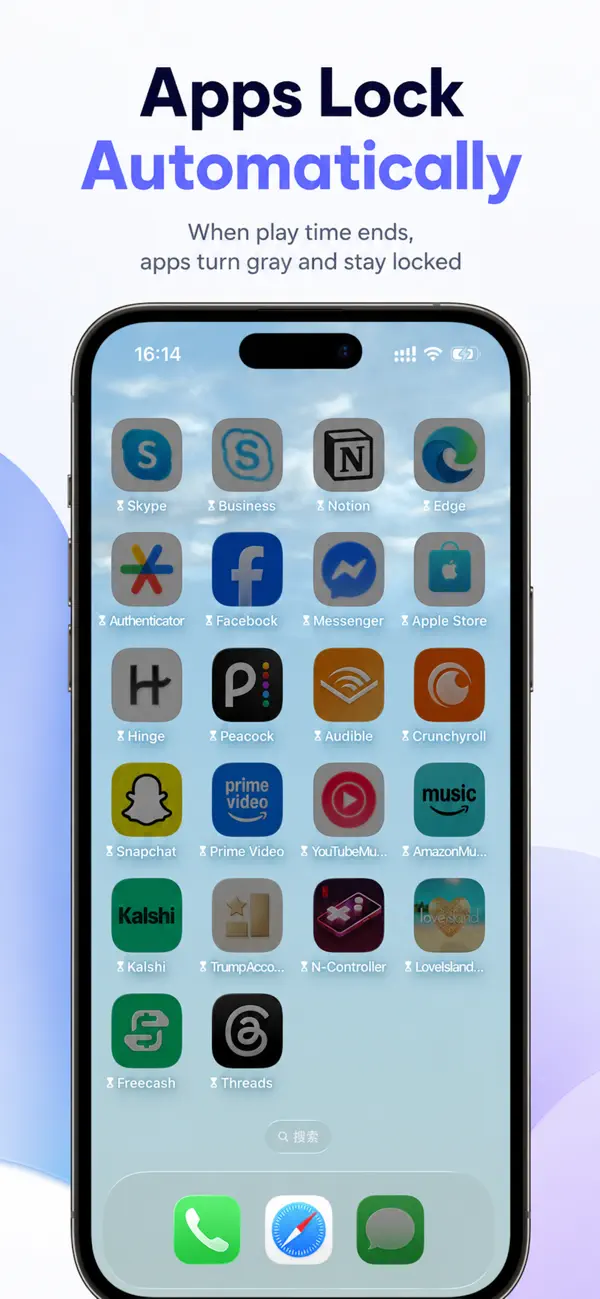
Set a rule once, and the system automatically enforces it. No need to manually enable it every day.
Perfect for personal self-discipline and for parents who want to manage their children's device usage.
Whether you want to spend less time on your phone or help your child build healthier digital habits, it's easy to get started.
Do any of these sound familiar?
• You pick up your phone and can't stop scrolling.
• You only planned to use it for a few minutes, but hours pass.
• You want to reduce screen time but struggle to stay consistent.
• You get distracted by your phone while studying or working.
• It's difficult to manage your child's device usage.
Key Features
【Screen Time Limits】
Set daily or single-session usage limits. Rules are automatically enforced when the limit is reached.
【Automatic Rules】
Create a rule once, and it runs automatically. No need to enable it every day.
【Scheduled Rules】
Automatically limit device usage during specific times, such as bedtime, study time, or work hours.
【Location-Based Rules】
Automatically apply rules when you arrive at or leave a selected location.
【Rule Templates】
Choose from built-in templates to create common rules in just a few taps.
【Parental Control】
Help children develop healthier digital habits by managing their device usage.
【Usage History】
View daily device usage and activity history to better understand your screen time habits.
Why Choose EyeState?
• Rules run automatically after setup
• Combine time limits, schedules, and location-based rules.
• Works across your devices
• Easy to set up in just a few minutes
• Ideal for studying, working, resting, and family use.
Who Is It For?
• Anyone who wants to reduce screen time
• Students and people building better habits
• Parents managing their children's device usage
• Anyone who wants to improve focus and productivity
• People looking for healthier digital habits
Less Phone, Less Distraction.
Set your rules once. Let the system do the rest.
Take control of your device usage and build healthier digital habits.
---
Subscription:
The app offers a subscription to unlock premium parental control features, including unlimited rule creation, app blocking, scheduled restrictions, location-based automation, and advanced usage management tools.
Subscription is billed through your Apple ID account and renews automatically unless canceled at least 24 hours before the end of the current period.
You can manage or cancel your subscription anytime in your Apple ID settings.
Terms of Use (EULA):
https://www.apple.com/legal/internet-services/itunes/dev/stdeula/
Privacy Policy:
https://privacyproto.github.io/privacyWeb/VisionVR/privacy_policy_en.html
Quoi de neuf dans la dernière version ?
1. Add kids mode
2. Fix bugs