Pixel Draw 16x16
iPhone / Graphisme et design
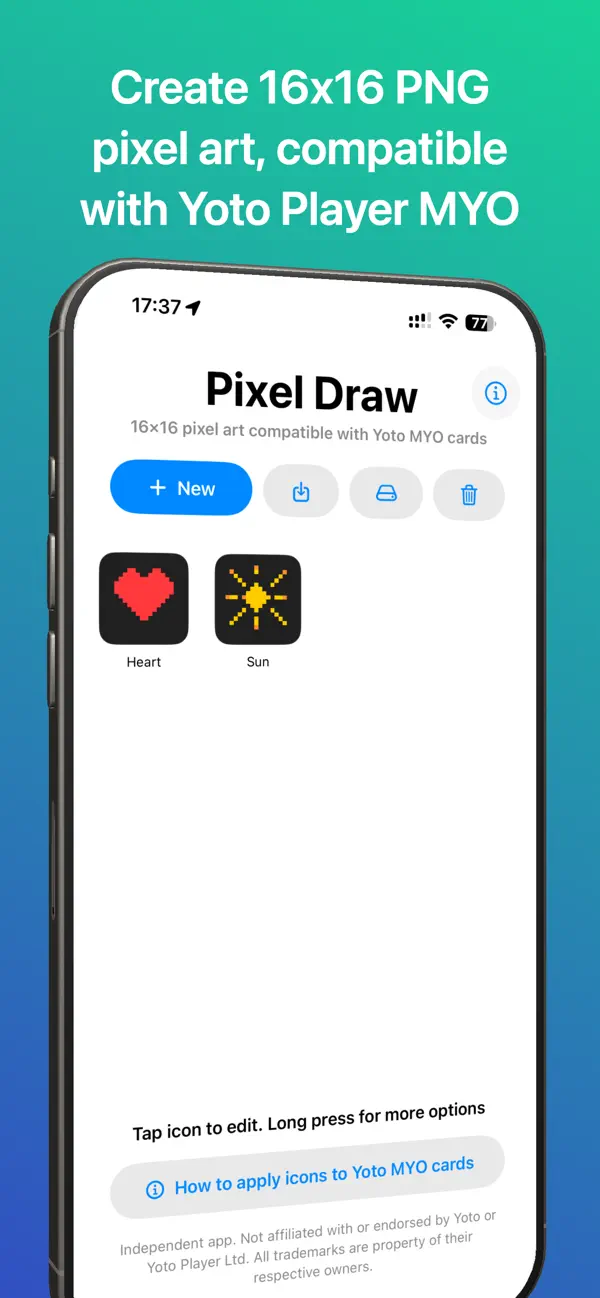
Pixel Draw 16x16 is a simple offline pixel art editor for creating 16x16 PNG images. No login, account, or internet connection is required to use the app.
The PNG output from Pixel Draw 16x16 is also compatible with Yoto Player Make Your Own (MYO) card playlist track icons.
No subscriptions. No in-app purchases. No Advertisements. Simple, safe, and easy to use.
Create
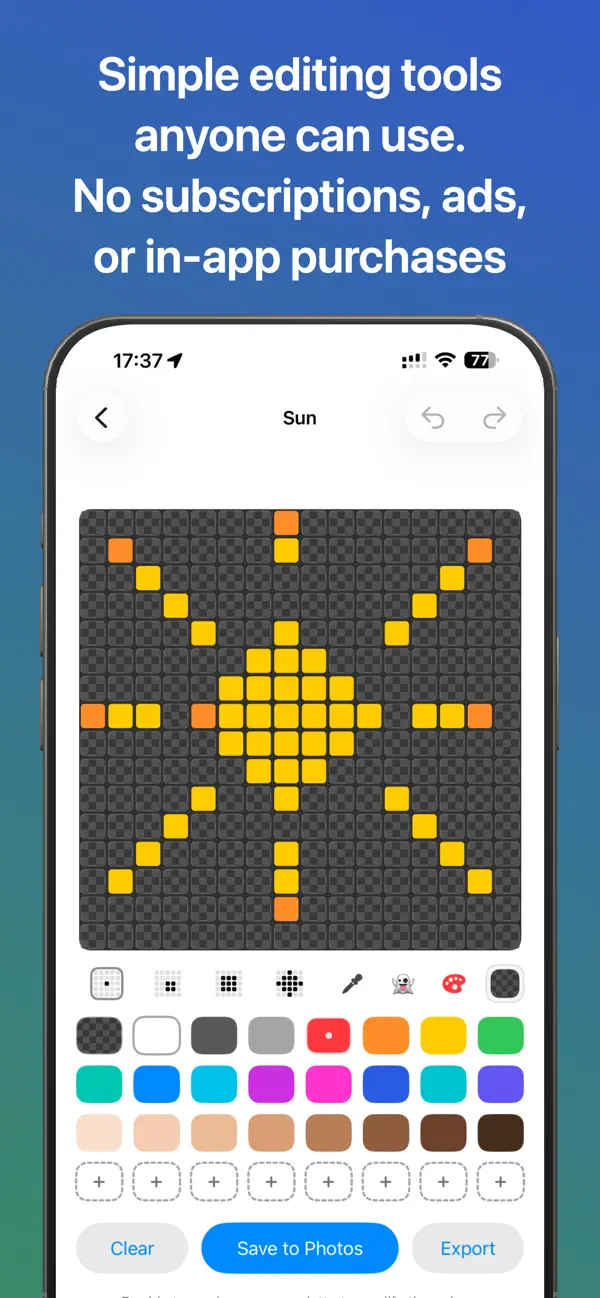
• Draw on a large and precise 16×16 pixel grid
• Tap or drag to paint, with several brush sizes.
• Extensive colour palette, including user-defined and custom swatches and palettes.
* Eyedropper tool for easy colour selection
• Undo, redo and clear tools for easy use
• Easy management of your personal icon library.
Import and Export
• Import 16x16 PNGs, with colours automatically re-mapped
* Save PNGs to your Photos library
• Export crisp 16×16 PNG files
• Manual and auto-backup and import.
Note: Icons may appear blurred in the Photos app preview because they are scaled up, but they remain precise and sharp when used at 16×16 resolution.
Yoto Compatibility (unofficial)
• Pixel Draw 16x16 PNG output is compatible with Yoto MYO card playlist icons
• Step-by-step instructions included for how to upload your pixel art
Privacy
Pixel Draw does not collect, store, or transmit any personal data.
All icons are stored locally on your device.
Disclaimer
This app is independent, unofficial and not affiliated with, or endorsed by, Yoto.
Yoto is a trademark of Yoto Ltd.
Quoi de neuf dans la dernière version ?
* Import editable 16x16 PNG images from your Photo Library and Files App, or from any suitable 16x16 PNG image on the web (if you have a URL)
* Support for PNG transparency with transparent/black/white background modes
* Ghost mode for placing another temporary image in the background to trace over
* Eyedropper tool for easy colour selection