Battle Of Sudoku
iOS Universel / Jeux
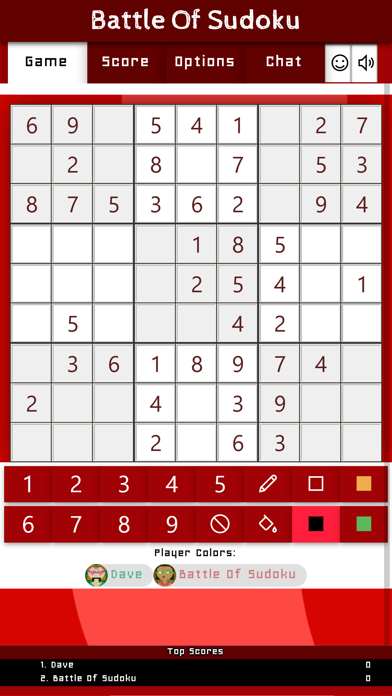
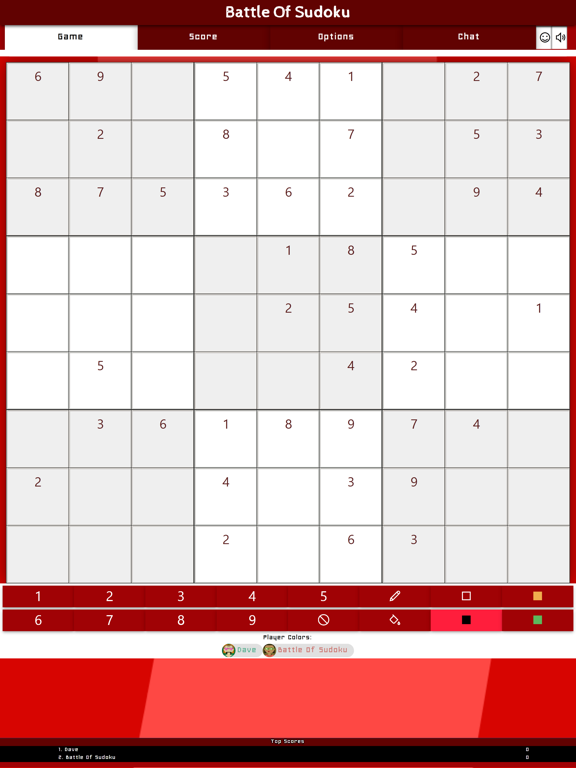
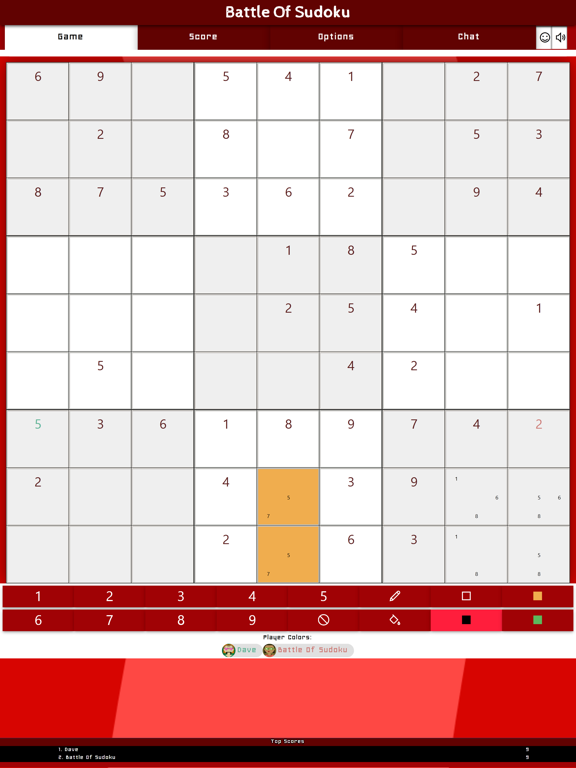
Battle Of Sudoku is a multiplayer version of the puzzle game of Sudoku that you play against other players or a team. The primary objective is to fill a 9×9 grid with digits so that each column, each row, and each of the nine 3×3 subgrids (also called "boxes", "blocks", or "regions") contain all of the digits from 1 to 9. Before you start a new puzzle, you can set the difficulty level in the game options to a number between 1-6. One is the easiest and six is the hardest level. The level is used to place some numbers on the sudoku-grid which all players must solve at the same time.
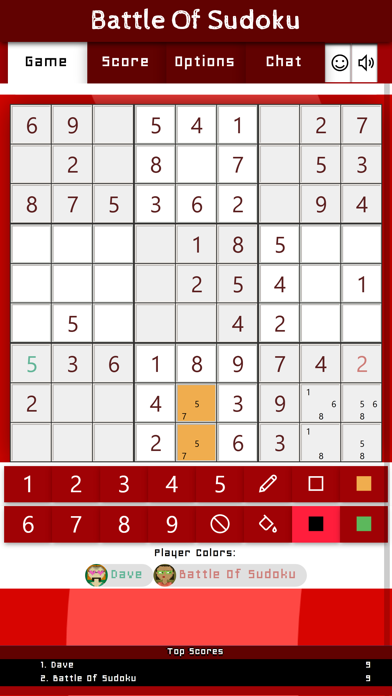
When the game starts, every player that has joined is shown the exact same puzzle which they need to solve. There are two modes in which you can play. The mode is configured in the game options and is called: "Show the correct numbers of your opponent". This option is enabled by default and means that every number that is added to the solution is shown on the screen of every player. Each correct number earns you points and you are not allowed to place the same number that was placed by another player. This means you must be the first one to have a number correct in order to earn the points.
When this option is disabled, no-one sees the correct numbers from other players in their grid thus allowing the same numbers to be used to for players to earn points with.
Time-outs
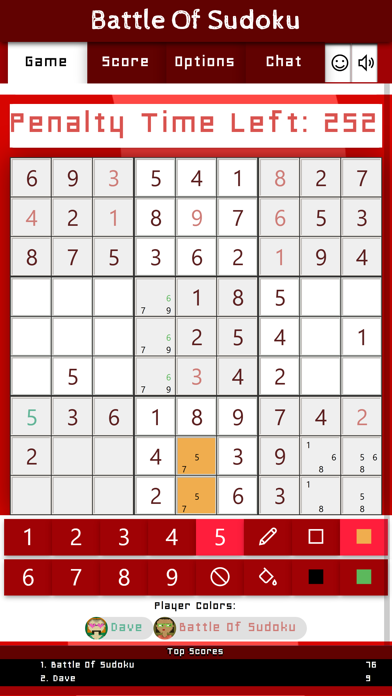
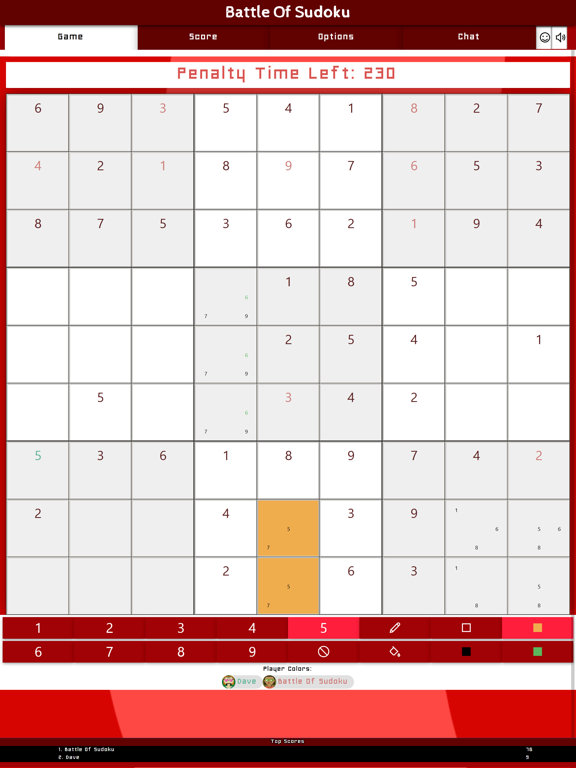
When a player places a number in the puzzle that is not correct, this player receives a time-out. He / she is not able to execute any action whilst the other players can still place their numbers. The length of the time-out can be configured in the game options. The default is set to 30 seconds.
Points
Whenever you have placed a number correctly you will earn points. The amount of points you can earn is based on the level of the puzzle you have selected. How higher the level, the more points you can earn for each correct number. However, if you place an incorrect number, you will lose points. The amount of points is half the amount of points you can earn when having it correctly.
Winning the game
The game ends when the puzzle has been solved and all numbers are filled within the grid correctly. The person that has earned the most points, wins the game. If you have disabled the option to view the correct numbers of other players, the game ends when ONE player has found the solution. Note that this does not give any extra points to that player, so other players are still able to win the game when they made lesser mistakes than person that solved it.
Teamplay vs Individual play
This game has a special teamplay option that allows two teams to compete against eachother. When joining a game, you can select your team (1 or 2). If a minimum of two players have joined one of the two teams they are part of that team. When playing in team each point you win is added to the total score of that team. Also the notes and filled colors are shared between all team members. This allows for specific co-op solving techniques to complete the puzzle as a team.
Tools for solving
Under the puzzle, a toolbar is available that you can use to solve the puzzle and add personal hints and clues within the puzzle grid. These tools are as follows:
-Pen Tool
The pen tool is activated by clicking on the pen icon. If it is enabled, the pen-icon lits up and enables the pen/notes-mode. Select the number you want to use for making notes and click on an empty square in the puzzle grid. A mini-number is added to that square. If you select another number and click on the same square, also the other number is added to the same square. If you use a small-number that is already shown in that square, it will be removed from that square.
-Fill Mode
The paint-button icon is used to enable fill-mode. When this button is clicked, the fill mode is enabled when clicking on a square in the puzzle. You can click on any square (also the solved ones) to change the background color of the square.
Quoi de neuf dans la dernière version ?
Performance Fixes and bug fixes.