Maps for Minecraft MCPE
iOS Universel / Jeux
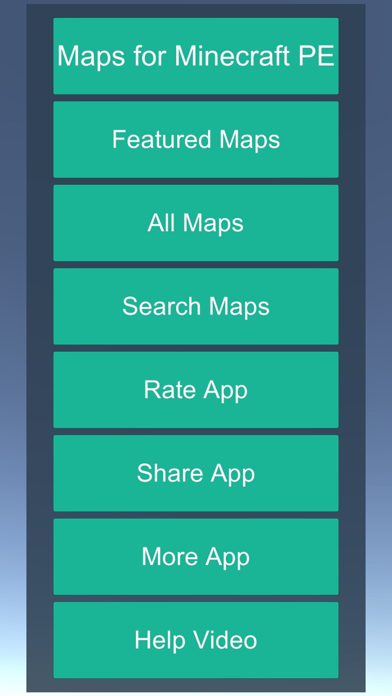
Browse, download & play maps, just two taps!
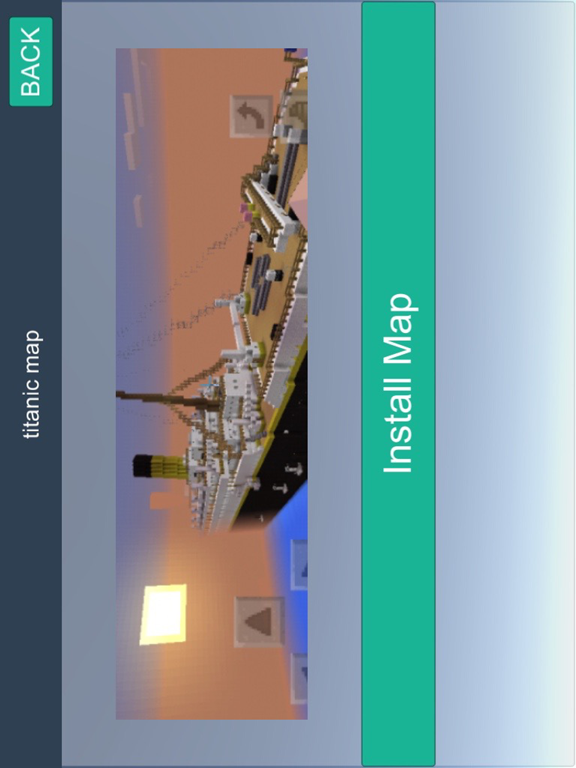
Select any map, tap download, and it opens directly in your game. No computer, no cables, no iTunes, everything happens right on your device.
How to import:
--------------
After you tap the "Share Map" button, select the Minecraft icon from the share sheet. The world will be imported automatically. Please note that you must have Minecraft Pocket Edition already installed and purchased on your device to import worlds.
Features:
---------
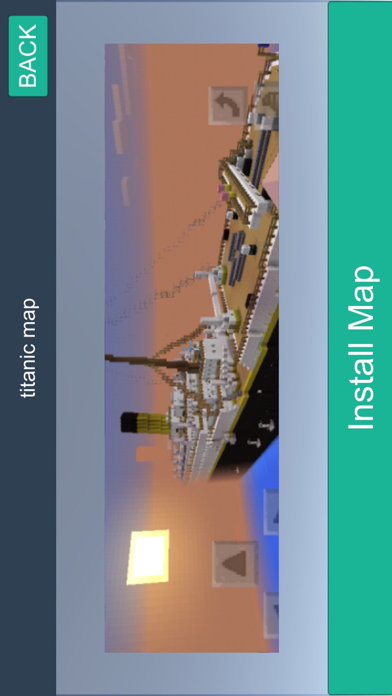
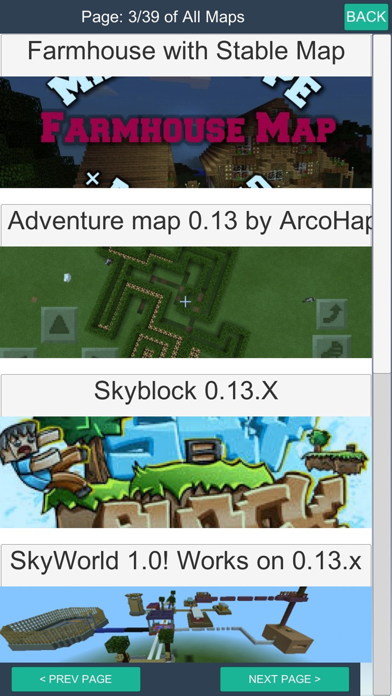
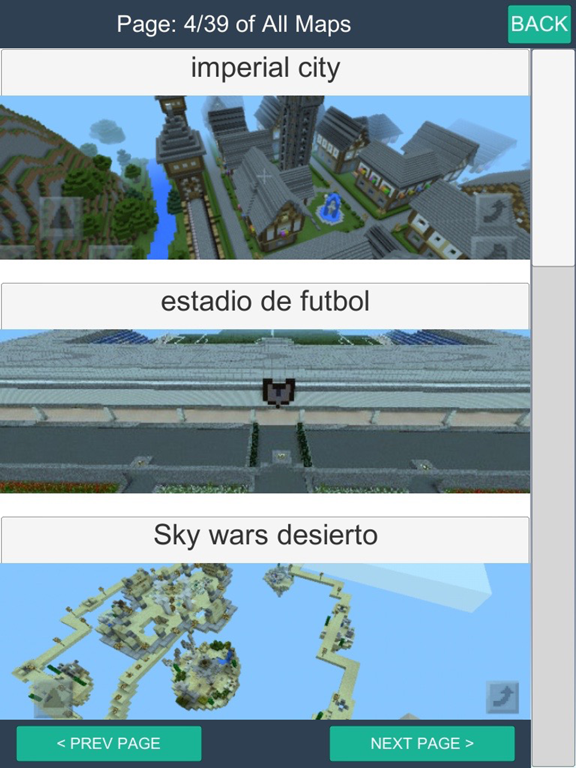
- 350+ maps made by the community, with screenshots so you can preview each one
- Two-tap install, download and import directly into your game
- One free map download every day
- Save your favorite maps for quick access
- Optional one-time purchase to unlock unlimited downloads
Since maps are downloaded from the internet, a broadband connection is recommended. If you have a data quota, please consider your usage.
Disclaimer:
-----------
This is a fan-made companion app for Minecraft Pocket Edition. It is not affiliated with, endorsed by, or connected to Mojang Studios, Microsoft, or any of their subsidiaries. "Minecraft" is a trademark of Mojang Studios. All trademarks and registered trademarks are the property of their respective owners. For Mojang's brand guidelines, visit: https://account.mojang.com/documents/brand_guidelines
Quoi de neuf dans la dernière version ?
- Two-tap install: Download and import maps directly into your game, no computer or cables needed
- Favorites: Save maps you love with a heart tap for quick access
- Browse 350+ community maps with screenshots
- One free map download every day
- Restore Purchase support for existing customers
- Responsive design optimized for both iPhone and iPad
- Faster loading with map and thumbnail caching
- Bug fixes and performance improvements