Peek — A Quick Look Extension
macOS / developpeurs
Accelerate your workflow with the Quick Look conveniences that only Peek can deliver: searching, jumping, scroll restoring, syntax highlighting, & more.
--
Due to system limitations, Peek is ~NOT~ able to support the following documents, not limited to: plain text (.txt, .text), rich text (.rtf, .rtfd), HTML/XML/web archives (.html, .xml*, .webarchive), TypeScript (.ts), Adobe suite (.pdf), Microsoft Office (.csv, .doc, .docx, .xls, .xlsx, .ppt, .pptx), OpenDocument suite (.odt, .ods, .odp), nor any Apple iWork documents (.pages, .numbers, .key).
--
• Rich previews of Markdown, TextBundle, PostScript, & .ePDF documents.
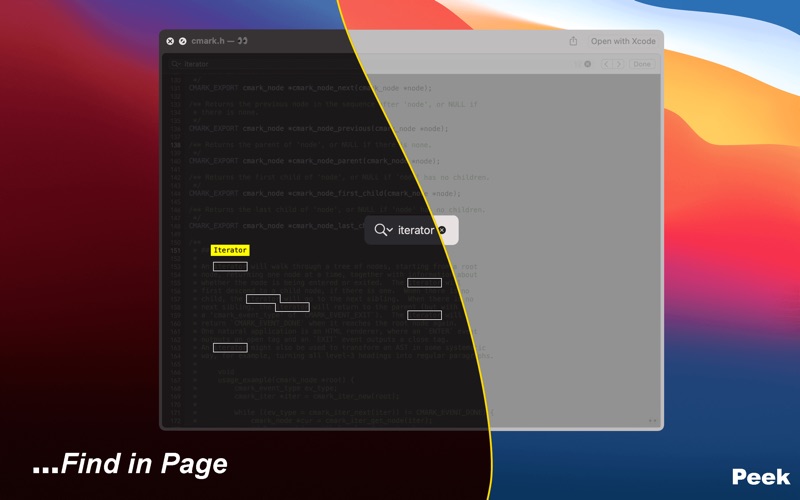
• Jump to lines/pages & search documents from Quick Look previews in Finder & other friendly applications.
• Brings popular system keyboard shortcuts to Peek-supplied Quick Look previews: search, jump to line, scroll to end/beginning of a document.
• Supports Github-style Markdown with an optionally generated table of contents:
• Autoload any of 191 HighlightJS languages or 273 PrismJS languages.
• Lazy syntax highlighting, MathJax typesetting, and Mermaid.js diagramming.
• Use absolute and relative local filesystem links.
• MathJax with Tex input (full inline support utilizing a bespoke cmark extension).
• Use a Quick Action to quickly rename a PDF document to an .ePDF document to search or copy text, more easily navigate pages, & preview using Dark mode themes.
• Force click on terms to launch the Look Up functionality.
• Preview sizes from 5KB to 1MB (excluding PDFs & property list files).
• Save and restore scroll positions—continue from where you last left off.
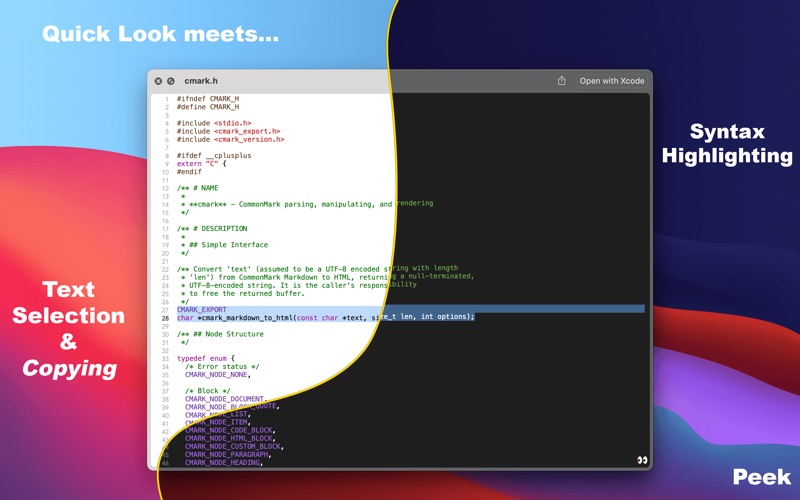
• Syntax highlighting with automatic language detection for the most popular programming languages.
• Customize your preview experience with over 70 different light & dark themes, or customize your style in a CSS stylesheet.
• Optionally include line numbers in source code previews.
• Peek attempts to support previews for the most common file types, including those not currently supported by the system:
• Cartfile, Podfile, .gitignore, .swiftlint.yml, .xcconfig, .swift, .c, .py, and many more.
• Visit Peek's website for the most up-to-date list of compatible files.
Quoi de neuf dans la dernière version ?
Dependency updates:
* Fab 1.2