BBEdit
macOS / developpeurs
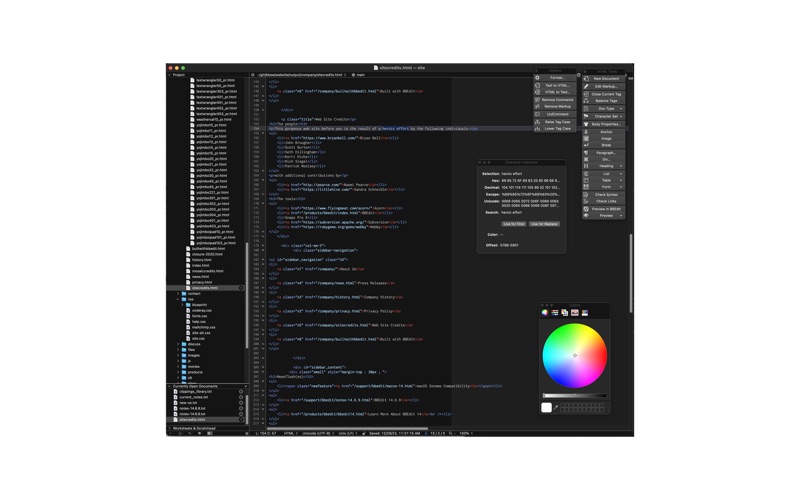
BBEdit is the leading professional text, code, and markup editor for the Macintosh.
As the "go to" tool for web site designers, web application developers, writers, and software developers, this award-winning product provides an abundance of high-performance features for editing, searching, and manipulation of text, code, and HTML/XML markup.
As a replacement for TextWrangler, BBEdit is built by the same developers, using the same award-winning technology, and is identical to TextWrangler in every way you're used to. Unlike TextWrangler, BBEdit is Apple Silicon native, and compatible with contemporary macOS versions.
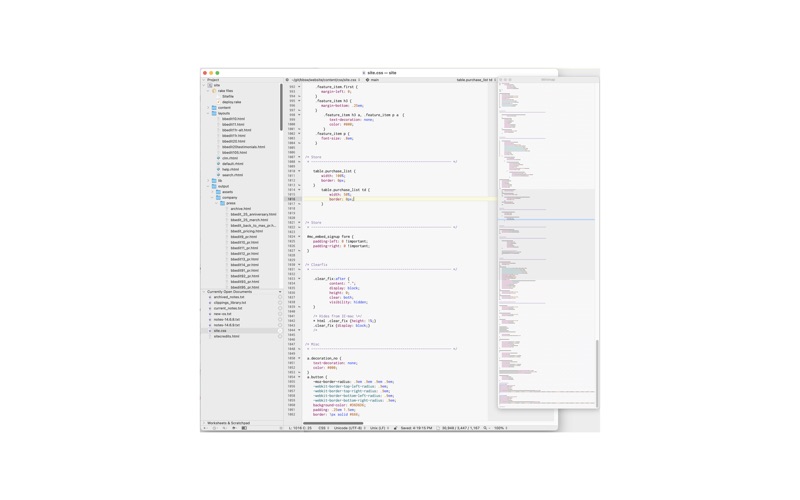
An intelligent interface provides easy access to BBEdit’s best-of-class features, including: grep pattern matching; search and replace across multiple files; project definition tools; function navigation and syntax coloring for numerous source code languages; code folding; FTP and SFTP open and save; AppleScript, Automator, and Shortcuts support; Unix scripting support; text and code completion; a complete set of robust HTML tools; and more.
BBEdit offers a 30-day evaluation period (beginning the first time you use it on your computer), during which its full feature set is available.
During the evaluation period, BBEdit is fully functional. After the evaluation period has expired, you can continue to use BBEdit for free, forever, with no nag screens or unsolicited interruptions.
In “free mode”, BBEdit provides a modified set of features, which incorporates a powerful set of core features. Using BBEdit in free mode costs you nothing, while providing an upgrade path to advanced features and capabilities.
To enable BBEdit’s advanced features after the evaluation period is over, you will need to have an active BBEdit subscription. Subscriptions are available on either a monthly or annual basis.
An active subscription gives you access to all of BBEdit’s advanced features, including any new features that we introduce during updates or major upgrades, for as long as the subscription is in good standing.
Please see our comparison chart for a detailed listing of which advanced features are available with a subscription.
Subscription terms and conditions:
We do not collect any data from your use of BBEdit, whether or not a subscription is in effect.
Your interactions with BBEdit and with Bare Bones Software, Inc. are protected by our privacy policy.
Your use of BBEdit is governed by the terms of its end-user license.
When you purchase a subscription, payment will be charged to your iTunes Account upon confirmation of purchase.
Your subscription will renew automatically, unless you cancel your subscription at least 24 hours prior to the end of the currently active subscription period. Your iTunes Account will be charged for the renewal within 24 hours prior to the end of the currently active subscription period, and your account history will reflect the cost of the renewal.
You can manage your subscription and cancel automatic renewal by going to your "Manage my Subscriptions" page after purchase.
Purchasing a subscription will permanently end your evaluation period, and forfeits any unused portion of the evaluation period, if applicable.
For the full text of the BBEdit end user license for Mac App Store customers, please visit this page on our web site: https://www.barebones.com/products/bbedit/appstore/terms.html
Quoi de neuf dans la dernière version ?
BBEdit 16 is a major upgrade which brings new automation, search, editing, project, and performance improvements.
This update includes changes to address reported symptoms, and includes improvements to performance and stability. Complete details are available in the change notes, via the Help menu.
Highlights of the 16.0 release include:
- Expanded support for macOS Shortcuts, including one-shot text transformations for extracting or deleting matching lines, sorting lines, and text replacement.
- Improved HTML5 syntax checking using the W3C HTML checker service, with options for project-specific, language-specific, remote, or local checking.
- Text search in image files using macOS image text recognition, available from Find and Multi-File Search, with recognized text also shown in the image inspector.
- A new search field for notebook sidebars, for finding matches in note names and contents.
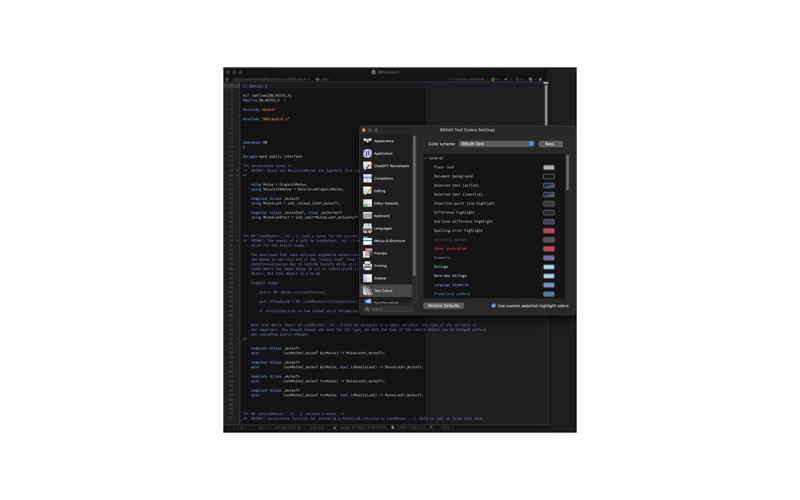
- Project-, instaproject-, and notebook-specific color scheme settings, plus separate color scheme choices for printing.
- Expanded web site deployment settings, including separate Testing and Production deployment destinations.
- Optional vi keyboard emulation, with mode and command status shown in the editor.
- Easier installation of language modules directly from the Languages preferences.
- Expanded Language Server Protocol support, including semantic token coloring when provided by the language server.
- Standard macOS sharing for selected text.
- New commands for gathering untitled documents and moving documents between windows.
- More flexible hidden-item and file-type filtering in projects, disk browsers, and the Open panel.
- Enhancements to the Character Inspector, Minimap, Git revision lists, and image inspector.
- Markdown improvements, including Pandoc/R-Markdown style citation coloring and improved CommonMark emphasis handling.
- A new Process Duplicate Lines option to include duplicate counts.
BBEdit 16.0 also includes significant performance improvements, especially for SFTP operations, large-file parsing and scanning, case-insensitive search, columnar selections, archive filtering, shell worksheet idle behavior, built-in language modules, and other large-scale text operations.