Visual PDF Editor
macOS / Graphisme et design
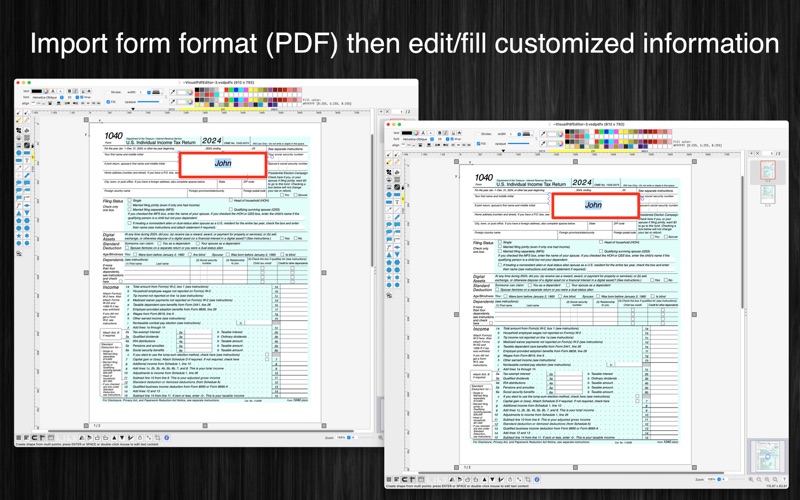
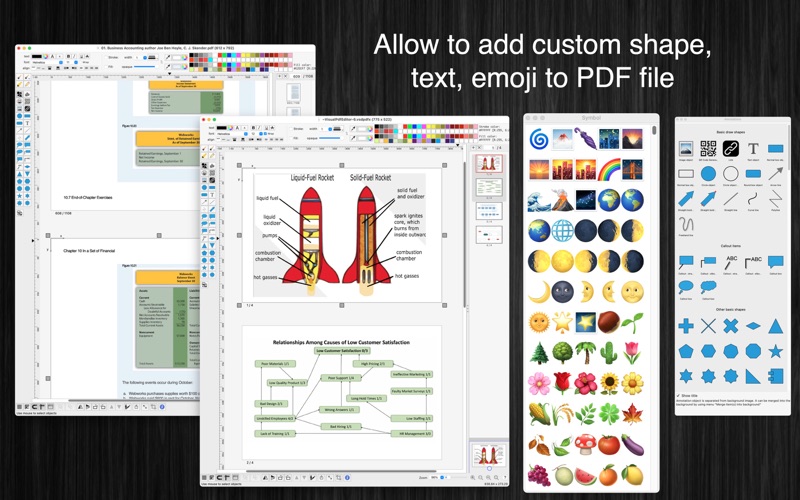
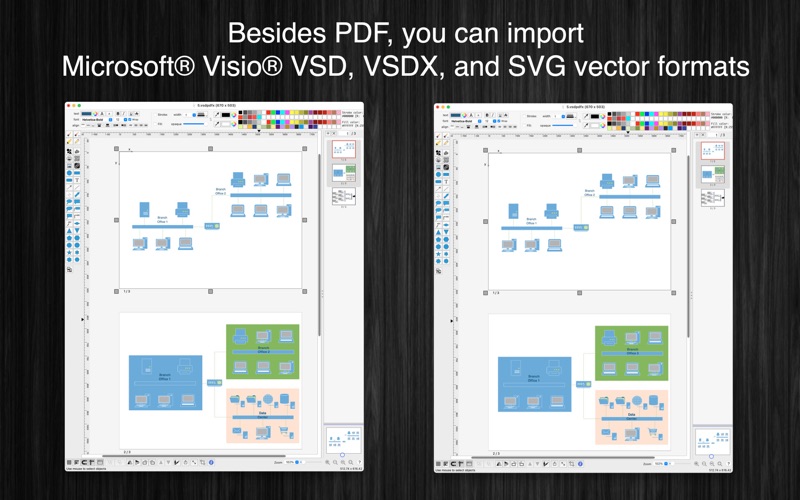
[Visual PDF Editor] application could help you to import PDF (as well as VSD, VSDX, SVG, image files), edit then save/export to popular vector file formats like PDF, VSDX, VSD, SVG.
(* Number of objects/shapes added to each document is limited, you could upgrade to Pro-Version to remove this limitation. *)
Functions of the application:
+ SUPPORT PDF (Vector) formats: import/export all vector information from/to pdf file (Adobe Reader format)
+ COMPRESS IMAGES: Compress all images inside PDF file to reduce file size
+ IMPORT/EXPORT VSDX, VSDM, VSD, VSS formats
+ IMPORT/EXPORT many other formats: SVG (vector), png, jpeg, tiff...
+ MULTI-PAGES: user could edit document in multi-pages layout
+ SMART LINE / CONNECTOR:
Smart Line if attached to a shape will automatically change position every time when the main shape is moved, resized.
+ BASIC SHAPE:
There are many shapes to add to your diagram. You could add/change text to display inside the shape.
Drawing UML activity diagram will be easier using these shapes.
+ ALIGN MULTIPLE ITEMS:
Select many items then do right-click mouse to select alignment options as following:
(also allow to auto-align with another objects)
- Left
- Right
- Top
- Bottom
- Center (Horizontal or Vertical)
- Distribute
- Horizontal center in View
- Vertical center in View
+ EXPORT TO VECTOR/IMAGE FILE:
Press "Cmd + E" to export current diagram to an image file with format of PDF, VSDX, SVG, PDF, TIFF or PNG or JPEG.
+ SUPPORT PRINT:
Press "Cmd + P" to print current document.
+ CAPTURE TO CLIPBOARD:
Press "Cmd + 4" or click on Capture button to export current diagram image to clipboard, then you could paste that image to another application.
Example: Open [Preview] application, press "Cmd + N" to paste above captured image to view or to save to an image file.
Of course, you could paste that image to Excel, Word application too.
-----------------
Other functions:
- Unlimited Undo/Redo (shortcut key: Cmd-Z / Shift-Cmd-Z)
- Copy / Paste (shortcut key: Cmd-C / Cmd-V)
- Duplicate select items (shortcut key: Cmd-D)
- Group / Ungroup Items (shortcut key: Cmd-G / Shift-Cmd-G)
- Lock/Unlock items position (shortcut key: Cmd-L / Shift-Cmd-L)
- Rotate left, rotate right (shortcut key: Cmd-J / Cmd-K)
- Short cut key CMD+B, CMD+I to change text to Bold or Italic
- User could drag right mouse on a current shape to create a new attached object with line
- Scale size of select items
- Flip select items
- Shadow supported
- Snap to Grid
- Auto Align with another object when resize or move
- Change display order
- Print supported (shortcut key: Cmd-P)
- Customizable color / Font / Size / Line Type
Quoi de neuf dans la dernière version ?
- Support PDF's embed fonts
- Improve UI
- Fix bugs