reBOOK. EPUB Metadata Editor
macOS / Livres
reBOOK helps you organize your EPUB library quickly and safely.
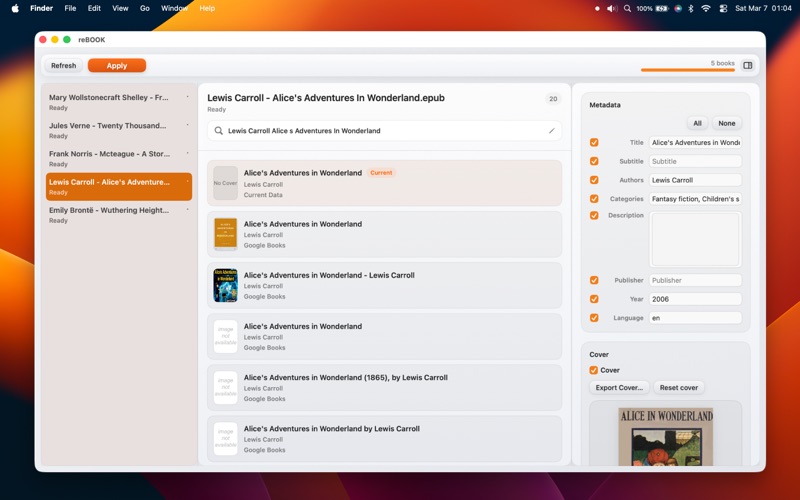
Simply drop your books into the app and reBOOK will search the internet for accurate metadata and covers. Review the results, make adjustments if needed, and apply the changes to your EPUB files.
Key features
- Drag and drop EPUB files or folders
- Automatic metadata search using online book databases
- Review multiple results before applying changes
- Edit title, subtitle, authors, categories and more
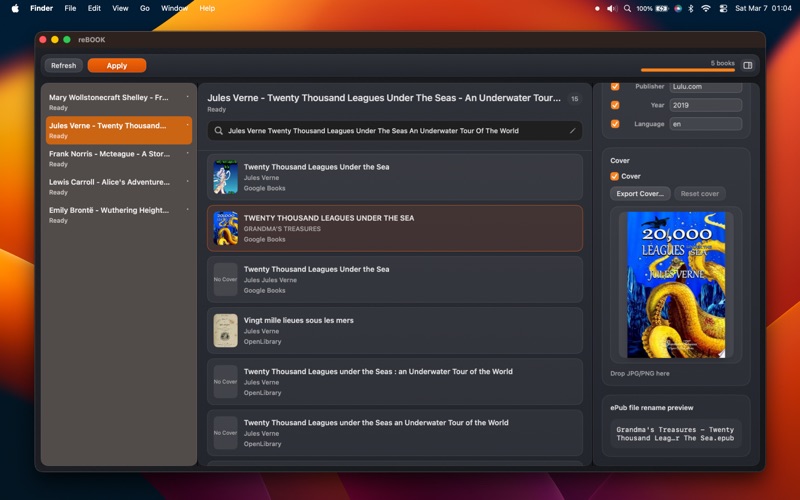
- Replace or embed book covers
- Batch apply metadata to multiple books
- Export covers as JPG
- Flexible rename templates
- Safe processing with optional backup
Typical workflow
1. Drag EPUB files or folders into reBOOK
2. Review search results
3. Edit metadata if needed
4. Apply changes to one or many books
reBOOK currently supports EPUB files. Support for additional formats may be added in future versions.
Quoi de neuf dans la dernière version ?
- Fixed an issue that could prevent changes from being applied to some individually imported EPUB files.
- Improved permission handling when creating backups or renaming files.
- Fixed current cover display in “Current Data”.
- General stability and reliability improvements.