MovieIcon
macOS / Photo et vidéo
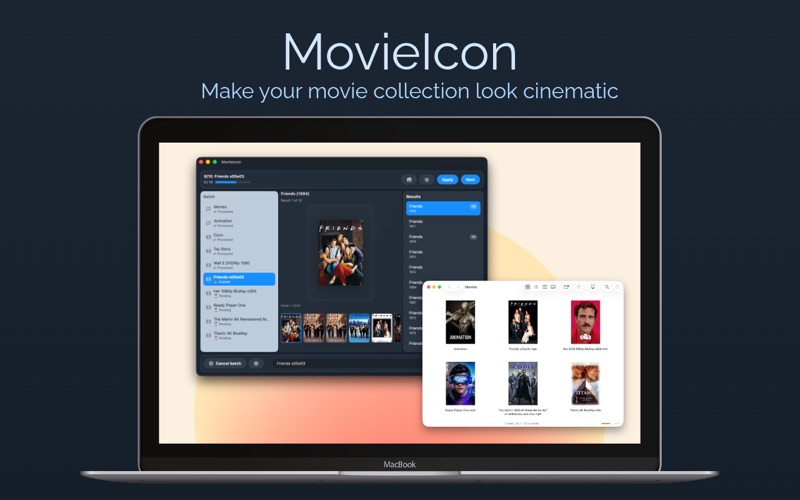
MovieIcon automatically finds and applies beautiful cover artwork to your video files and folders.
One purchase. No subscriptions. No accounts.
MovieIcon 3.. - Completely rebuilt for modern macOS
MovieIcon makes your video collection look cinematic by automatically finding and applying cover artwork to your files and folders.
Pay once. Use forever. No subscriptions.
Whether you organize movies, TV series, or personal videos, MovieIcon gives your library a clean, professional look inside Finder.
——
Smart automatic search
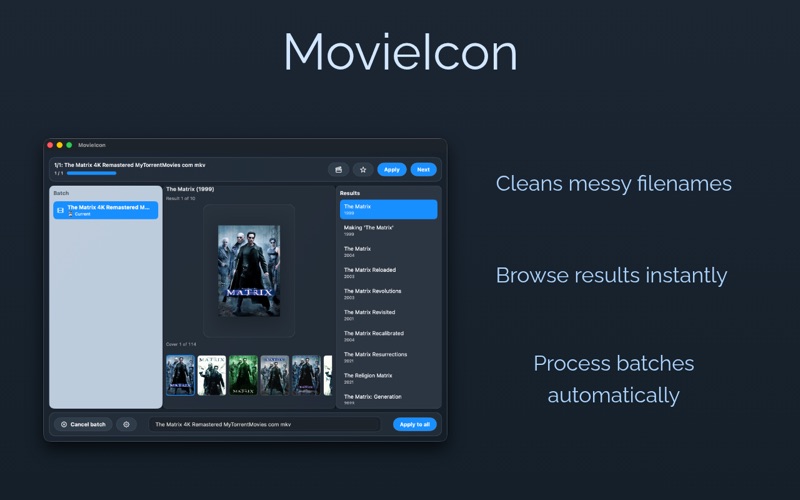
- Cleans messy filenames automatically
- Handles common scene tags and noise
- Searches progressively for better matches
- Browse results and covers instantly
——
Apply covers in seconds
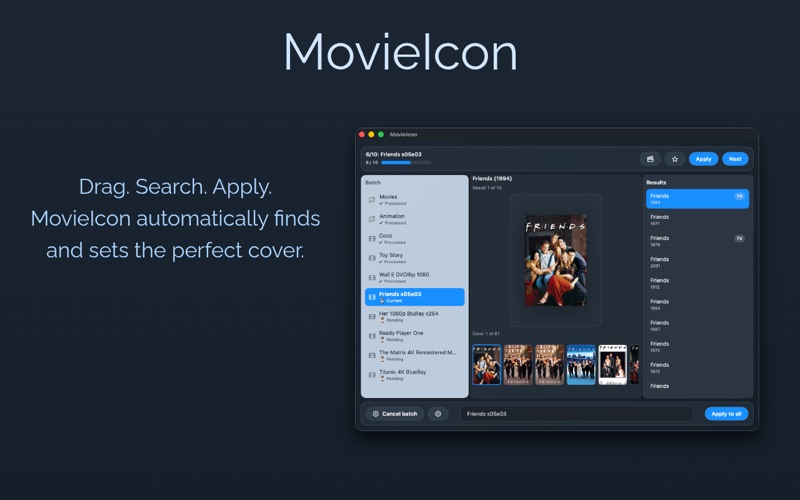
- Drag movies or folders directly into the app
- Apply artwork manually or automatically
- Process entire batches with ease
- Clear completion summary with detailed results
——
Use your own images
- Drag any image directly onto the preview
- Override suggested posters instantly
- Export covers as high-quality JPEG files
——
Includes 42 beautifully designed generic covers
Perfect for collections that need a consistent, stylish look.
——
Built for macOS
- 100% rewritten in Swift / SwiftUI
- Modern three-column interface
- Keyboard navigation support
- Optimized performance and reliability
- Fully sandboxed and secure
——
MovieIcon 3.0 is a one-time purchase designed for users who care about keeping their libraries clean, organized and beautiful.
Quoi de neuf dans la dernière version ?
* Fixed custom cover drag & drop when no online results are found
* Improved drag & drop behavior in recovery/error states
* Added safer icon application recovery for files with corrupted Finder metadata
* Improved reliability when applying icons to existing video files
* Additional stability and usability improvements