PhotoScape X - Photo Editor
macOS / Photo et vidéo
All-in-One: Photo Editor, Batch Editor, Photo Viewer, Cut Out, Collage Maker, Animated GIF Creator, Combine, Print, Screen Capture, Color Picker, RAW image and More.
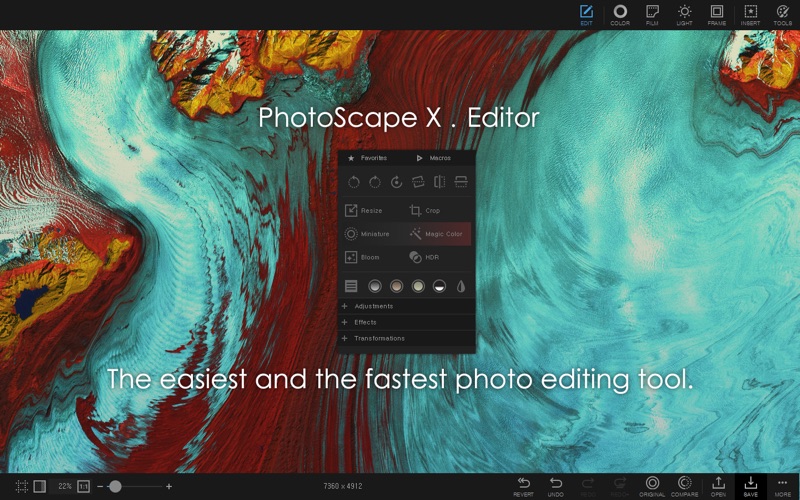
PhotoScape X is a fun and easy photo editor that enables you to fix and enhance photos.
Key Features
- Photos Extension
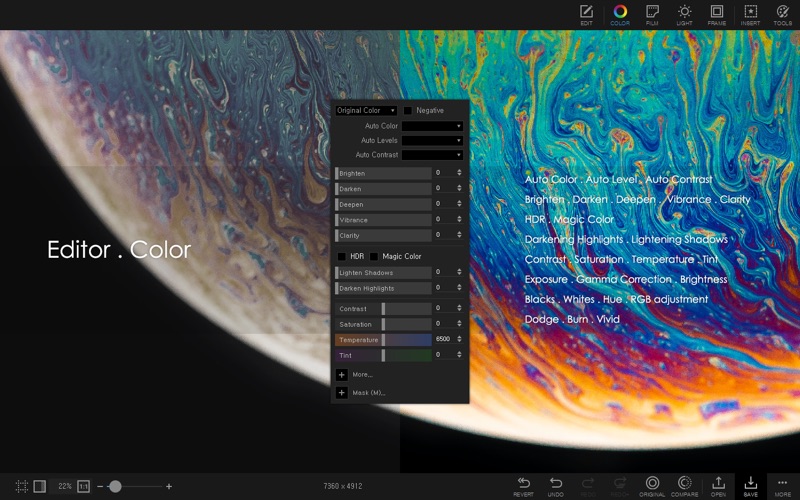
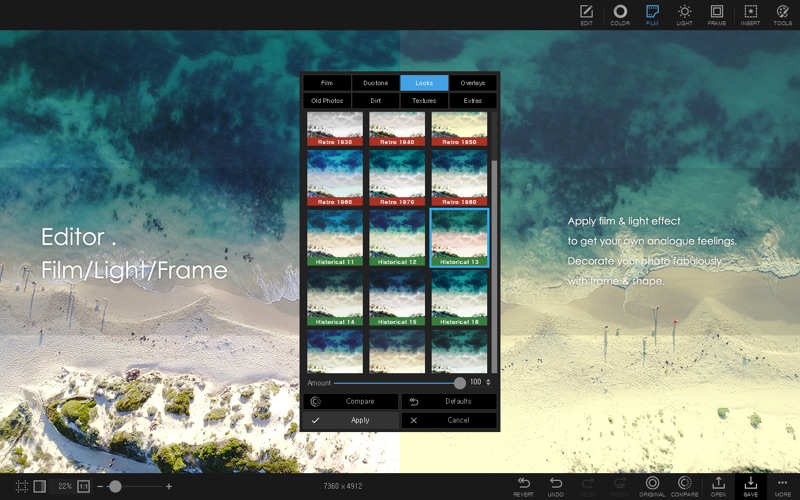
- Editor: Rotate, Straighten, Resize, Crop, Border, Color Adjustment, Color Temperature, Tint, Film Effect, Light Leaks, Lens Flares, Old Photos, Overlays, Textures, Dirt & Scratches, Auto Level, Auto Contrast, Backlight Correction, Bloom, HDR, Dehaze, Vignetting, Sharpen, Blur, White Balance, Curves, Levels, Color Balance, Hue/Saturation, Sepia, Grayscale, Black & White, Negative, 3D Effect, Text Object, Text Warp, Image Object, Magnifier Object, Paint Brush, Paint Bucket, Effect Brushes, Mosaic Brush, Spot Healing Brush, Mixer Brush, Red Eye Correction, Liquify, Clone Stamp.
- Cut Out: Remove the background from an image. (Magic Eraser, Lasso tool, Brush tool)
- Batch: Batch edit multiple photos.
- Viewer: Photo Browser, Loupe View, Full Screen, Flag, Star Rating, Batch Rename, Batch Resize, Batch Format Change, Lossless Rotate, Share, Exif Viewer.
- Collage: Merge multiple photos on the collage frame to create one final photo.
- Combine: Attach multiple photos vertically or horizontally to create one final photo.
- GIF Creator: Create Animated GIF.
- Print: Print photos.
- Screen Capture: Capture your screenshot and save it.
- Color Picker: Zoom in on images, search and pick a color.
- Rename: Change photo file names in batch mode.
- Split: Slice a photo into several pieces.
- Photo Merge: Focus Stacking, Merge to HDR
- Macro: Record your multiple actions and then play them back all at once
- Languages: English, Español, Português, Deutsch, Français, Italiano, Nederlands, Polski, 한국어, 日本語, 简体中文, 繁體中文
Quoi de neuf dans la dernière version ?
Supported Apple Silicon natively (macOS 13+)
Added Healing Brush AI (Apple Silicon Only)
Added AI features to Cut Out tab (Apple Silicon Only)
Added 17 Pearl Patterns
Added 267 K Traditional Figures
Added 396 Seal Stickers
Added 184 Grocery Stickers
Added 21 Beauty Stickers
Added 134 Art Supply Stickers
Added 99 Sushi Stickers
Added 48 Dimsum Stickers
Added 50 Doughnut Stickers
Added 75 Cupcake Stickers
Added 106 Bread Stickers
Improved RAW support
Fixed bugs