Screeny
macOS / Photo et vidéo
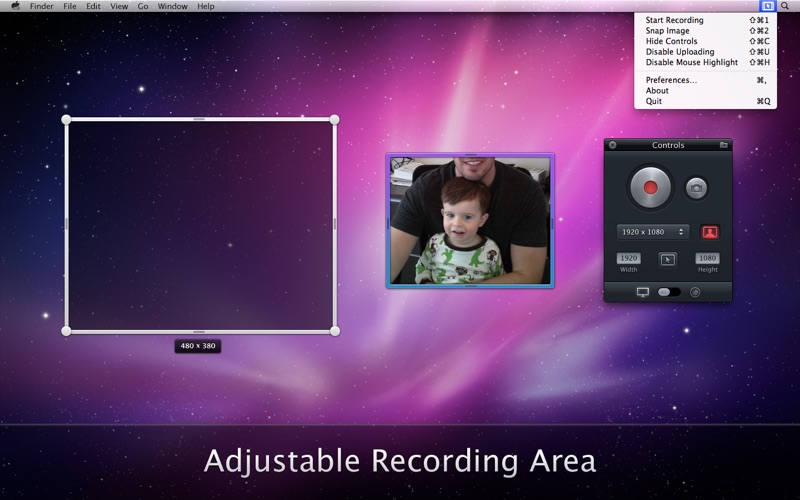
Screeny makes screen capturing easy and gives you the freedom to capture your videos or images at any size. You can click & drag to resize the capture area or input the exact pixel dimensions to set to the size of the capture area. All the while you will get instant feedback on the capture area's current pixel dimensions.
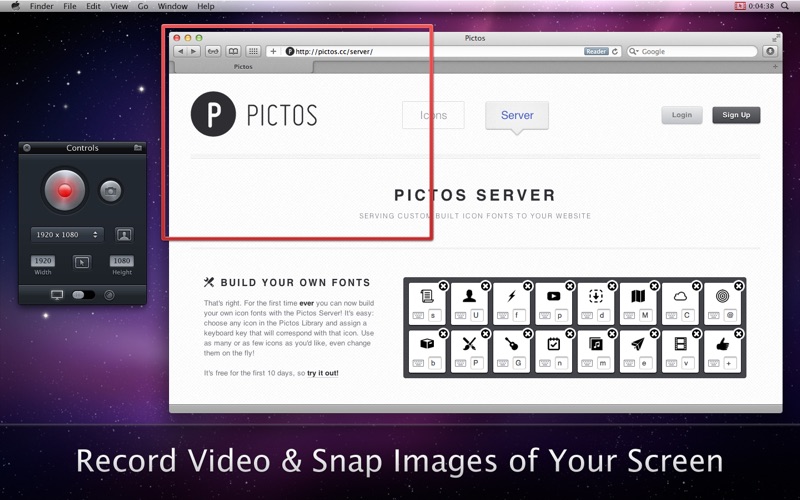
Screen casting just got a billion times better with Screeny. Now you can capture a specific portion of your screen, rather than having to record your entire desktop. This can drastically reduce video file size and bring focus to a specific portion of your screen. You can even include a video feed from your web-cam inside of your screen cast!
NOTE: Screeny ONLY works in OS X Lion (10.7) and higher.
FILE STORAGE:
- Images are stored in your 'Pictures' folder, in a folder named 'Screeny'.
- Videos are stored in your 'Movies' folder, in a folder named 'Screeny'.
FEATURES:
• Record Video & Snap Images of your screen at any size, and with your built-in or external web-cam!
- Capture any portion of your screen by dragging, expanding and moving the capture canvas to any size.
- Include a video feed from your built-in or external web-cam inside your screen capture.
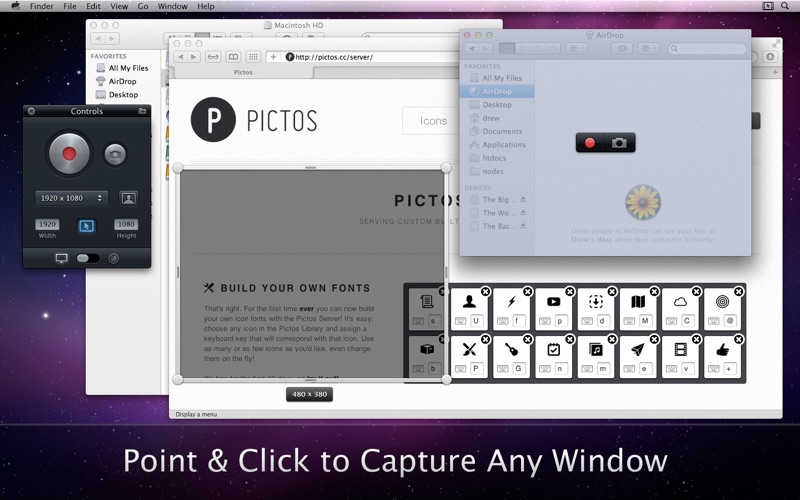
- Click to capture any specific window on your computer.
- Optionally have a mouse highlight animation triggered whenever you click your mouse while recording your screen.
• Cloud App support.
- Optionally have Images & Video automatically uploaded to your Cloud App account!
- Optionally compress videos in the highest quality H.264 before uploading to Cloud App to save on file size.
- View upload & compression progress for Cloud App uploads in the Menu Bar drop down.
• Videos are always saved down at highest possible quality and can be exported for web, etc. using Quicktime.
• Multiple Video Frame Rates.
- Record in 60, 30, 25, 24, 20, or 15 Frames Per Second.
- Lower frame rates improve recording quality for slower machines, or when not much CPU power is available at the time of recording.
• Optionally capture Audio from your computer's microphone when recording video.
• Optionally capture System Audio.
- Requires a 3rd party plugin.
- Instructions on the Screeny Support site.
• Customizable keyboard shortcuts for all recording actions and other preferences.
• Set your recording canvas size by entering a specific pixel dimension or by choosing some handy pre-set dimensions or by clicking, dragging & expanding the recording canvas.
• Screeny is a Menu Bar app and a very simple & powerful tool.
Quoi de neuf dans la dernière version ?
• Fixed bugs that prevented certain computers from being able to stop recording.
• Added support for Droplr file sharing.
• Added retina support.
• Other small bug fixes.