Text Expansion Pro
macOS / Productivité
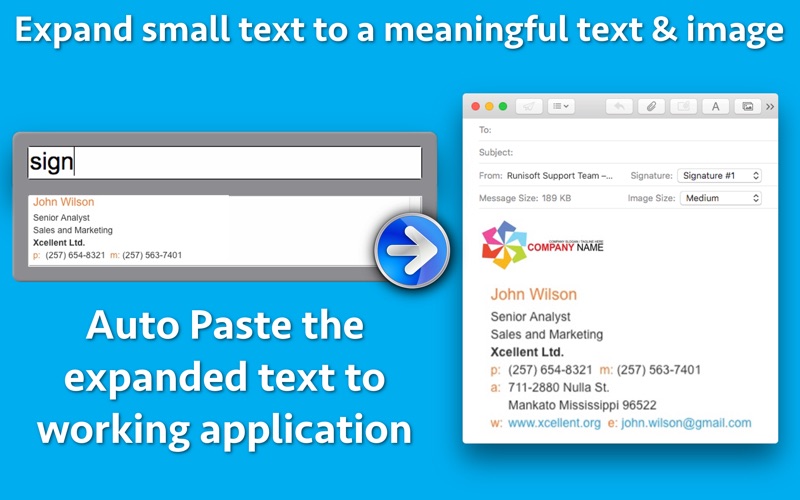
** The application supports Auto Paste, Images and text formatting.When you search for the abbreviation, the expanded text will automatically be pasted into the application in which you are working. You can even expand the abbreviation into Images and auto paste it into the application in which you are working.**
Ever got tired of typing out phrases you frequently use? Use this application & save a lot of time by assigning the shortcuts to your frequently used texts & images.
For example : You could assign "adr" shortcut for the home address. Now, wherever you need to fill out the home address, just open the app from menubar and type "adr". When a match is found, the application will automatically paste the expanded home address into the application in which you are working.(Menubar is present at the top where you see time.)
Similarly, you could assign "sig" for email signatures and use the expanded signature in the emails.The application supports images also for signatures.
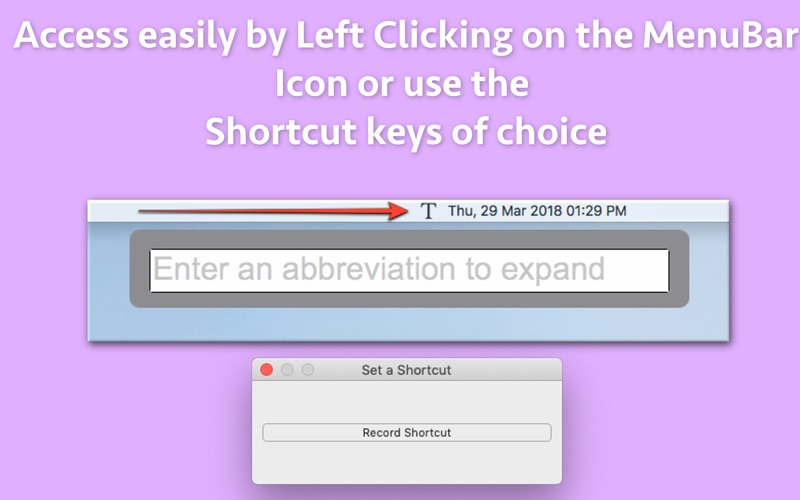
**Launch directly using Shortcut Keys : You could assign the shortcut keys of choice to launch the abbreviation window directly.For example : You could set CMD +1 to launch the abbreviation window.
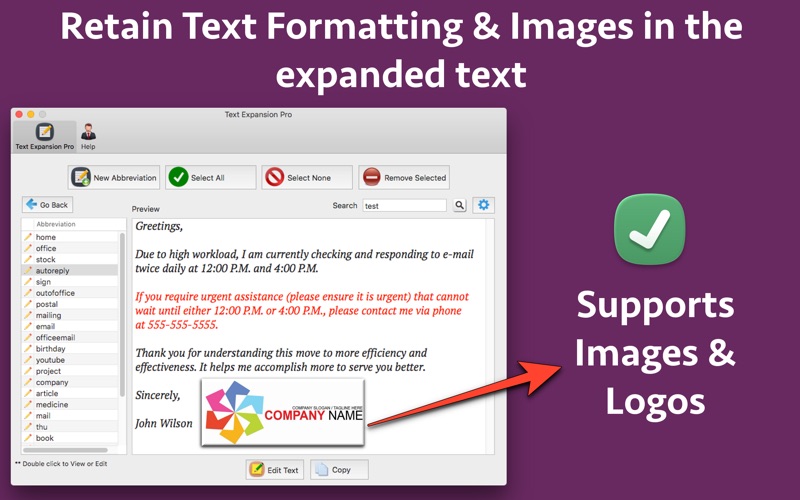
** Support for Images : You could insert images by dragging and dropping them in the application.You could also copy the edited images from the Preview application of Mac and paste them directly inside the application. (While inserting or updating a record.)
You could launch the abbreviation window directly by Left Clicking the Menubar icon.After this, enter the
abbreviation.The expanded texts will also be automatically be copied to the application in which you are working.
The application preserves the text formatting & colours as well. For example : If certain part of a text is in Bold, the application will retain the Bold format.This could be very helpful where formatting information is supposed to be retained. e.g. in the email signatures
Text suggestions : When we have too many text abbreviations (or shortcuts) , it becomes difficult to remember all of them. The application helps here as well by suggesting text abbreviations as you type them in the menubar application.
For example : If you type "Sig" , the application will automatically suggest Sign, Sign-office, sign-home, sign-personal . You could select the appropriate abbreviation from the drop down box and the application will auto paste it into the application in which you are working.
The application also provides the search functionality. Using the main interface of the application, you could search within the abbreviation or the expanded text as well to find out the exact text.
Quoi de neuf dans la dernière version ?
- Now the custom shortcut keys could be set up to launch the abbreviation window. In order to setup the Shortcut keys, please right click on the Menubar icon of the application and tap on "Set a shortcut key". For example : You could set CMD +1 to launch the abbreviation window.
In case of any issue or questions, please write to us on support@runsioft.com