Ethernet Menu
macOS / Utilitaires
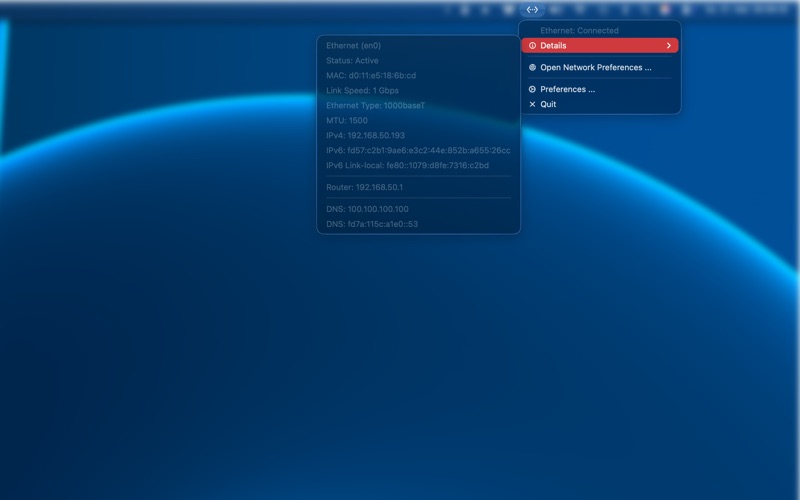
The missing Ethernet indicator for the macOS menu bar is here.
Ethernet Menubar runs quietly in the background and shows your current Ethernet connection status at a glance.
Features:
- Shows the current Ethernet status: connected, disconnected, or connection issues
- Optional push notifications when the network status changes
- Runs silently in the background like a native menu bar indicator
- Minimal energy usage
- Optional launch at startup
- No ads, no in app purchases
Quoi de neuf dans la dernière version ?
- Improved Ethernet status detection for more reliable and accurate network state updates.
- Added new Ethernet statuses:
* Cable connected, inactive
* Cable connected, no IP address
* Ethernet available, not primary
* Self-assigned IP
* DNS unavailable
- Added new status icons for the expanded status set and recreated the existing ones.
- Redesigned notification and sound settings for better clarity:
* Notification and sound toggles are now shown together per status.
* Advanced statuses are grouped under an expandable “Advanced” section.
* Double clicking a status label toggles both notification and sound for that status.