FavoriteApps
macOS / Utilitaires
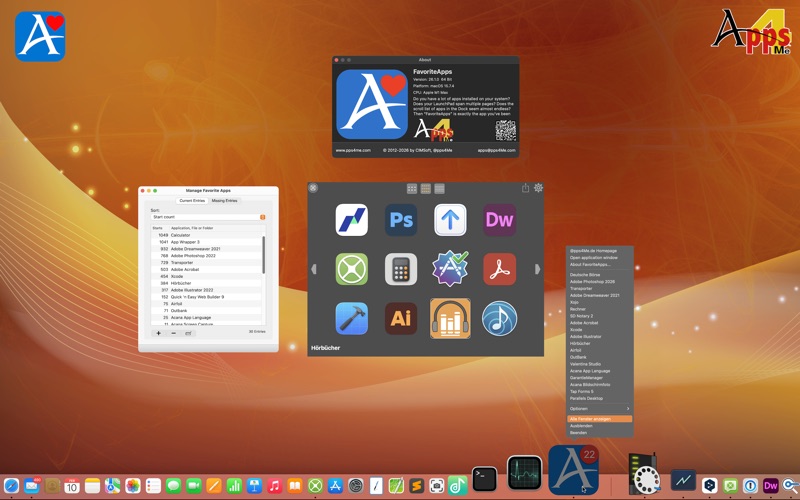
Do you have a lot of apps installed on your system? Does your LaunchPad span multiple pages? Does the scroll list of apps in the Dock seem almost endless? Then “FavoriteApps” is exactly the app you’ve been waiting for. Create a favorites list with the most important apps you need for your daily work. Simply drag and drop programs into “FavoriteApps.” Sort your favorites list automatically by name. Or use the smart sorting feature, which sorts your favorites list by how often you use each program.
TIP:
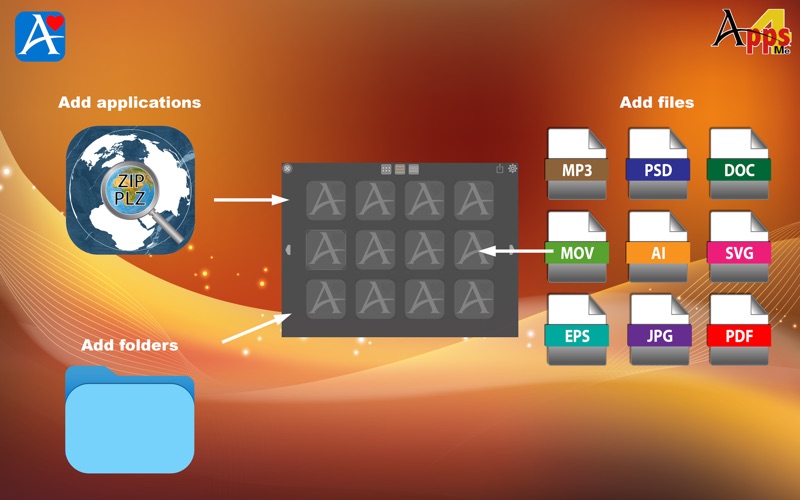
«FavoriteApps» isn't just for apps. You can also drag any file (or folder) you use frequently into the “FavoriteApps” window, giving you quick access to your documents.
Features:
• Sort by application name, file name, folder name
• Smart sorting by frequency of use
• Drag and drop application
• Drag and drop any type of file or a directory
• Access favorites via the Dock menu or a graphical selection
• Grid overview in the following sizes
• 3 x 2 grid
• 4 x 3 grid
• 8 x 4 grid
• Switch directly from one grid size to another
• For all entries in the overview, you can open a preview by pressing the spacebar
Quoi de neuf dans la dernière version ?
New Features and Changes
• If the sort order is changed while the overview is open, it is updated immediately
• New overview in the following sizes
• 3 x 2 grid
• 4 x 3 grid
• 8 x 4 grid
• Switch directly from one grid size to another
• For all entries in the overview, you can view a preview by pressing the spacebar
• The application now supports the following additional languages
• Danish
• Dutch
• Portuguese
Improvements
• The sort order is now also applied in the overview
• Various minor improvements