Good Timer
macOS / Utilitaires
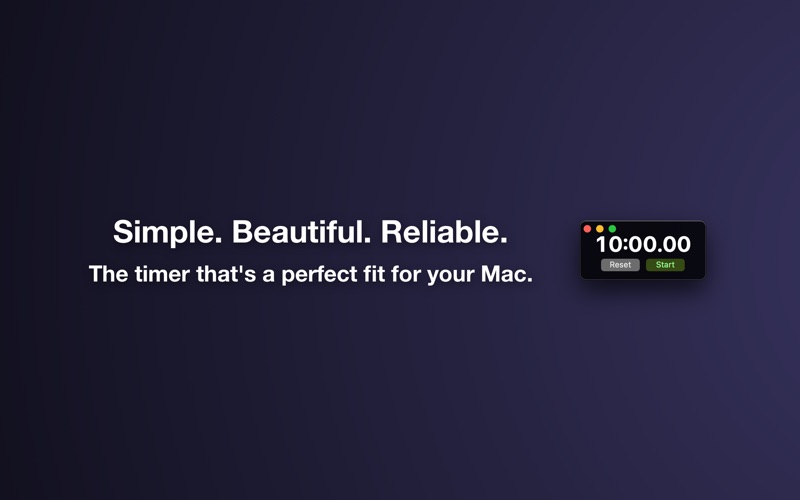
Good Timer is the simple, beautiful, and reliable countdown timer app that's designed to look right at home on your Mac. If you want a stopwatch instead of a countdown timer then see the companion app Good Stopwatch.
Features
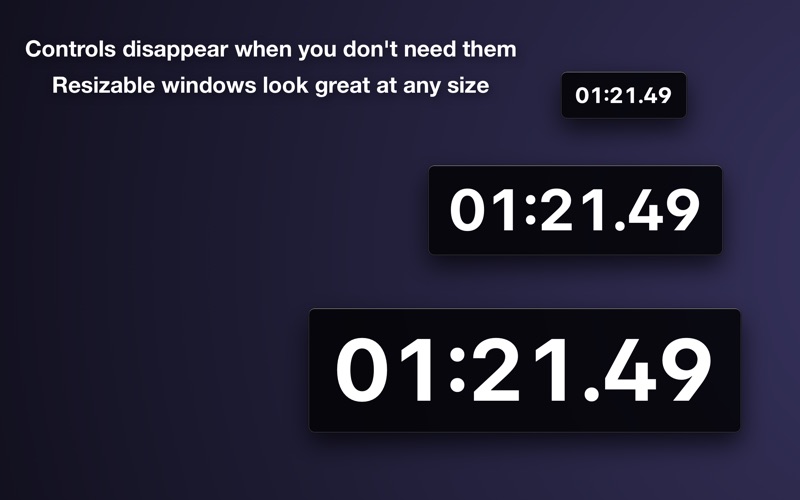
• The window is resizable and the layout looks great at any size
• Controls disappear out of the way when you don't need them and then reappear when you move your pointer over the window
• Keyboard controls: 'S' to start or stop, and 'R' to reset
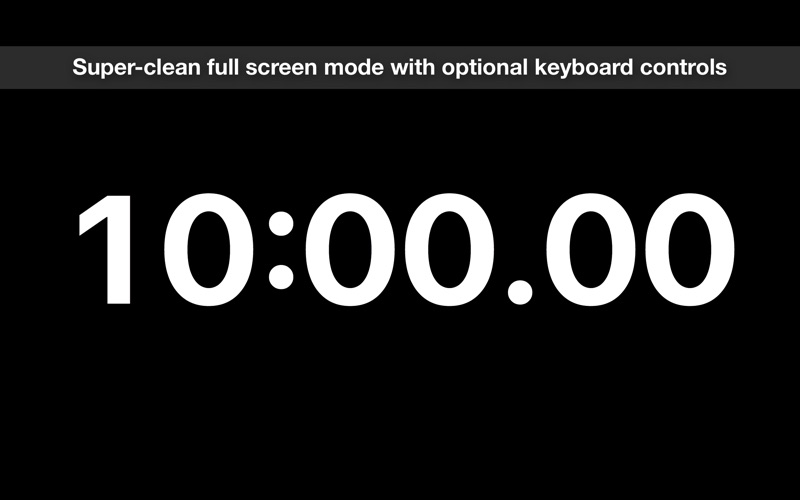
• Full screen mode, and you can click the background to hide the controls and pointer and use the keyboard controls for a completely clean look suitable for presenting to other people
• Choose whether the smallest time unit shown is seconds or hundredths of a second
• An option to make the window float on top of other windows so it's always visible
• When the window is minimized the thumbnail icon in your Dock continues to update every second
• Create as many windows as you like to time multiple things simultaneously
• The timer durations you've used recently are saved in the menu and easily re-used
• The app can optionally show a notification when the timer completes with a reset button that stops the alarm
• Options to have the alarm sound play repeatedly, just once, or not at all
• Enter your desired time easily just by typing, with intuitive shortcuts. For example, "5" means 5 minutes, ":30" means 30 seconds, and "2h" means 2 hours
If you have any problems, questions, bug reports, or feature requests please email jon@neverdontplay.com. I aim to answer all support emails in one working day or less.
Quoi de neuf dans la dernière version ?
• Updated for macOS Big Sur, including an app icon that fits in with the new design conventions.
• Runs natively on new Macs powered by the Apple M1 chip.
• Added option to show milliseconds.
• Made the app understand times with an "s" suffix at the end to indicate seconds. So now you can enter times like "45s" or "1m30s".
• Added support for using decimals for hours and minutes, so now you can enter times like "1.5h" or "22.2m".