GigBag Song Setlist Manager
iOS Universel / Musique
GigBag – Your Live Performance Companion
Musicians, meet your ultimate gig assistant.
From building your song library to crafting show-stopping setlists, GigBag keeps you organized, prepared, and performance-ready. Designed by musicians, for musicians, it’s the all-in-one app that makes playing live effortless.
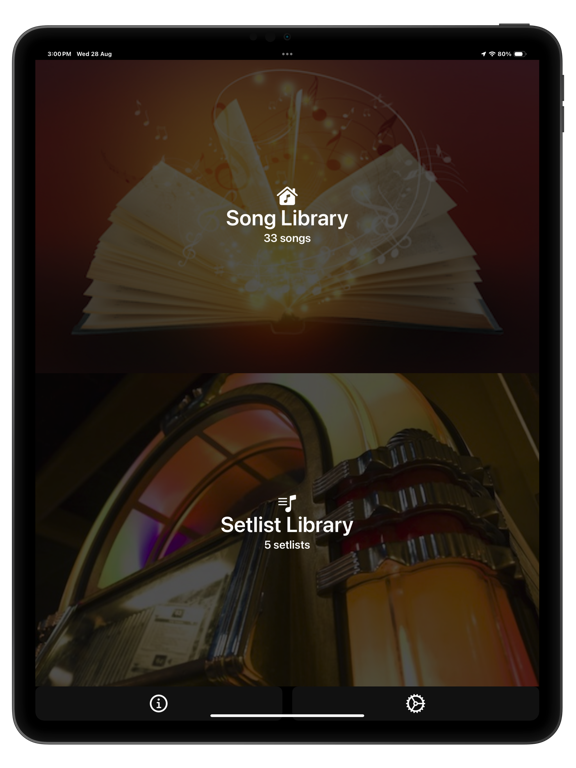
Two Powerful Modes – Song & Setlist
Switch seamlessly between Song mode for library management and Setlist mode for performing, rehearsing, or auditioning your songs.
Build Your Song Library in Minutes
• Lyrics & Chords: Quickly paste from online sources with smart web search
• PDF Import & Scan: Add sheet music from iCloud or your device camera
• Apple Music Integration: Automatically import song details and artwork; play along with autoscrolling lyrics and chords - great for rehearsing.
Perform Like a Pro
• Dynamic Setlists: Select, reorder, and play songs effortlessly with autoscrolling lyrics
• MIDI Support: Control your setlist hands-free
• Edit, Audition, Play: Switch modes instantly for full flexibility
Why Musicians Love GigBag
• Streamlined setlist management saves time and stress
• Keep lyrics, chords, PDFs, and tracks all in one place
• Focus on your performance—not your prep
Download the free demo to explore GigBag (with limitations)
Upgrade anytime to access the full feature set — including MIDI — with your choice of a one-time Lifetime purchase or a Monthly/Yearly subscription, both offering a full-feature free trial.
Learn more - watch the short GigBag video intro;
https://www.gigbag.app/faq
Privacy Policy & Terms: www.gigbag.app/privacy-policy
Quoi de neuf dans la dernière version ?
You spoke — we listened! Here’s what’s new:
• Editing a song from a setlist just got faster: swipe left to right in the Setlist Select screen to jump straight to Song edit mode.
• If a song has no text (like a PDF-only song), Tuning and Play screens now stay disabled — keeping things tidy.
• Tap the Song text field for an expanded Song text edit area
• The “Prompt” field got a visual upgrade for easier reading and editing.