Multiband
iOS Universel / Musique
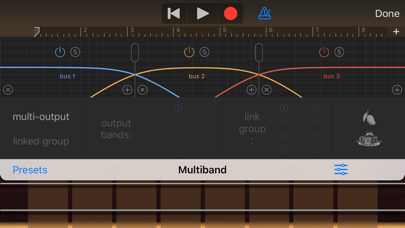
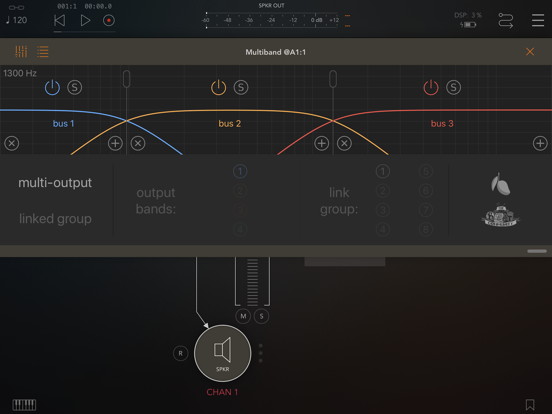
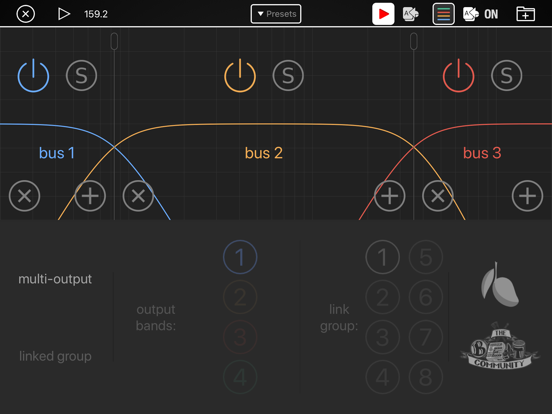
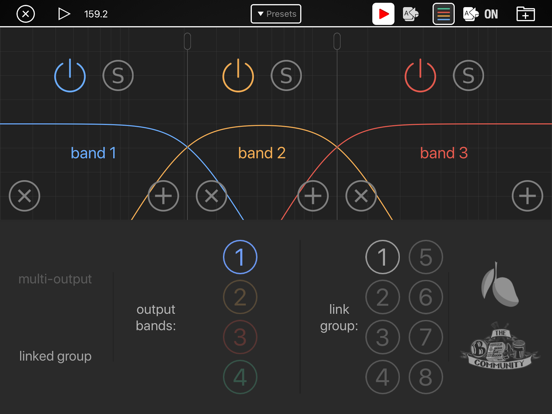
Multiband splits an audio signal into separate channels: one for each of up to four frequency bands. It is useful for doing multiband processing using effects plugins that were not designed for multiband processing. For example, you could do multiband compression using two different compressor plugins, one for bass and a different one for treble frequencies. Or you could process a chorus or flanger effect on the midrange frequencies only, leaving the bass and treble clean.
This plugin has two modes of operation: Multi-output and Link Group
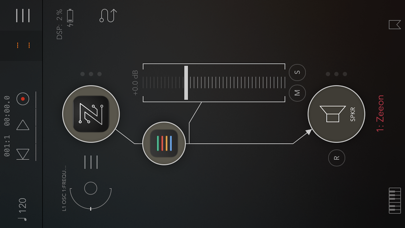
In Multi-output mode, the app takes a single channel of input and splits it into multiple output channels.
Link group mode is a fallback support mode for DAW apps that don't support multi-output audio units. In Link group mode you duplicate the input track several times, once for each frequency band. Then the plugin filters out all but the selected bands on each of your duplicate tracks so that each track contains just one frequency band. It's called "Link Group" because when you duplicate the plugin across two or more tracks you can link the instances together across tracks so that the controls that set the transition frequencies between bands automatically synchronise between all the tracks in the group.
HOW IS LINK GROUP MODE DIFFERENT FROM USING HIGHPASS AND LOWPASS FILTERS IN AN ORDINARY EQ TO SEPARATE THE BANDS?
Whenever you play two copies of the same track simultaneously you must pay attention to phase alignment. For example, if you copy a track and invert the phase on one copy then the two copies will cancel each other out and you'll get no sound at all. Similarly, if you duplicate a track and process filters separately on each copy, when you combine the two copies back together you will usually get phase interaction at certain frequencies, causing some frequency ranges to be boosted and others attenuated. To avoid this, you would need to use crossover filters that are designed to preserve the phase relationships between each of the bands. The UI of this plugin makes it look like each band is created with a single lowpass and highpass filter pair but that is not the case. In addition to the lowpass and highpass filters we also need several phase compensation filters. Although that could be done with an ordinary EQ plugin it would be quite complicated to configure and test to ensure that no unwanted phase cancellation occurs.
WHAT FILTERS DOES THIS APP USE?
They are second-order Linkwitz-Riley IIR crossover filters. We use IIR filters to so that when you use many of our plugins in series for real-time performance you don't add audible latency to the signal.
ABOUT THE BEAT COMMUNITY
We designed this app in collaboration with mr. Ali Ahmet who manages the Beat Community group on facebook. The beat community is a forum for discussion of topics related to mobile music production. It often features special promotions and app give-aways and it's curated so that the forum stays on topic and doesn't get spammed with advertisements.
Beat community facebook group: https://www.facebook.com/groups/1504577553125121/