
• KultureGeek
  • Comparateur de prix
       
iPhoneAddict
 iAddictv5Notre Application iPhone/iPad
  • Accueil Apps
  • Actualité Apple
  • Keynote Apple
  • Firmwares & iTunes
  • Contactez-nous
Accueil » Liste des Apps » Apps Universelles » Musique » Wremote Control
1.2 iOS €1,99€ David Engelhardt 0 0 Hands full? Wremote is a utility app for Apple Watch that allows you to remotely control your music. With just a flick of your wrist, you can skip to the next song or previous song. Wremote is super convenient for situations where you can't press...
Wremote Control

Wremote Control

iOS Universel / Musique

1,99€
Acheter sur l'App Store

Hands full? Wremote is a utility app for Apple Watch that allows you to remotely control your music. With just a flick of your wrist, you can skip to the next song or previous song.

Wremote is super convenient for situations where you can't press buttons, e.g. while washing dishes or driving, plus many more scenarios.

Download and try it out today!

En voir plus...

Quoi de neuf dans la dernière version ?

Updates and bug fixes
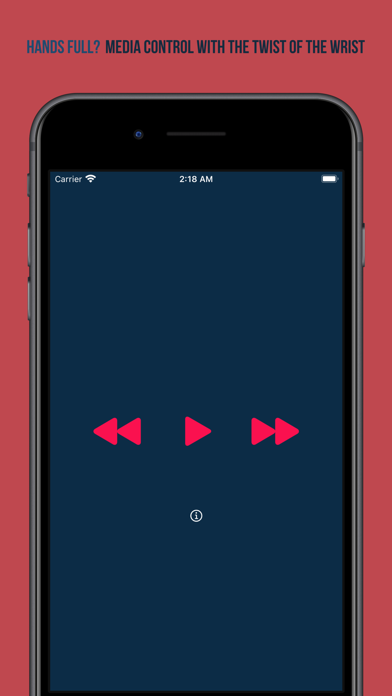
  • Screenshot #4 pour Wremote Control

D'autres applications du développeur

Skeedometer
Skeedometer
/ iOS Universel
Picselate
Picselate
/ iOS Universel
Eclipse Times
Eclipse Times
/ iOS Universel

Note

(0 note)

Détails sur l'application

Version
1.2
Taille
22 Mo
Version minimum d'iOS
12
Dernière mise à jour
10/02/2025
Publié par
David Engelhardt

Newsletter App Store

Recevez chaque jour les meilleures promos

Actualité Apple

Image L’iPhone 17 Pro Max écrase la concurrence sur l’autonomie malgré une batterie standard
L’iPhone 17 Pro Max écrase la concurrence sur l’autonomie malgré une batterie standard
Image Les puces M5 Max et M5 Ultra d’Apple se dévoilent avec iOS 16.3
Les puces M5 Max et M5 Ultra d’Apple se dévoilent avec iOS 16.3
Image Release candidate pour iOS 26.3, macOS 26.3, watchOS 26.3, tvOS 26.3 et visionOS 26.3
Release candidate pour iOS 26.3, macOS 26.3, watchOS 26.3, tvOS 26.3 et visionOS 26.3
Image Studio Display 2 : 90 Hz et non 120 Hz pour l’écran d’Apple ?
Studio Display 2 : 90 Hz et non 120 Hz pour l’écran d’Apple ?
Partenaires : Actualité iPhone - Culture Geek
©2009-2026 i2CMedia | A propos |