aprs.fi
iOS Universel / Navigation
An additional in-app subscription is needed for some features, so please read this application description fully before purchasing.
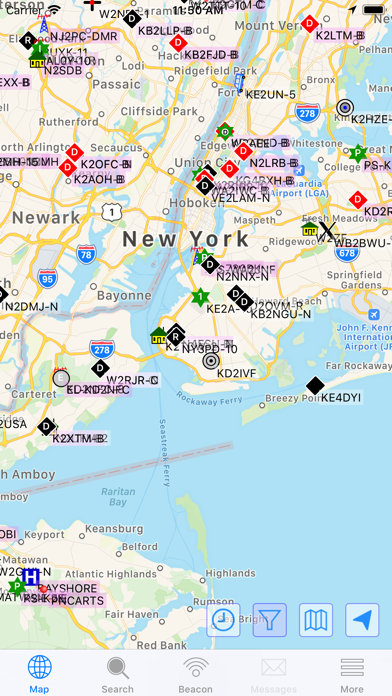
Navigate to addresses with clear step-by-step instructions. Obtain immediate, real-time access to current APRS position information, weather reports, telemetry graphs, and more. Zoom and browse around the world and see stations immediately – no waiting.
• Route guidance / driving directions
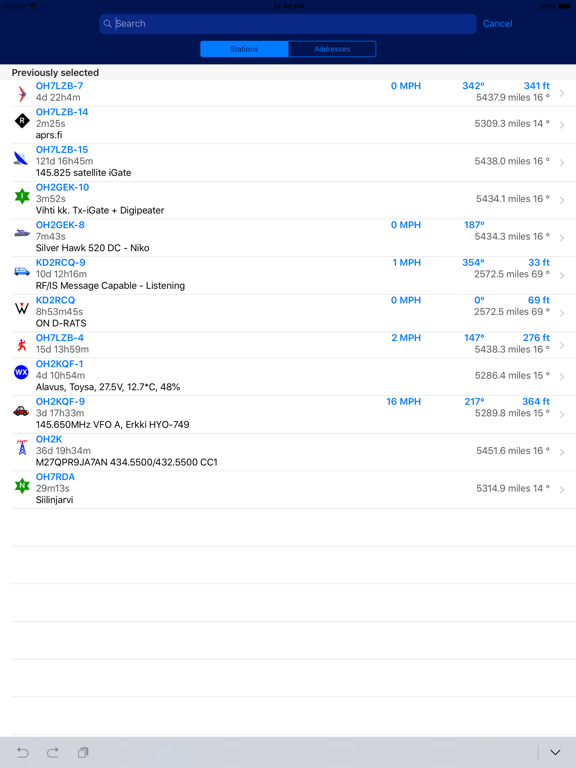
• Search callsigns and addresses, with quick search-as-you-type and search history features
• Track multiple stations at the same time
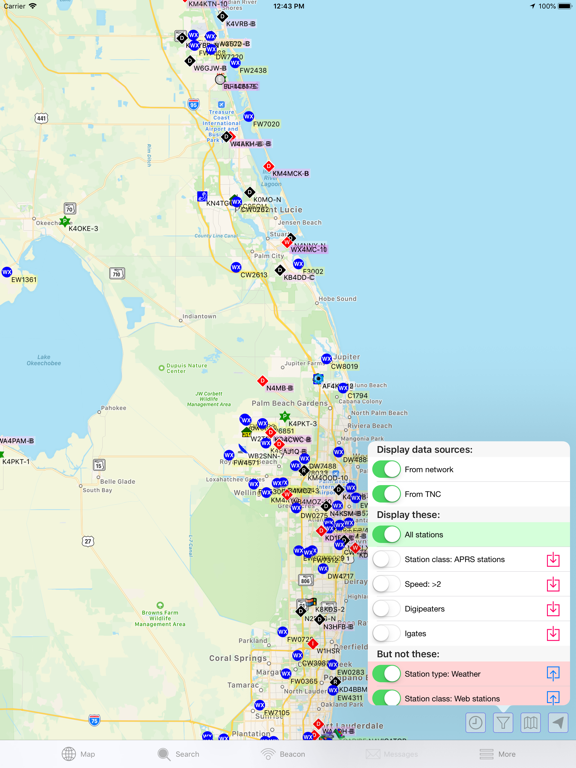
• Filter information shown on the map (weather stations, AIS, custom filters)
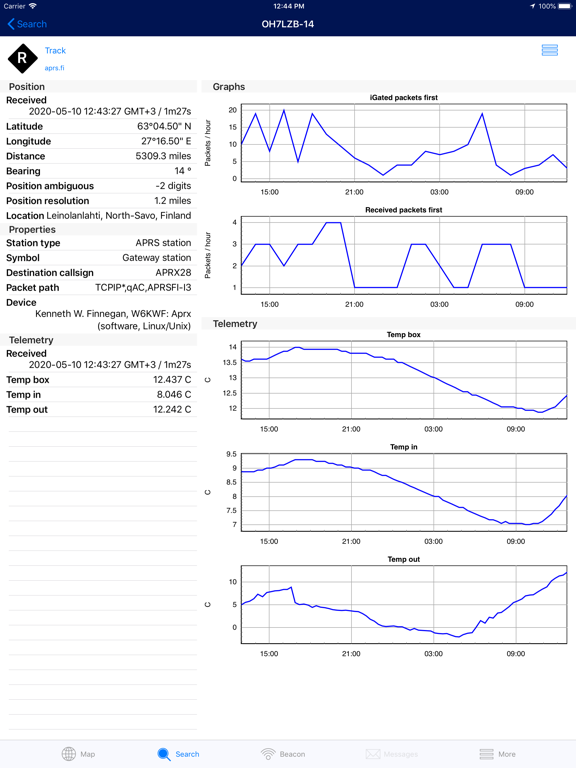
• View weather, telemetry and statistic graphs
• Beacon your position on aprs.fi
• Attach to a transceiver with a wireless connection to a BLE TNC, receive and transmit position beacons without the Internet
• Runs directly on top of the reliable and fast aprs.fi database
• Tested to work great on all currently-supported iPhone and iPad models
• Supports iOS 14/15/16/17/18/26
• Dark Mode support for an ergonomic viewing experience in low-light environments
• High-resolution graphics for Retina and Retina HD displays with full APRS symbol set
Buy the app – get the web site for free!
Some new features require a subscription. All old and some new features will be available without a subscription fee. These features are currently included in the Extra Features subscription package:
• APRS text messaging with a modern instant messenger-like experience, supports international text and emojis
• High-performance software DSP modem
• APRS-IS beaconing, with up to 10 callsign profiles
• Offline maps
• RX iGate functionality
• Long time ranges in map and graph views
Note: Continued use of GPS running in the background can dramatically decrease battery life.
GPS is not required for viewing APRS information.
Terms of service:
https://aprs.fi/page/app_terms
Privacy policy:
https://aprs.fi/page/app_privacy
Quoi de neuf dans la dernière version ?
• Offline maps! This is an Extra Feature, requiring a subscription.