DriveBud
iPhone / Navigation
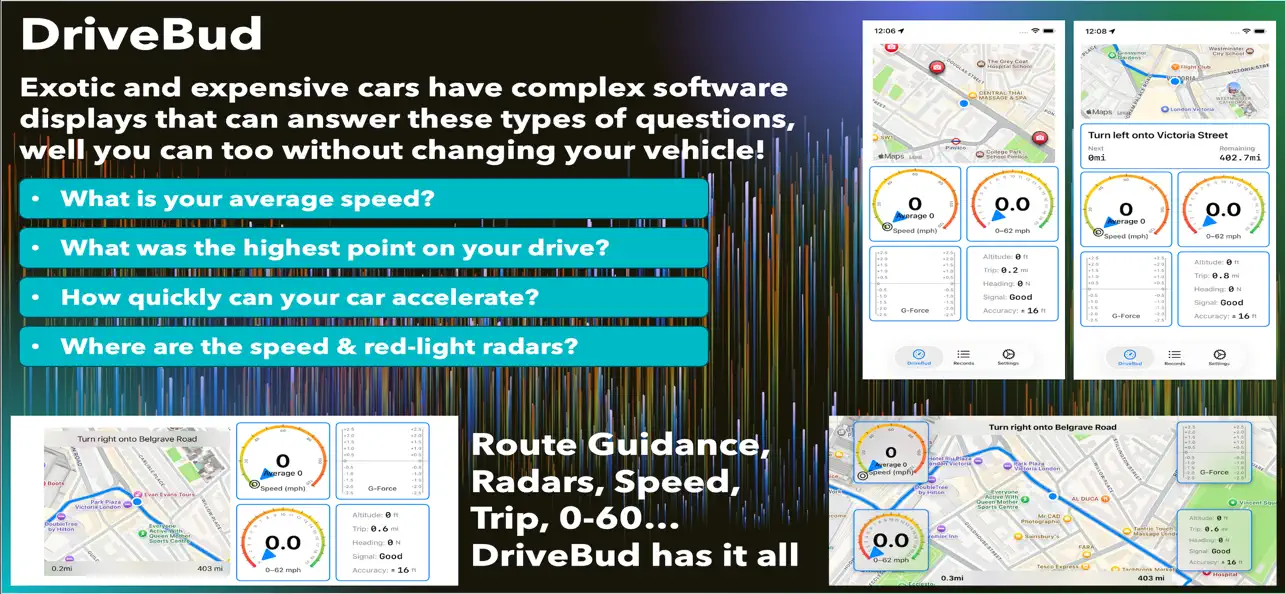
What is your average speed? What was the highest point on your drive? How quickly can your car accelerate? Where are the speed and red light radars/cameras in my vicinity (GB, ES, FR, and IE)?
Exotic and expensive cars have complex software displays that can answer these types of questions, well you can too without changing your vehicle!
Measure your 0-60mph and acceleration times with accuracy. Track your average speed as you drive. Gauge G-Forces that you experience. See your trip computer, altitude, and heading. Navigate in a simple way. Track all your driving records in one screen.
Please drive safely and always wear a seatbelt. Don't break the law.
Quoi de neuf dans la dernière version ?
- Added route alerts for radars when navigation is enabled
- Added vicinity alerts for broader radar alerts
- Added support for Ireland (IE) to the radar downloads section
- Added a new zoom level to allow further zooming out of map when driving
- Bug and performance smoothness!