Tri Dist
iOS Universel / Navigation
*** FREE for a limited time! Download now ***
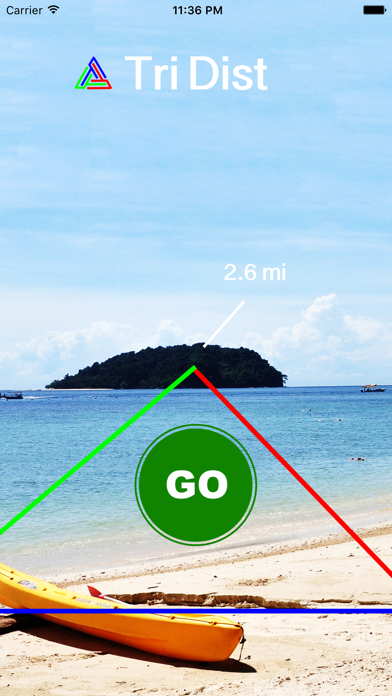
Ever wondered how far away an object was from you, and needed a clever tool to measure your distance to it? Introducing TriDist™, developed to quench your distance-related anxieties.
The main advantage that TriDist™ has over typical line-drawing-on-map applications is that TriDist™ can discover distances to objects that are not visible through the eyes of Apple and Google maps' satellites. Even if the object is visible in those maps, it is quicker to use the point and shoot technique of TriDist™ rather than have to manually locate the object within blurry satellite images.
TriDist™ has various real world applications, including for:
- water adventurers: how far away is that boat or buoy from me?
- hikers: how far is that boulder, mountain peak, or water tower from me?
- farmers: how far is my tractor, or the end of this row of plants from me?
- concert-goers: how far is that other stage from me?
- mail-getters: how far away is my mailbox from my door?
- sight-seers: how far away am I from the next attraction?
- and many more!
How does it work?
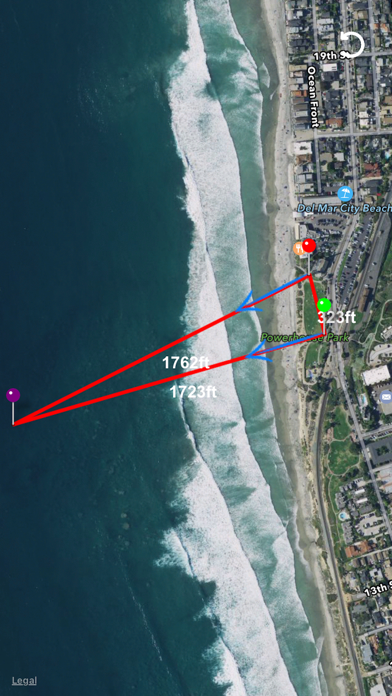
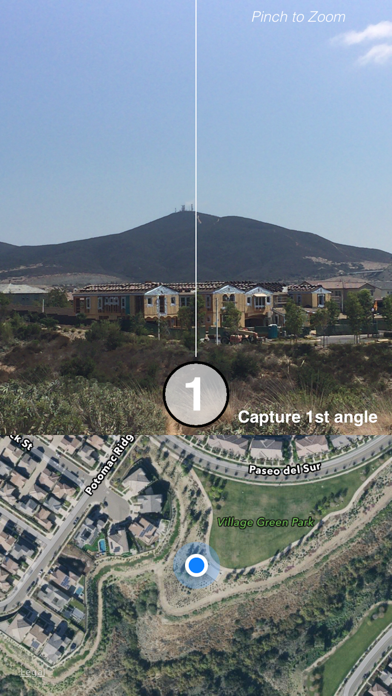
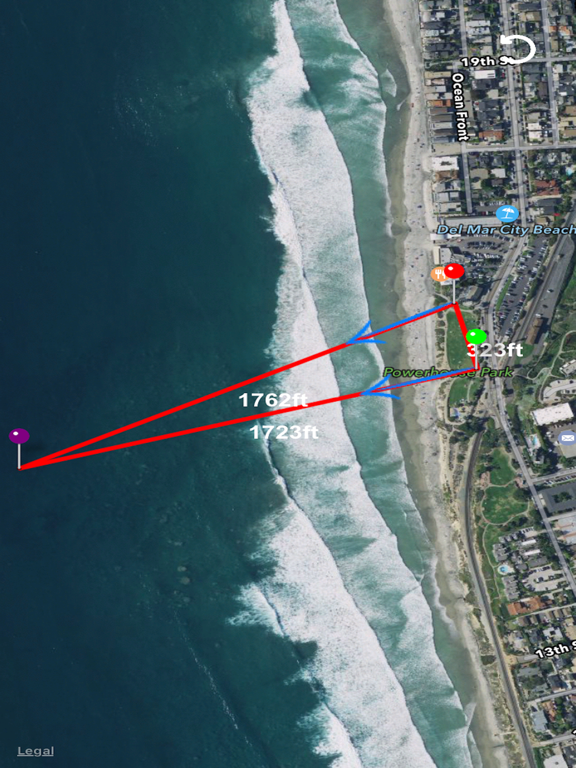
TriDist™ has an intuitive interface that guides you as you find the distance to your object. First, it asks you to align the camera with the object and press on the "1" button. Next, it requires that you walk at least 15 meters (50 feet) away, and again point your camera at the object and press on the "2" button to capture again. Afterwards, TriDist™ uses its own complex algorithms and calculates the distances between all 3 points as well as draws the intersection of where the object should be on an interactive map.
Quoi de neuf dans la dernière version ?
This app has been updated by Apple to display the Apple Watch app icon.
- Added iPad support and functionality
- Improved and renewed graphics
- Live instructions
- Option to delete first measurement
- Other minor bug fixes