AnimateAPhoto
iOS Universel / Photo et vidéo
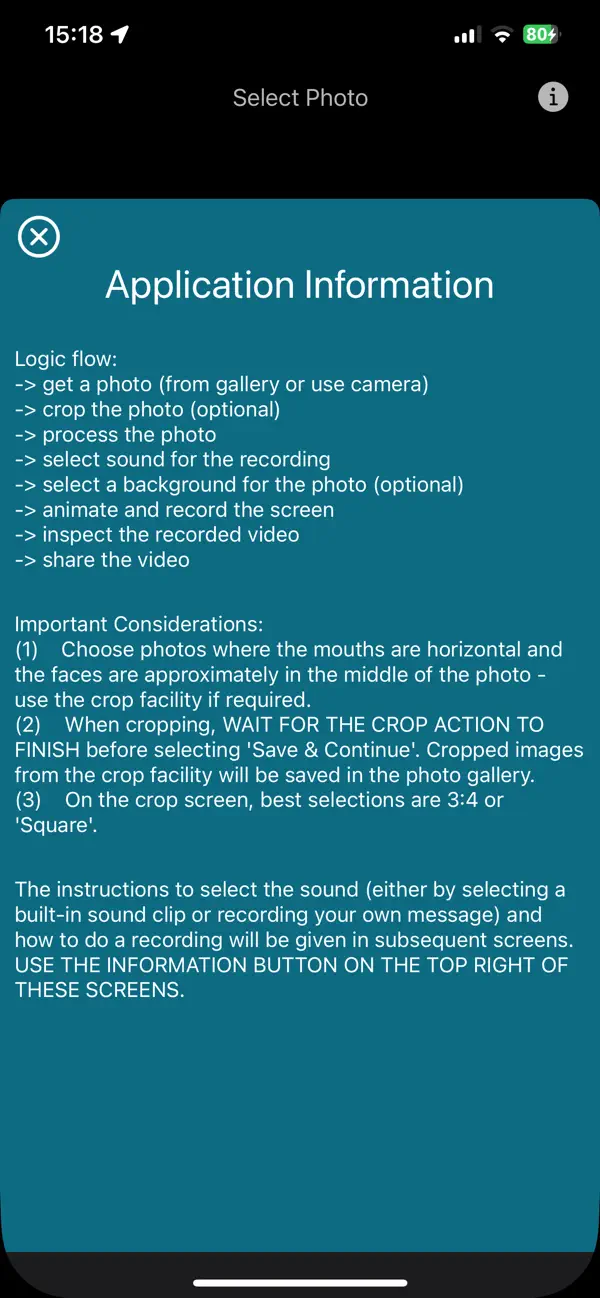
Animate a photo with the following steps:
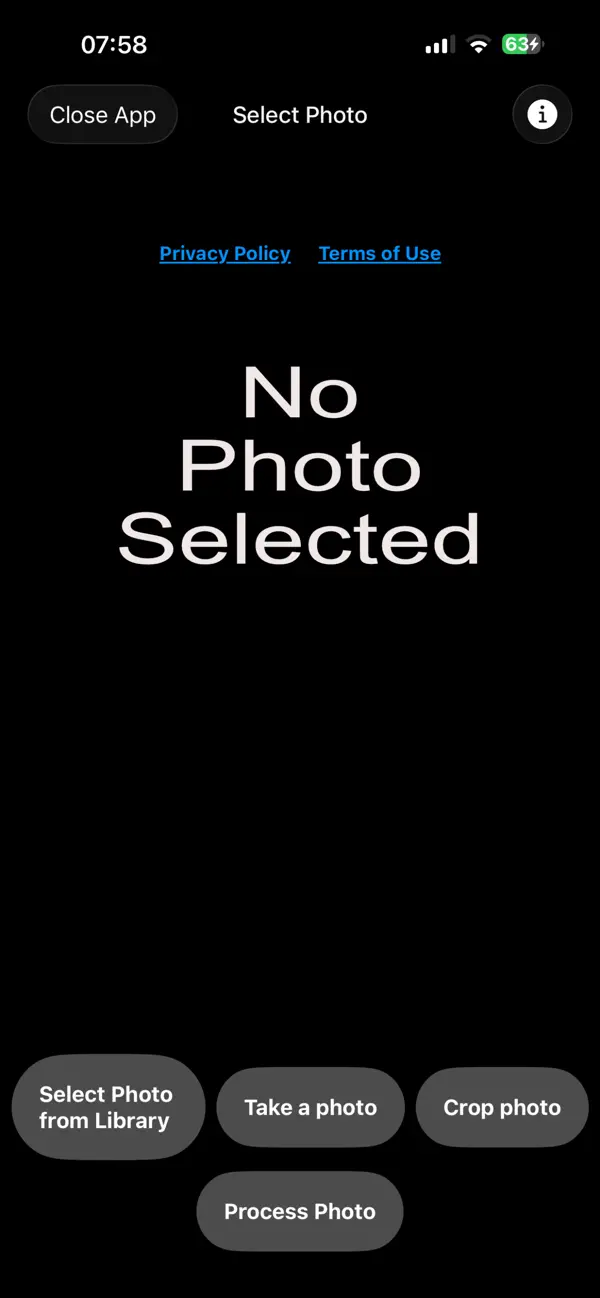
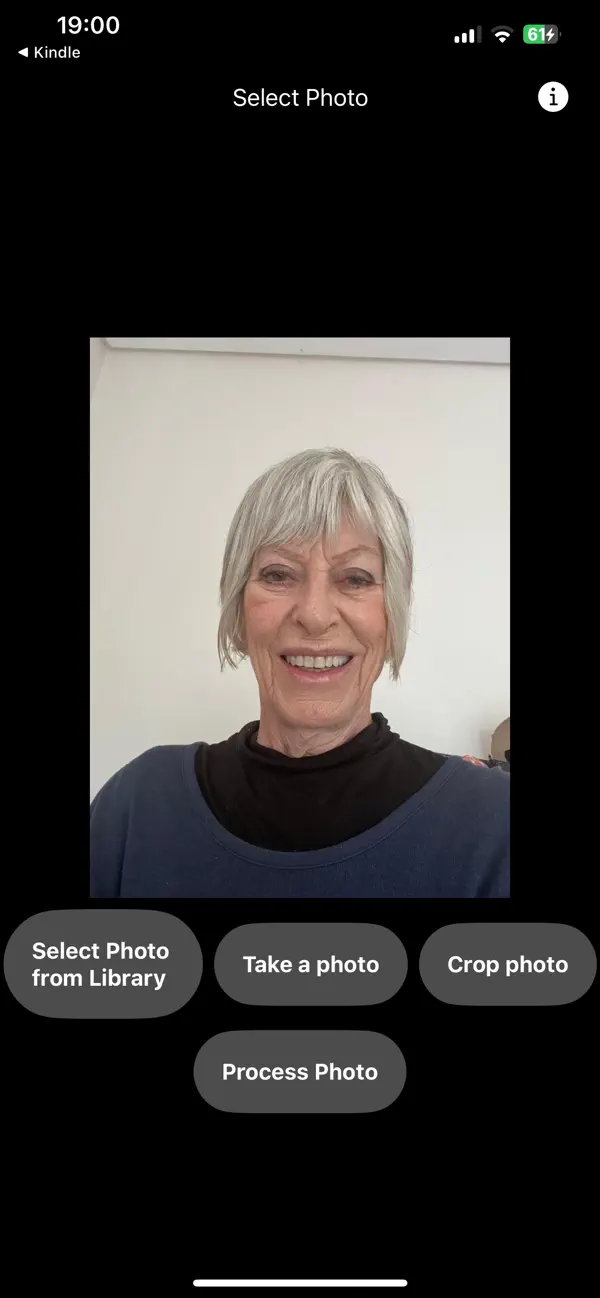
1) Choose a photo from the photo gallery or take a photo with the camera;
2) Optional crop of the photo;
3) Process the photo to get the outline of the mouth and body contour in order to do the animation. NOTE: The mouth and body outline is only used in the animation and these shapes are not stored in the app, but is only used for the animation and is not shared with any third party. See the top section of the privacy policy for these details;
4) Change the photo background;
5) Choose the sound for the animation video - either by recording your own voice clip or by selecting from local sound clips;
6) Start the animation recording;
7) Inspect the recorded video and if satisfactory save it to the photo gallery or share the video on social media.
Quoi de neuf dans la dernière version ?
App video included in screenshots.