ImageResize
iOS Universel / Photo et vidéo
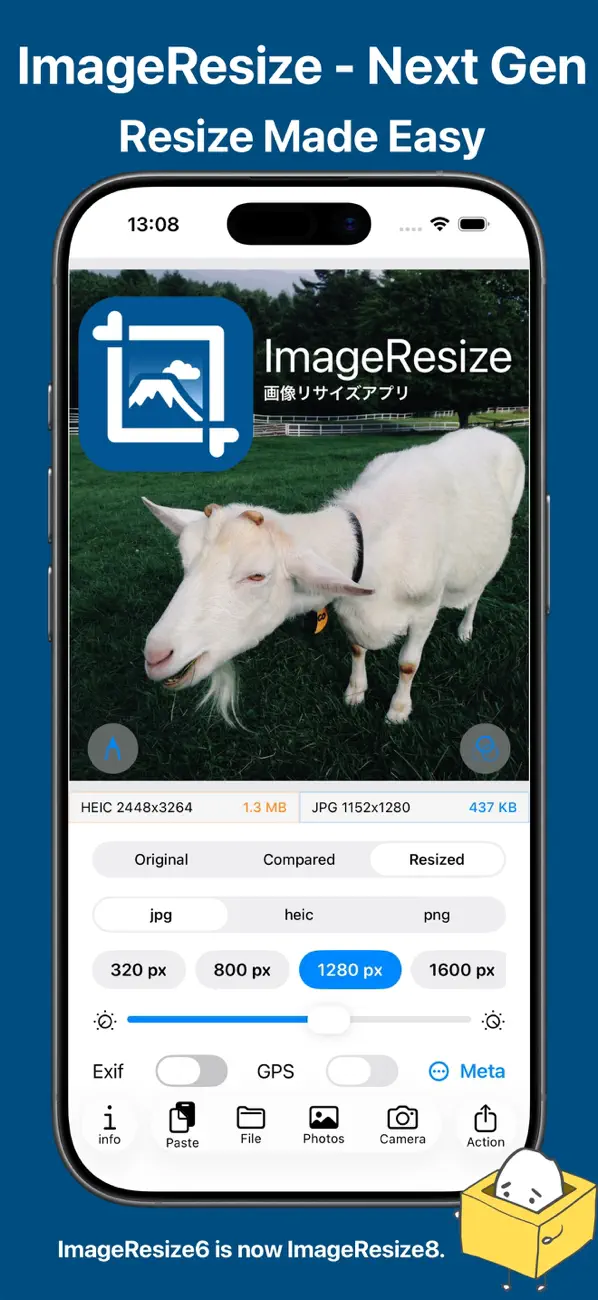
Accurate and effortless. The next generation of ImageResize.
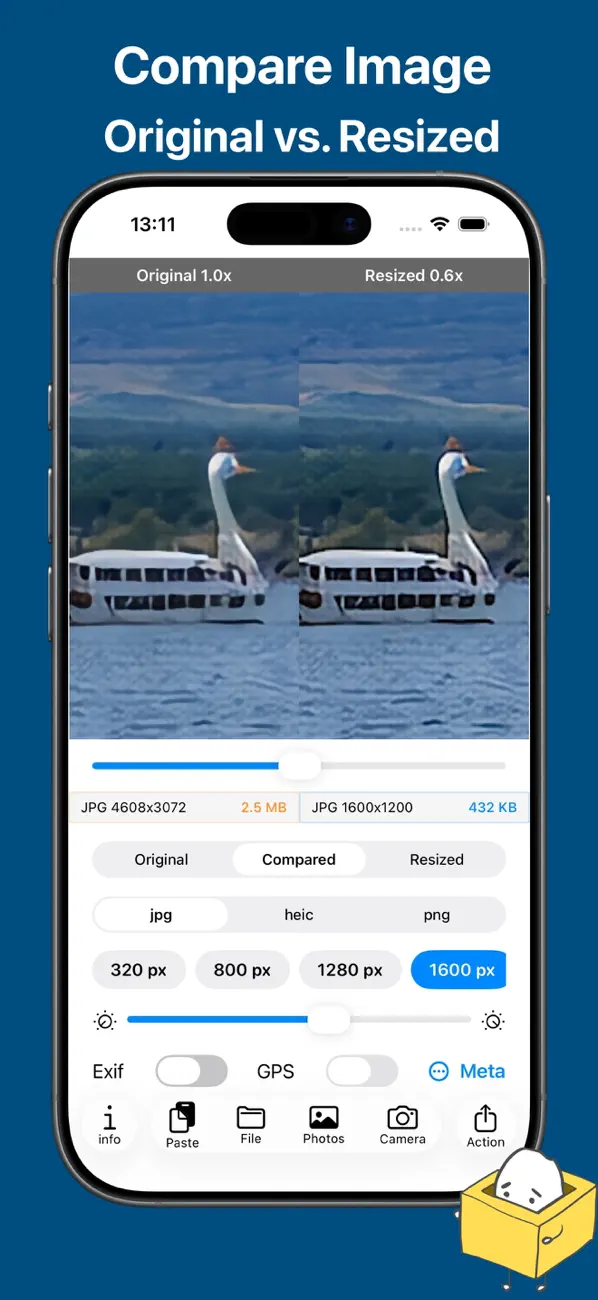
Compare original and resized images side by side.
High-precision, high-quality image resizing with intuitive controls.
Designed with a focus on a smooth, satisfying user experience.
A new generation of ImageResize is here.
ImageResize8 is the next-generation image resizing app, built on the knowledge and feedback gained from the ImageResize series.
By rethinking the design, UI, and image processing from the ground up, and adopting SwiftUI with a new architecture, we refined usability, accuracy, and visual quality to the highest level.
Startup time and interaction responsiveness have been carefully optimized,
delivering a fast and comfortable experience for everyday use.
Battery efficiency has also been improved, allowing the app to be used comfortably even during long sessions.
Instead of checking resize results “by feel,”
ImageResize8 lets you compare original and resized images side by side for precise confirmation.
It strikes a balance between a pleasant user experience and accurate image results.
Simple controls let you:
• Resize images with high quality
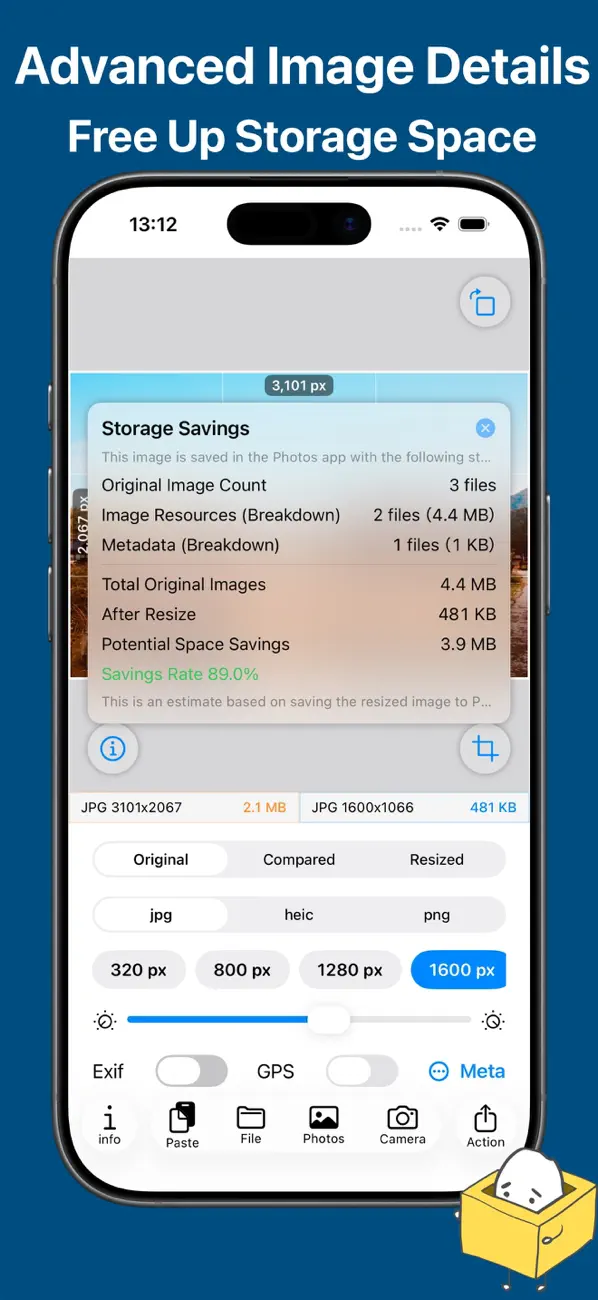
• View accurate image information
• Use the app with confidence
From casual everyday use to more advanced needs,
ImageResize8 delivers a smooth and enjoyable image resizing experience.
While respecting the legacy of the ImageResize series,
ImageResize8 continues to evolve as the next step forward.
Quoi de neuf dans la dernière version ?
・Fixed a bug.