BlendMotion
iPhone / Photo et vidéo
BlendMotion turns your iPhone into a wireless camera controller for Blender. It streams real-time 6DoF motion tracking data directly to Blender over your local Wi-Fi network — no cables, no extra hardware required.
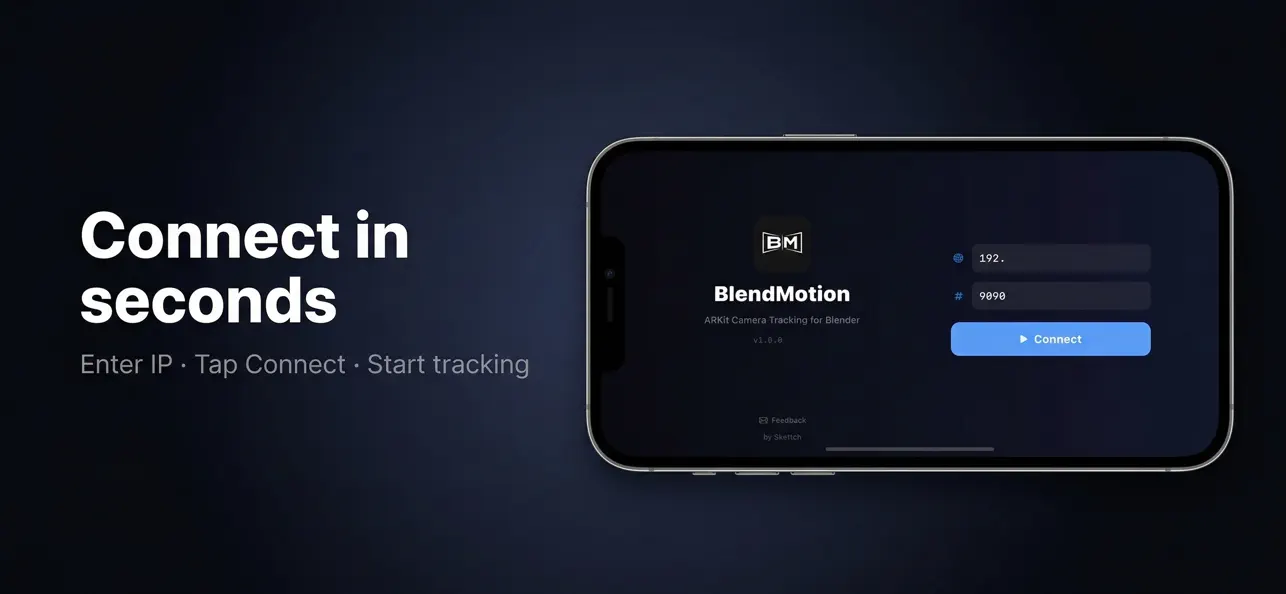
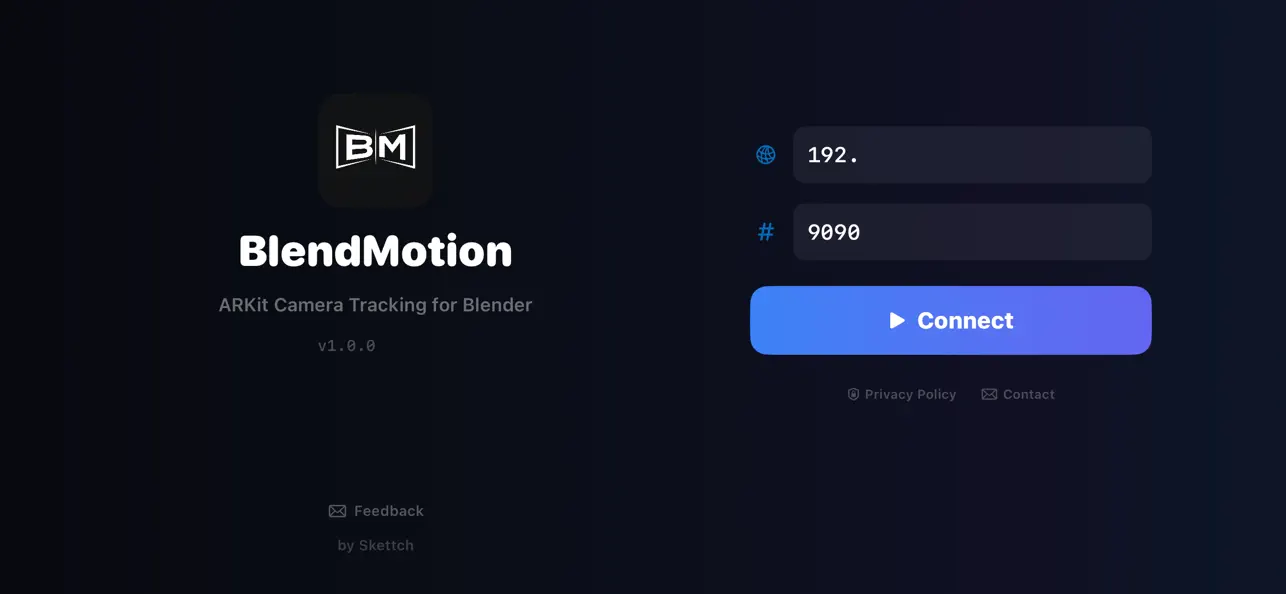
Simply install the free Blender addon, enter your computer's IP address in the app, and start moving. The Blender camera follows your iPhone's every movement in real time.
This app requires the free BlendMotion Blender addon (a desktop plugin for Blender) to function. Download it for free at github.com/skettchdev/BlendMotion/releases.
FEATURES
• Full 6DoF tracking — position and rotation
• Rotation Only mode for tripod-style shots
• 5 Cinematic Presets: Handheld, Dolly, Crane, Cinematic, Raw
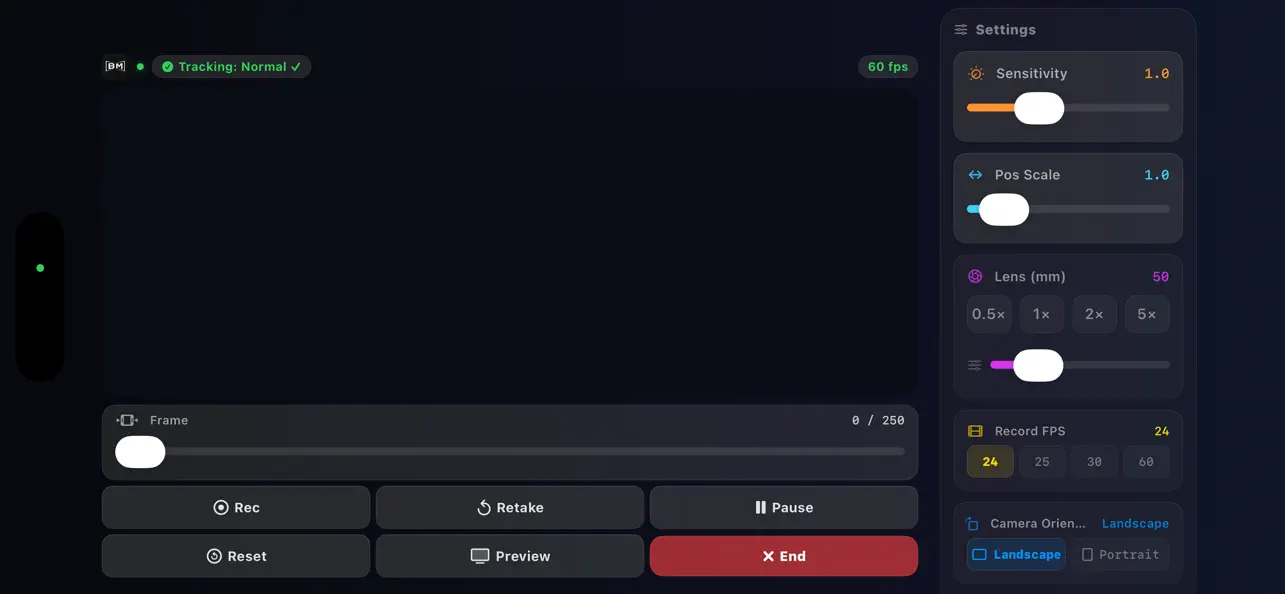
• Record keyframes at 24, 25, 30, or 60 FPS
• Real-time sliders: Sensitivity, Smoothing, Position Scale
• Preflight Checklist — auto IP detection, camera, port, FPS verification
• Smooth Keyframes and Bake to World post-processing tools
• Artificial horizon indicator for real-time orientation feedback
• Low latency UDP communication over local Wi-Fi
REQUIREMENTS
• Blender 4.0 or later with the free BlendMotion addon installed
• iPhone XS or newer (devices with LiDAR recommended)
• iOS 17.6 or later
• Both devices on the same Wi-Fi network
Quoi de neuf dans la dernière version ?
BlendMotion 3.3.0 — the biggest update yet.
NEW TRANSPORT
- Live Preview now streams over WebSocket for a more reliable connection
- Automatic reconnect: if the link drops (Wi-Fi hiccup, Blender restart),
preview comes back on its own — no more re-tapping
- Full backward compatibility: older add-on versions keep working over UDP
NEW LOOK
- Redesigned interface on a neutral dark canvas that keeps your framing
colour-accurate — no more blue cast around the preview
- A single glass design language across every control, with native
Liquid Glass on iOS 26
- Settings panel is now wider on larger phones: roomier sliders, easier
lens control
- Respects Reduce Transparency and Reduce Motion accessibility settings
ALSO
- Tap the preview to set Blender's focus distance (tap-to-focus)
- Sharper connection-lost diagnostics in the status bar