Bordure
iPhone / Photo et vidéo
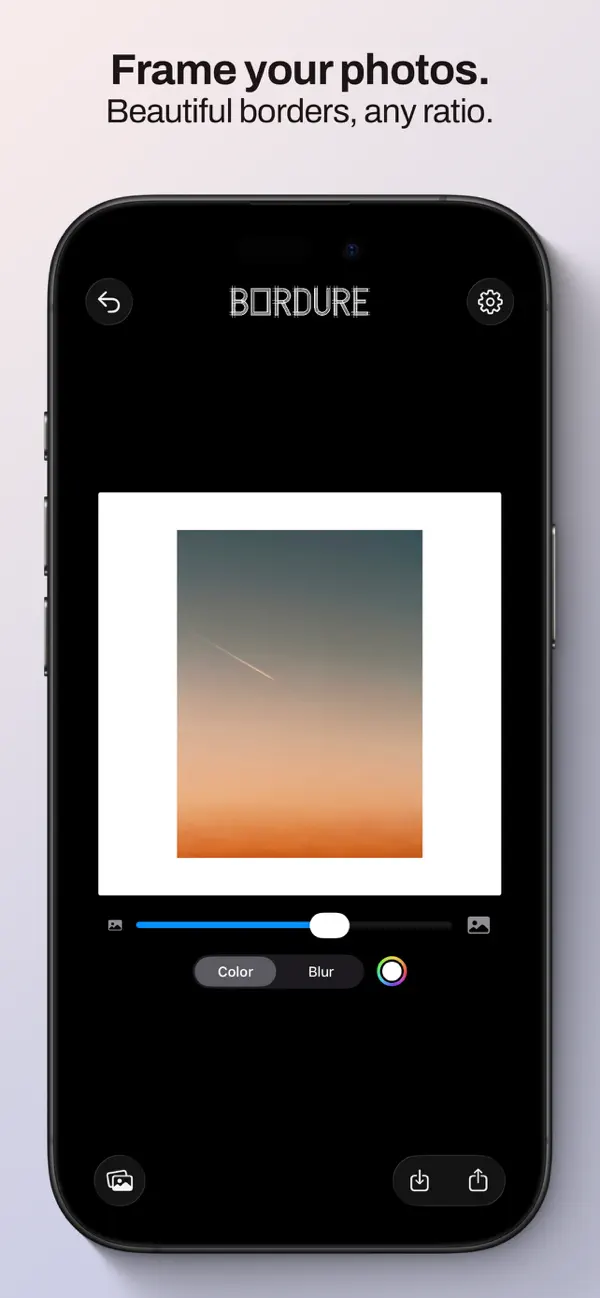
Bordure adds clean, beautiful borders to your photos, perfect for sharing on Instagram and beyond.
Simply pick a photo, choose your canvas ratio, and customize the background. That's it.
CANVAS RATIOS
Pick the right format for every platform:
• 4:5 and 1:1 for Instagram Posts
• 9:16 for Instagram Stories and Reels
• 16:9 for landscape content
• Custom Size
• And more portrait and landscape options
BACKGROUNDS
• Solid color — choose any color to complement your photo
• (NEW) Smart Color — tap the magic wand and Bordure analyzes your photo's dominant color to suggest a harmonious complementary background, rooted in color theory
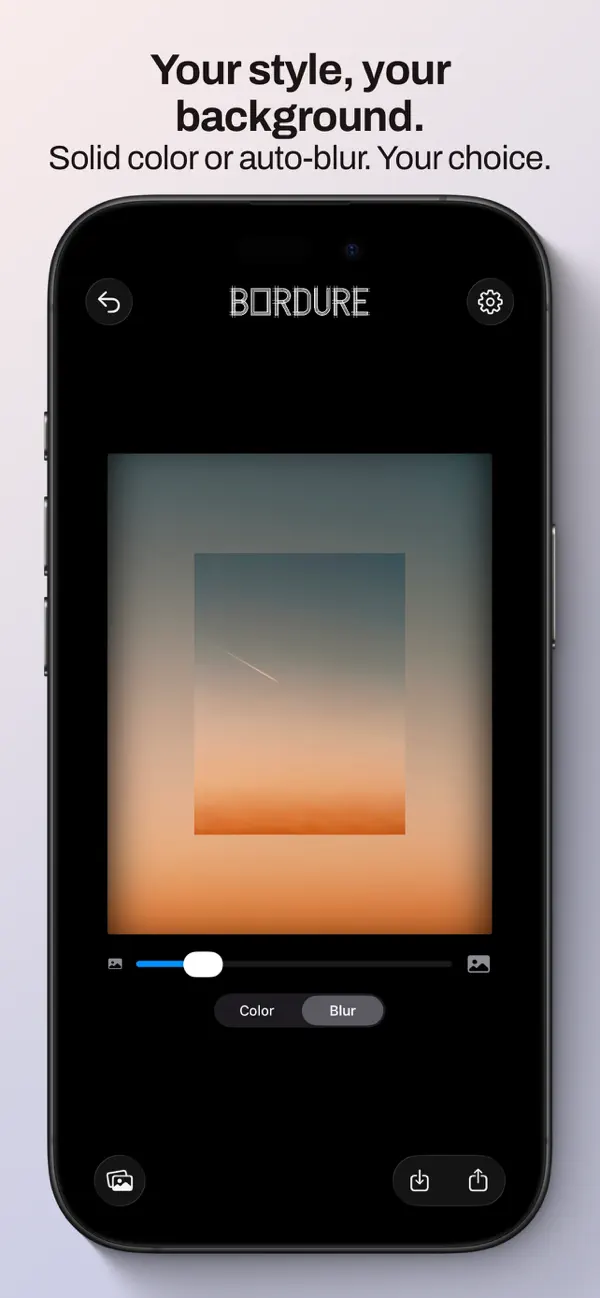
• Blur — automatically extends your photo with a blurred version of itself for a seamless look
PRESETS
Save your favorite combinations of ratio, scale, and background as named presets. Apply them in one tap.
EXPORT
• Choose between JPEG, PNG, or HEIF
• Control JPEG quality
• Your original EXIF and GPS metadata is preserved on export
THOUGHTFUL DETAILS
• Pinch and drag to reposition and scale your photo within the canvas
• Double-tap to reset position and scale
• Undo your edits
• Share directly from the app or save to your photo library
No subscriptions. No ads. No accounts.
Just your photos, framed.
Quoi de neuf dans la dernière version ?
Version 1.5
New: Smart Background Color
Tap the new magic wand button next to the color picker and Bordure will automatically suggest a background color that complements your photo. It analyzes the dominant color in the image and applies its complementary — muted and balanced, so the frame never overshadows the photo.