Bothways
iPhone / Photo et vidéo
Record once. Export twice. A true creator's camera.
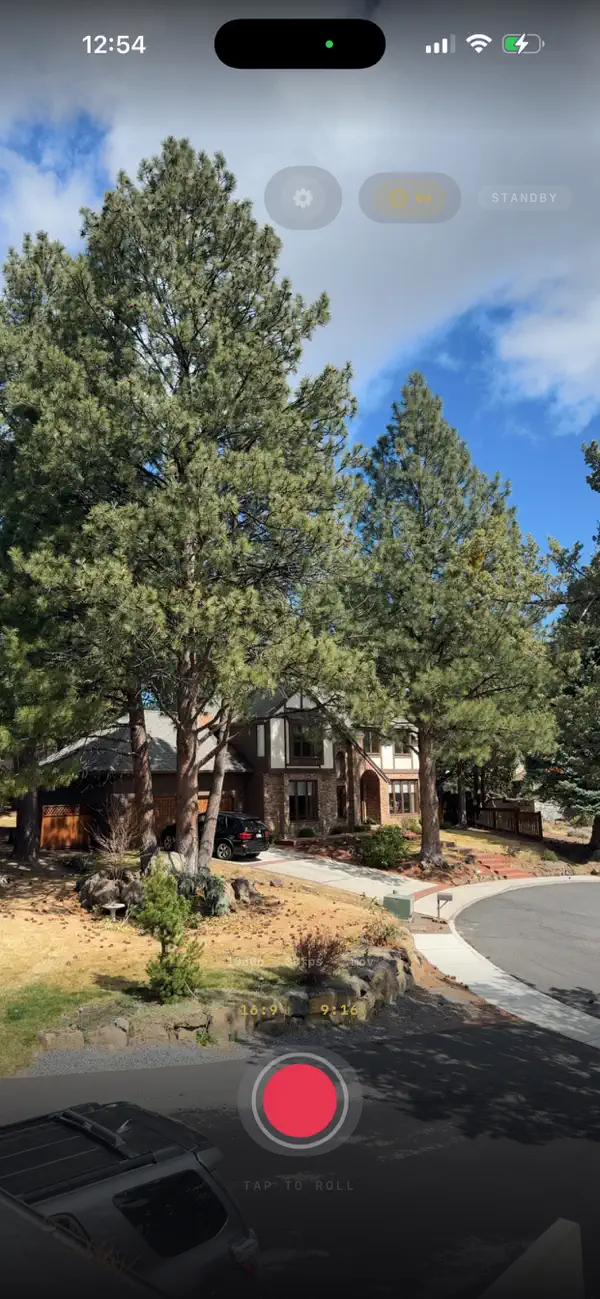
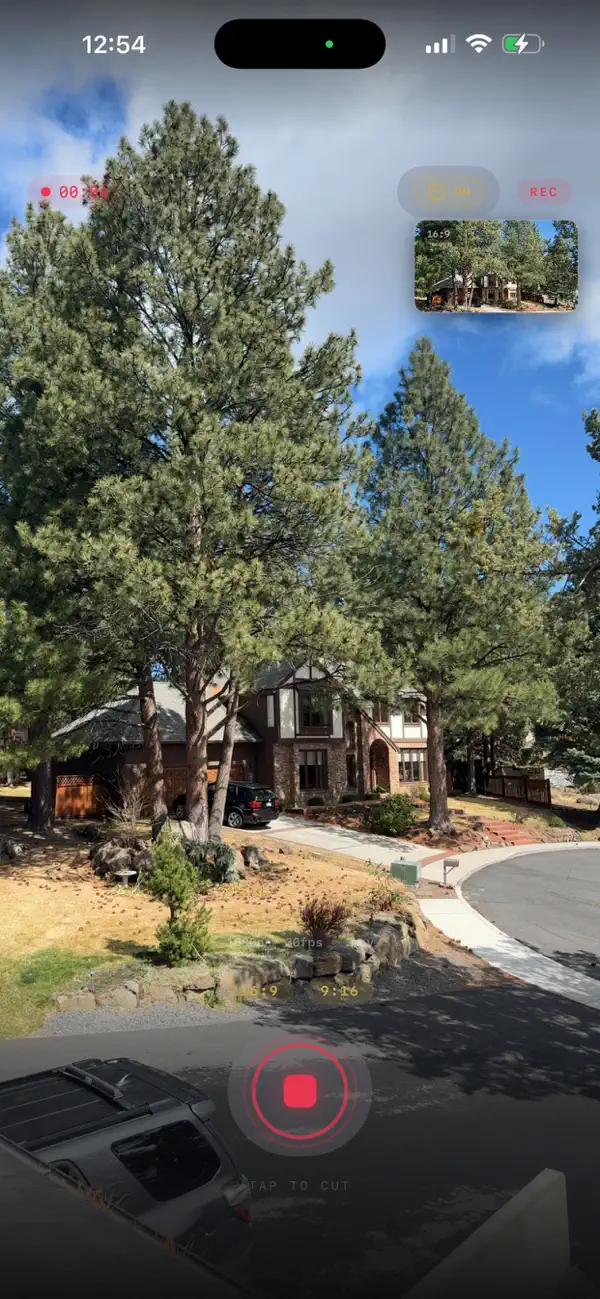
Bothways captures video from your iPhone camera and simultaneously writes two professionally formatted files: a 16:9 landscape version and a 9:16 portrait version, with a live Picture-In-Picture preview of the alternate format — both encoded in real-time using hardware-accelerated H.264.
The portrait crop isn't a dumb center-slice. Bothways uses Apple's Vision framework to detect faces in every frame and smoothly tracks the subject, keeping them centered in the vertical frame. No face visible? It gracefully falls back to a center crop.
Built for creators who post to YouTube and TikTok from the same shoot. Built for filmmakers who need both formats without re-editing. Built for anyone who's tired of choosing between landscape and portrait before they hit record.
KEY CAPABILITIES
- Dual simultaneous export — real-time AVAssetWriter, not a post-process re-encode
- Smart face tracking — Vision framework detection with smooth EMA tracking
- 4K & 1080p — shoot in up to 3840x2160 at 24, 30, or 60 fps
- Pinch-to-zoom — smooth digital zoom up to 10x with live indicator
- Cinema overlays — optional vignette and film grain effects on the live preview
- Flexible output — export as .MOV or .MP4 with configurable bitrate
- Front & back camera — works with both, including mirrored front camera
- Metal GPU pipeline — hardware-accelerated crop, scale, and encode
- Full audio — stereo AAC in both output files
- One-tap save — both files go straight to Photos
No subscriptions. No watermarks. No cloud upload. No accounts. Everything runs on-device.
Quoi de neuf dans la dernière version ?
Teleprompter mode with auto-scroll, adjustable speed slider, mirror support, and fullscreen view. Front/back camera switching. Updated lens rail: 0.5×, 1×, 28mm, 2×, 5×. Improved button design — uniform controls throughout. Shot list no longer overlaps controls. Face tracking defaults to off. Bug fixes and stability improvements.