Brightroom
iPhone / Photo et vidéo
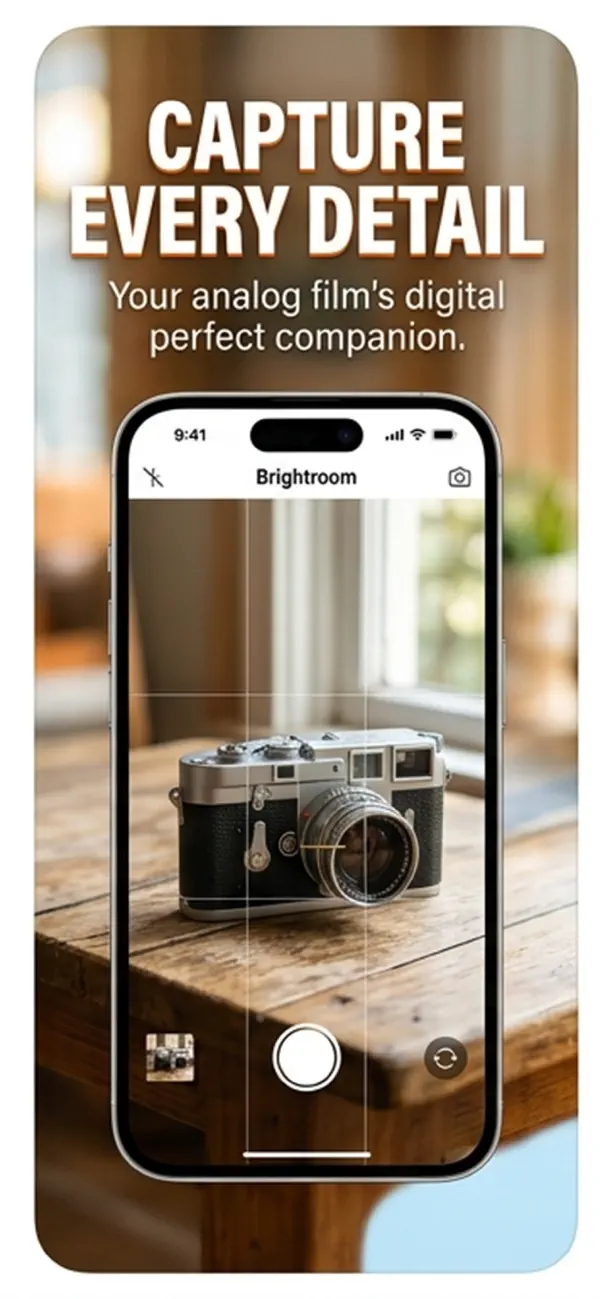
Brightroom turns your iPhone into a precision film scanner. Photograph color negatives, black-and-white negatives, or color slides — on a lightbox, iPad screen, or bright window — and Brightroom instantly converts them into sharp, accurate digital photos you can crop, adjust, caption, and save.
FILM CONVERSION
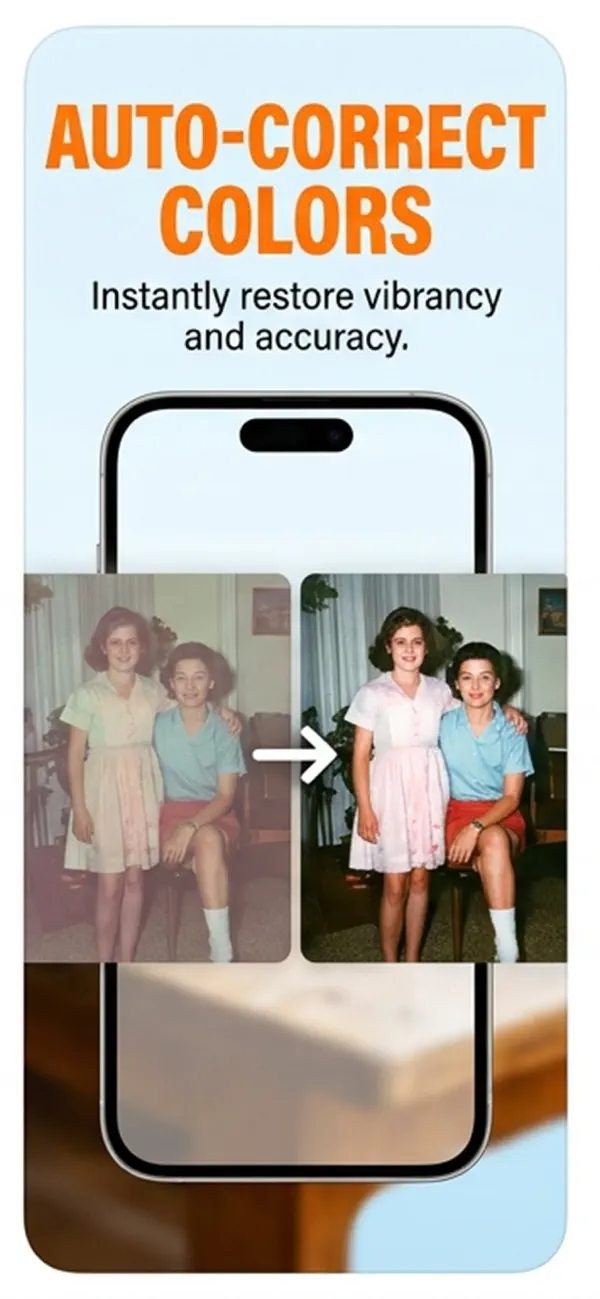
•Color Negative (C-41) — removes the orange film base cast with per-channel auto-levels and white balance correction, plus an S-curve for shadow richness and highlight pop
•Black & White Negative — desaturates before inversion with a classic film contrast curve
•Slide / Positive (E-6) — gentle levels correction preserving the film's inherent color balance
ADJUSTMENTS
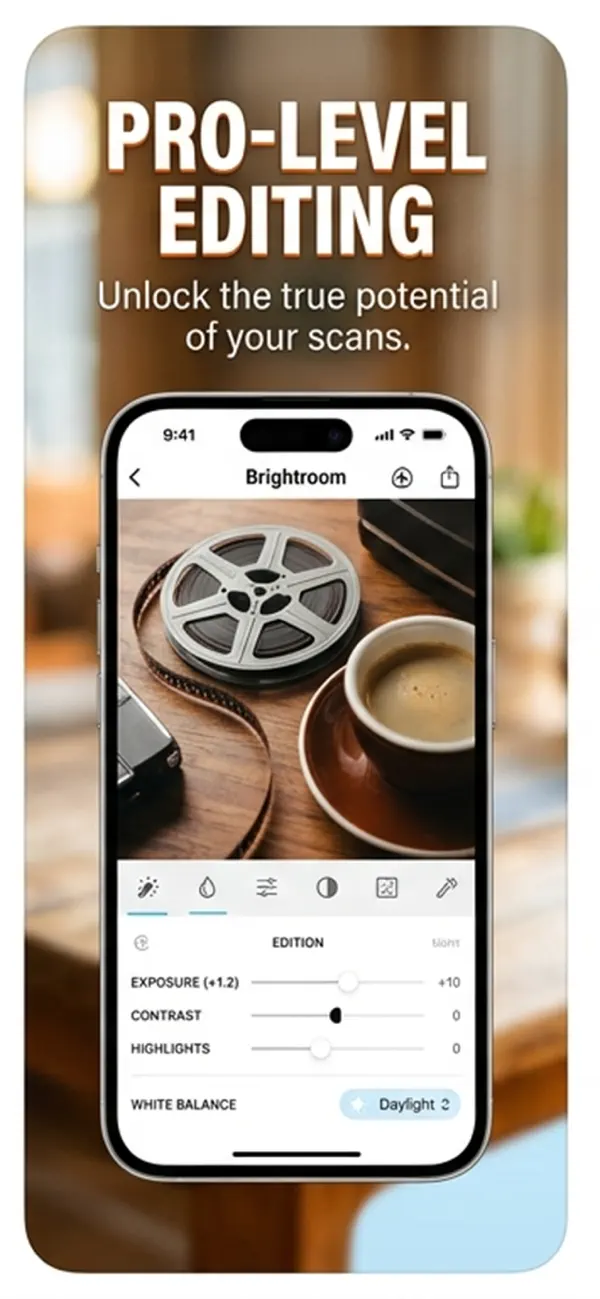
•10 live controls in a scrollable toolbar: Crop, Exposure, Contrast, Highlights, Shadows, Black Point, Saturation, Vibrance, Warmth, Sharpen, Vignette
•Every slider updates the image instantly as you drag — no tap to apply
•Changed controls highlighted in orange; one-tap reset per control
IMAGE QUALITY
•Supports DNG and Apple ProRAW imports alongside JPEG and HEIC
•Single-pass Core Image pipeline — no intermediate resampling steps, maximum sharpness at full sensor resolution
•Captures full pixel density from both 1x and 2x lenses
CROP & SAVE
•Manual crop with corner handles and rule-of-thirds grid
•Save to Photos Library or directly to any Files location — iCloud Drive, network shares, NAS, cloud services
•Save location remembered: pick a folder once, Brightroom saves there automatically
•Save with optional 90° rotation — corrects sideways negatives at save time
CAPTION
•Type or dictate an IPTC caption before saving — embedded permanently in the JPEG, readable in Lightroom, Photos, and any IPTC-aware app
•Voice dictation uses on-device speech recognition — nothing leaves your iPhone
WORKFLOW
•Scan → camera direct; Convert → camera or library (supports DNG/RAW)
•After saving, immediately prompts for the next negative — no extra navigation between frames
•Before/after toggle: tap Converted badge to compare with the original capture
•Full-resolution JPEG output with EXIF orientation and IPTC metadata embedded
Quoi de neuf dans la dernière version ?
Bug fixes