Live Cutter
iOS Universel / Photo et vidéo
Convert a live photo into a photo and/or a video.
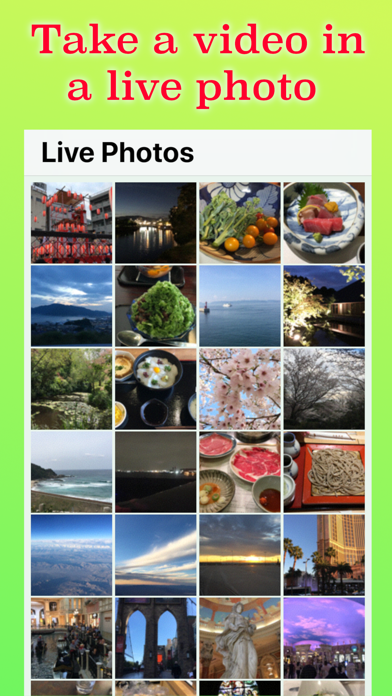
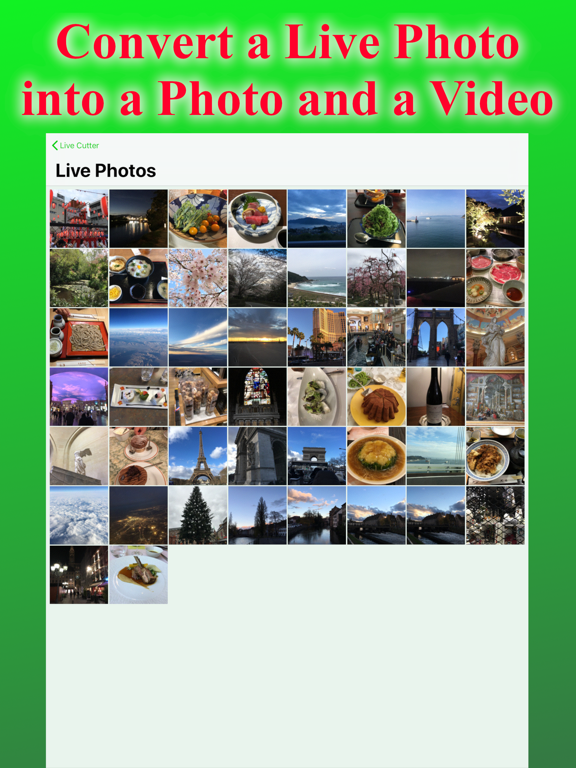
Live Photos™ is an interesting feature of iOS. Because it is a fusion of a photo and a video, it has larger file size than a photo. Live Cutter can extract a photo and/or a video from a live photo. Therefore, you can convert a live photo into a photo by extracting a photo from that live photo and delete it.
You can save storage space.
► You can see each file size of a still image and a video within a live photo
► You can get a image from a live photo
► You can get a video from a live photo
► You can get the original image/video from an edited live photo.
► No image quality loss. Image information such as date taken is also kept.
► Playback button allow you to play/stop the live effect easily. Mute switch is also available.
► Easy to compare two live photos when disable the auto playback of the live effect.
► Good view quality. You can check each pixels.
► Dynamic Type compatible.
► Free.
Additionally, Live Cutter can find a photo which was taken as a live photo, but edited to disable the live effect. This former live photo is like a photo, but it keeps an unused video inside. You can delete this video with Live Cutter.
Now, you are free to worry about the live icon status when you take a picture. Always take a live photo, and convert it to a photo if the live effect is not necessary.
Note: Deleted images are kept in "Recently Deleted" album in Photos. If you want to get more storage space immediately, follow procedures below.
Open Photos app, select "Albums" tab multiple times until album list is shown, select "Recently Deleted" album, choose "select" button, and select "Delete All".
Quoi de neuf dans la dernière version ?
BugFix:
- Supported iOS 13.
- Improved stability.