Wardly - Home Security Camera
iOS Universel / Photo et vidéo
Wardly – Transformez n'importe quel appareil Apple en caméra de sécurité HomeKit
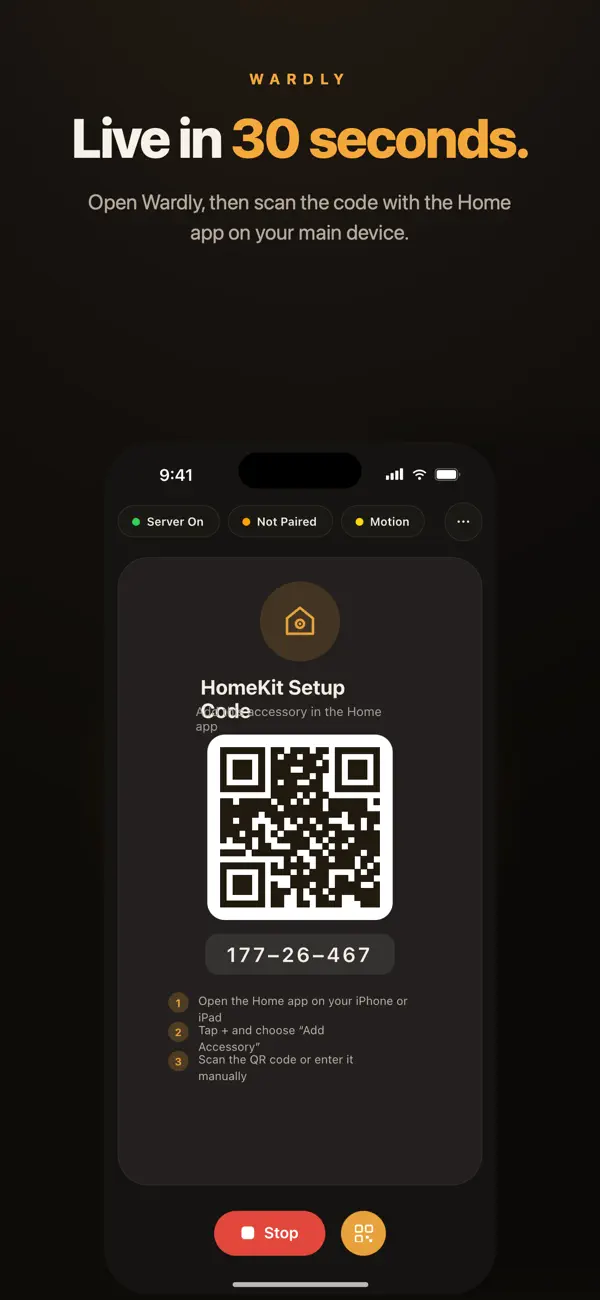
Wardly transforme n'importe quel iPhone, iPad ou Mac en caméra de sécurité HomeKit complète — configurée en moins de 30 secondes, aucun hub requis.
Installez simplement Wardly, ouvrez l'app Maison sur votre appareil principal, scannez le code QR, et c'est tout. Vidéo en direct, alertes de mouvement et intégration HomeKit complète — tout fonctionne sur le matériel que vous possédez déjà.
◆ POURQUOI WARDLY?
Au lieu de dépenser des centaines pour des caméras de sécurité dédiées, utilisez le matériel puissant que vous avez déjà. Wardly transforme n'importe quel iPhone, iPad ou Mac en caméra de sécurité fiable pour votre maison qui fonctionne nativement avec Apple Home — pas d'adaptateurs, pas de ponts, pas de contournements.
◆ HOMEKIT — INTÉGRÉ, PAS BRICOLÉ
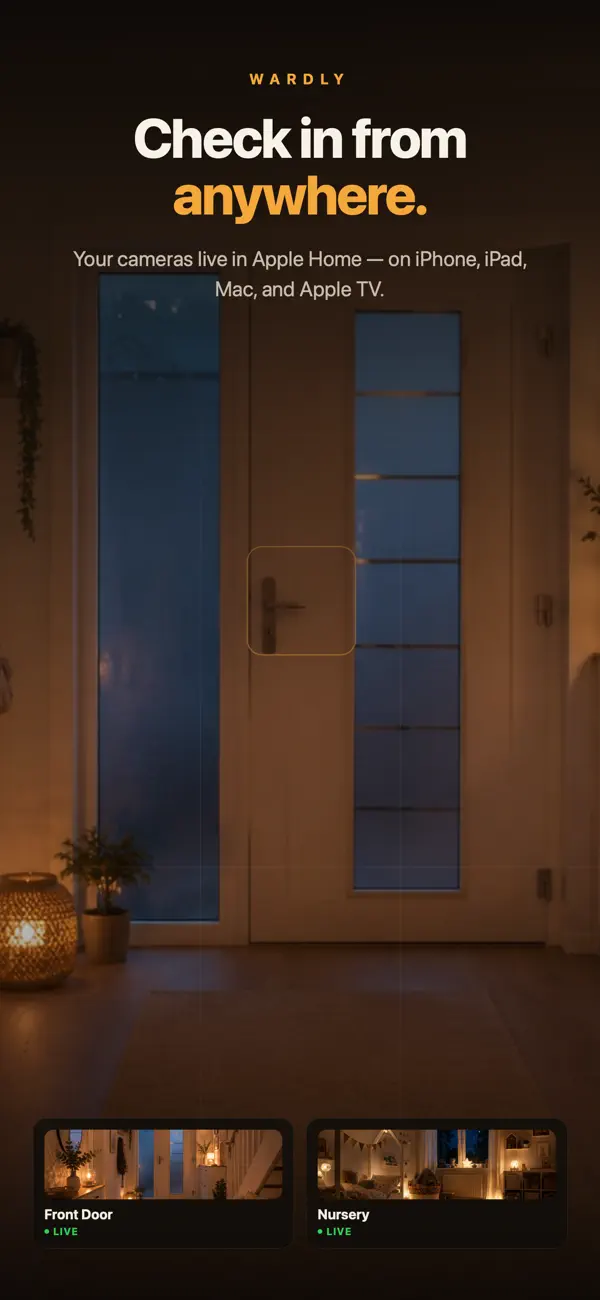
Wardly n'est pas simplement « compatible » avec HomeKit — il est entièrement construit autour de lui. Votre caméra apparaît dans l'app Maison comme n'importe quel autre accessoire. Cela signifie que vous pouvez voir votre flux en direct sur iPhone, iPad, Mac ou Apple TV. Demandez à Siri d'afficher une pièce. Créez des automatisations qui déclenchent des lumières, des serrures ou des enregistrements. Et avec le support HomeKit Secure Video, tout est chiffré de bout en bout.
◆ DÉTECTION DE MOUVEMENT & ALERTES INSTANTANÉES
Wardly surveille votre espace et envoie une notification à tous vos appareils dès qu'un mouvement est détecté. Que vous gardiez un œil sur votre porte d'entrée, votre garage ou votre bébé qui dort — vous saurez immédiatement quand quelque chose change.
◆ L'INTERPHONE BÉBÉ PLUS INTELLIGENT
Pas besoin d'acheter un interphone bébé séparé. Placez un iPhone dans la nurserie, et Wardly diffuse la vidéo directement vers votre Apple TV, iPad ou iPhone via l'app Maison. Les alertes de mouvement et de son vous informent instantanément quand votre petit change de position — pas de matériel propriétaire, pas de frais mensuels, et aucun compromis sur la confidentialité.
◆ VOTRE CONFIDENTIALITÉ N'EST PAS NÉGOCIABLE
Wardly n'envoie absolument zéro octet à aucun serveur cloud. Chaque flux vidéo reste 100% sur votre réseau domestique local. Il n'y a pas de comptes à créer, pas de données à exploiter, et pas d'analyses s'exécutant en arrière-plan. Votre flux caméra vous appartient — et uniquement à vous.
• Aucun téléchargement cloud — jamais
• Aucun compte requis
• Aucuns frais d'abonnement
• Aucun suivi ou analytique
• Chiffrement de bout en bout via HomeKit
◆ FLEXIBILITÉ MULTI-APPAREILS
Configurer plusieurs caméras dans votre maison — une dans la nurserie, une à la porte d'entrée, une dans le salon. Chacune apparaît comme un accessoire distinct dans l'app Maison, vous donnant une configuration de sécurité complète sans acheter une seule nouvelle caméra.
◆ SURVEILLANCE 24/7 CONTINUE
Wardly est optimisé pour un fonctionnement continu avec une batterie et une utilisation des ressources minimales. Branchez votre appareil, positionnez-le, et laissez-le fonctionner — jour et nuit, sans interruption.
◆ CONFIGURATION EN TROIS ÉTAPES
1. Installez Wardly sur n'importe quel iPhone, iPad ou Mac
2. Ouvrez l'app Maison et appuyez sur « Ajouter un accessoire »
3. Scannez le code QR — vous êtes en direct
◆ INCLUS
• Intégration HomeKit Apple native
• Diffusion vidéo en direct via l'app Maison
• Détection de mouvement avec notifications push
• Support HomeKit Secure Video
• Configuration code QR en moins de 30 secondes
• Support multi-caméra sur appareils
• Mode surveillance continue 24/7
• Contrôle vocal Siri complet
• Automatisations et scènes HomeKit
• Fonctionne sur iPhone, iPad et Mac
◆ CONFIGURATION REQUISE
• iOS 16.0 ou ultérieur / macOS 13.0 ou ultérieur
• Une configuration de maison compatible HomeKit
• Les deux appareils sur le même réseau Wi-Fi pendant la configuration
Quoi de neuf dans la dernière version ?
Cette mise à jour rend Wardly plus stable et améliore la qualité du streaming :
• L'app Maison peut désormais choisir parmi toutes les résolutions prises en charge – pour un streaming plus fluide en déplacement et sur les connexions lentes
• Détection de mouvement plus fiable sur l'ensemble de l'image
• Flux plus stables lors d'un arrêt et d'une reprise rapides de la lecture
• Corrections de bugs mineurs et améliorations