Secure File Manager
iPhone / Photo et vidéo
Secure File Manager — Private Vault & Wi‑Fi Transfer
Store, move, and protect every file on your iPhone and iPad — no cable, no cloud required. Secure File Manager is an all‑in‑one file manager that transfers files to your computer over Wi‑Fi and protects files.
Transfer files over Wi‑Fi
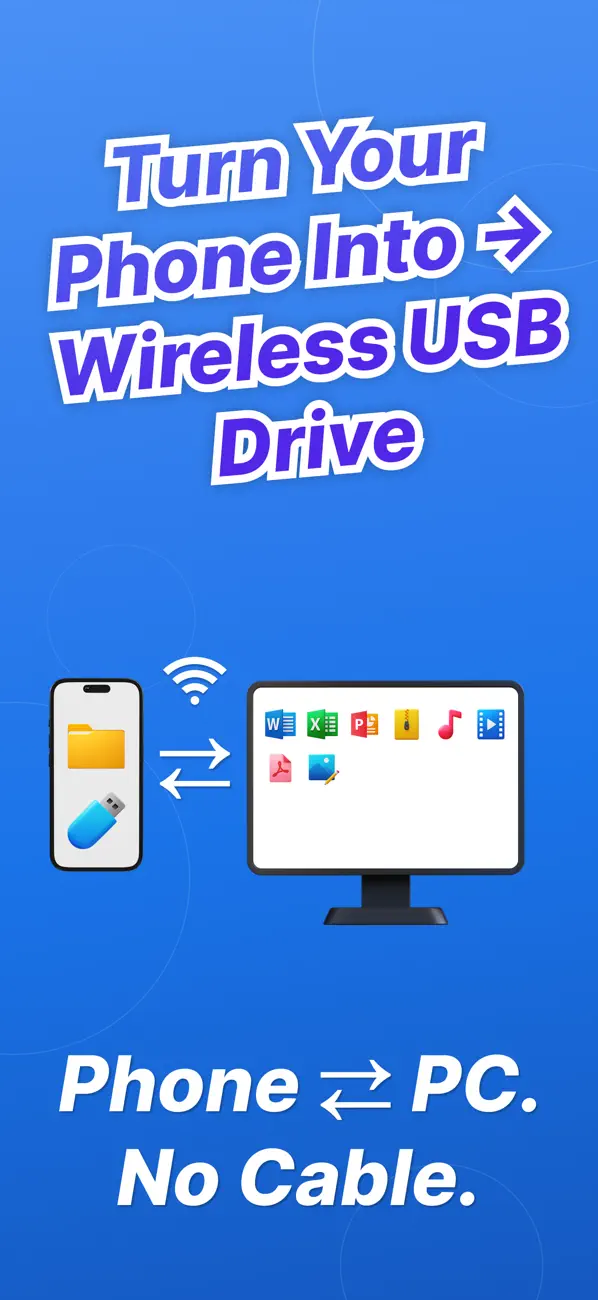
Turn your iPhone into a wireless drive. Open a simple web address in any browser on your Mac or PC and upload, download, and organize files instantly — no USB cable, no extra software to install.
View and play anything
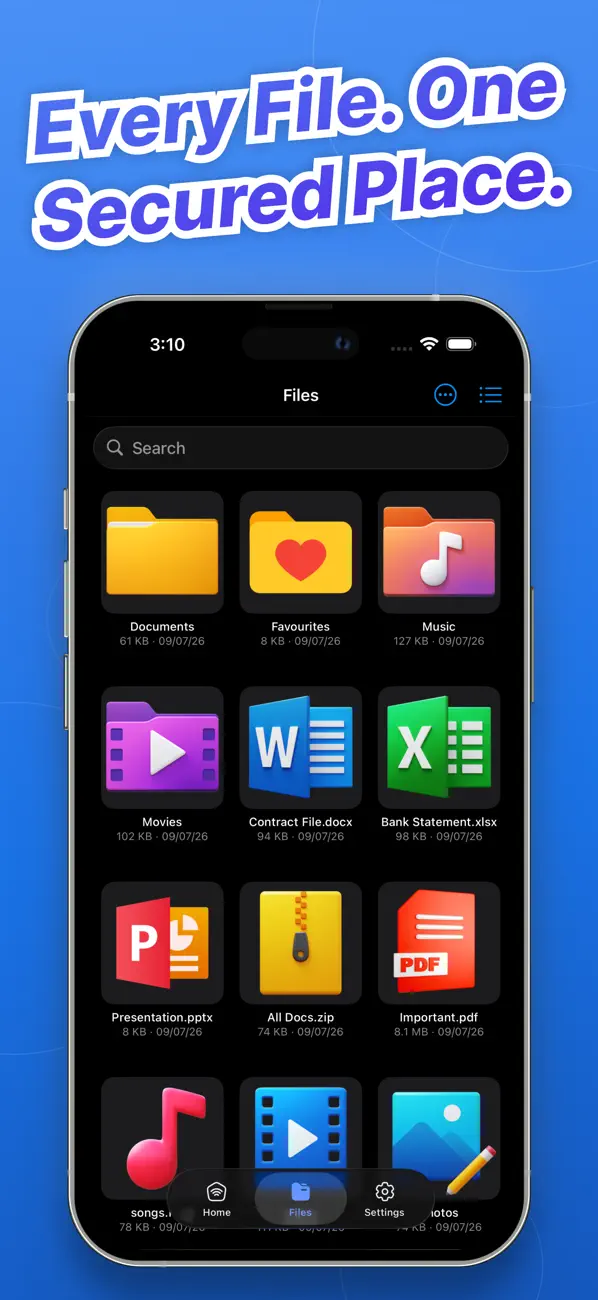
Open photos, videos, music, PDFs, and documents right inside the app. Zip and unzip archives, preview files, and keep everything organized in folders.
Lock it down
Protect your files and Wi‑Fi sharing with a passcode, Face ID, or Touch ID. Add an optional username and password so only you can access your files from a computer.
Why you'll love it
Wireless file transfer to Mac and PC — no cable
Built‑in viewer for photos, videos, music, and documents
Zip and unzip support
Face ID / Touch ID and passcode protection
Clean, simple, easy to use
Download Secure File Manager and take control of your files — private, portable, and protected.
This app contains subscription :
- You can subscribe for premium account to unlock all premium categories and all features and no ads
- Subscription is from $3.99 weekly, $7.99 USD monthly and $29.99 yearly
- Subscription automatically renews for the same price and duration period as the original one week, one month, one year package unless auto-renew is turned off at least 24-hours before the end of the current period
- Payment will be charged to iTunes Account at confirmation of purchase
- Subscriptions may be managed by the user and auto-renewal may be turned off by going to the user's Account Settings after purchase
- Any unused portion of a free trial period, if offered, will be forfeited when the user purchases a subscription to that publication, where applicable.
Links to our Terms of Service and Privacy Policy can be found below
Privacy Policy: https://appcodismapps.web.app/privacy
Terms of Service: https://appcodismapps.web.app/terms
Download Secure File Manager and take control of your files — private, portable, and protected.
Quoi de neuf dans la dernière version ?
- Password-protect Wi-Fi sharing with your own username and password
- Faster, more reliable file transfers to Mac and PC
- Face ID and Touch ID support
- Fresh new look and smoother navigation
- Bug fixes and performance improvements
Thanks for using Secure File Manager! We read every review — if you have a feature request, let us know.