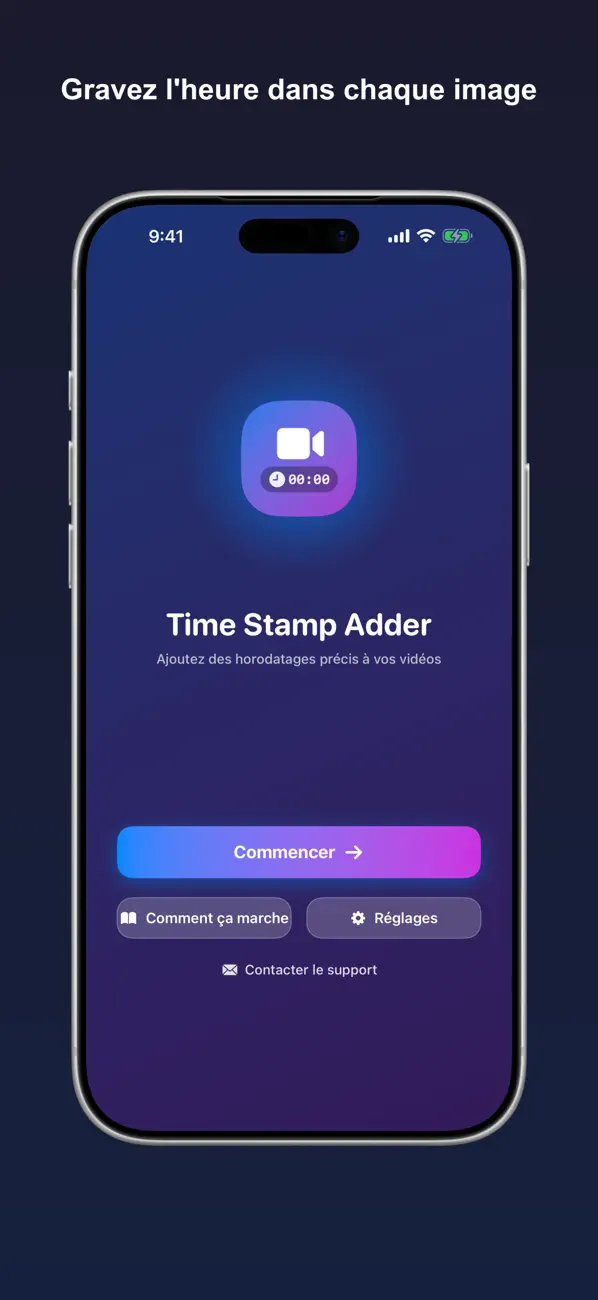
Time Stamp Adder : Date Vidéo
iOS Universel / Photo et vidéo
Votre caméra de surveillance capture tout — sauf l'essentiel : le moment où cela s'est produit.
Lorsque vous devez prouver exactement quand un événement a eu lieu, la plupart des clips vous laissent dans le flou. Pas d'horodatage. Pas de documentation. Aucune preuve.
Time Stamp Adder grave en quelques secondes un horodatage clair et précis dans chaque image de votre vidéo — ainsi, la date et l'heure suivent la séquence où qu'elle aille.
COMPATIBLE AVEC VOS CAMÉRAS
Conçu pour les caméras de sécurité Blink, avec prise en charge des drones DJI, de Lorex, de Ring et de pratiquement toute vidéo sur votre iPhone ou iPad. Pour les clips Blink, l'heure d'enregistrement est détectée automatiquement à partir du nom du fichier.
COMMENT ÇA MARCHE
1. Importez une vidéo depuis votre photothèque — ou partagez-la directement depuis l'app Blink.
2. L'app lit l'heure d'enregistrement et affiche un aperçu de votre horodatage.
3. Touchez une fois pour le graver, puis enregistrez ou partagez.
FONCTIONNALITÉS
• Détection automatique de l'heure à partir des noms de fichiers Blink
• Ajustez l'heure détectée avant de graver, pour qu'elle soit toujours exacte
• Étiquettes de caméra et de lieu (comme « Porte d'entrée ») au-dessus de l'horodatage — remplies automatiquement pour les clips Blink
• Plusieurs formats de date et d'heure : 12 ou 24 heures, US, ISO et plus
• Réglage du fuseau horaire pour les séquences enregistrées ailleurs
• Placez l'horodatage où vous voulez : dans un coin, sur un bord ou en bandeau pleine largeur
• Taille de police, couleur, contour et arrière-plan personnalisables
• Chiffres de largeur égale, pour que l'heure ne tremble pas à mesure que les secondes défilent
• Sortie de haute qualité, visuellement sans perte
• Continuez à utiliser votre téléphone pendant le traitement des vidéos en arrière-plan — nous vous prévenons dès qu'elles sont prêtes
IDÉAL POUR
• Les réclamations d'assurance et la constitution de preuves
• Les registres de sécurité et de propriété
• Savoir exactement quand un événement s'est produit
• Partager des séquences qui parlent d'elles-mêmes
Une vidéo sans date n'est qu'un clip. Apportez la preuve.
Une question ou une idée pour l'app ? Nous serions ravis de vous lire — contactez-nous à tout moment.
Quoi de neuf dans la dernière version ?
Nouveautés de cette mise à jour :
• Plus de caméras prises en charge — Les heures d'enregistrement sont désormais détectées automatiquement à partir des noms de fichiers Ring, Arlo, Wyze et eufy, en plus de Blink.
• Traitement par lot — Sélectionnez jusqu'à 20 vidéos et horodatez-les toutes en une seule fois, avec la progression par vidéo et un récapitulatif à la fin.
• Raccourcis et Siri — Automatisez avec la nouvelle action « Ajouter un horodatage à la vidéo » dans l'app Raccourcis.
• Une heure fiable — La carte d'informations vidéo indique désormais d'où provient l'heure détectée (métadonnées de la vidéo, nom de fichier, etc.), pour que vous sachiez quand la vérifier.
• Étiquettes de caméra pour plus de marques — L'étiquette au-dessus de l'horodatage se remplit aussi automatiquement à partir des noms de fichiers Ring, Arlo, Wyze et eufy, et ne se reporte plus sur d'autres vidéos.
• Politique de confidentialité dans l'app — Lisez-la directement dans les réglages, sans connexion Internet.
• Plus rapide et plus fluide — Les vidéos sont rendues plus vite, et plusieurs correctifs rendent le traitement plus fiable.
Merci d'utiliser Time Stamp Adder ! Une question ou une idée ? Nous serions ravis de vous lire.