Mind Magnets Info Organizer—Visual Grid Checklists
iOS Universel / Productivité
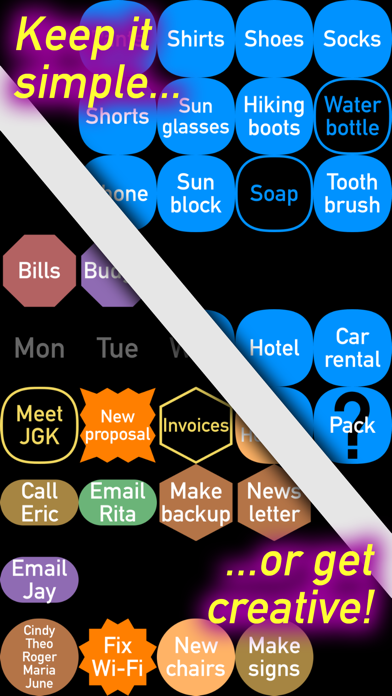
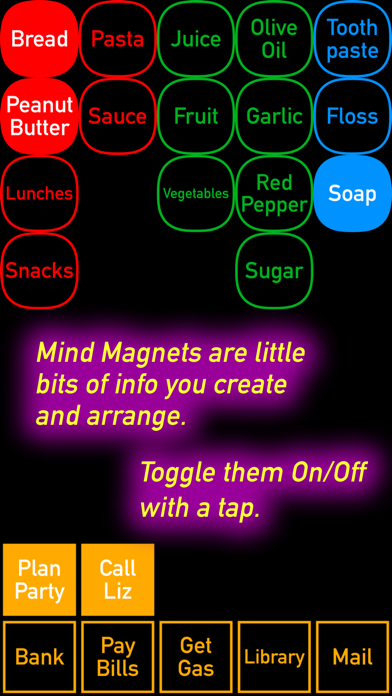
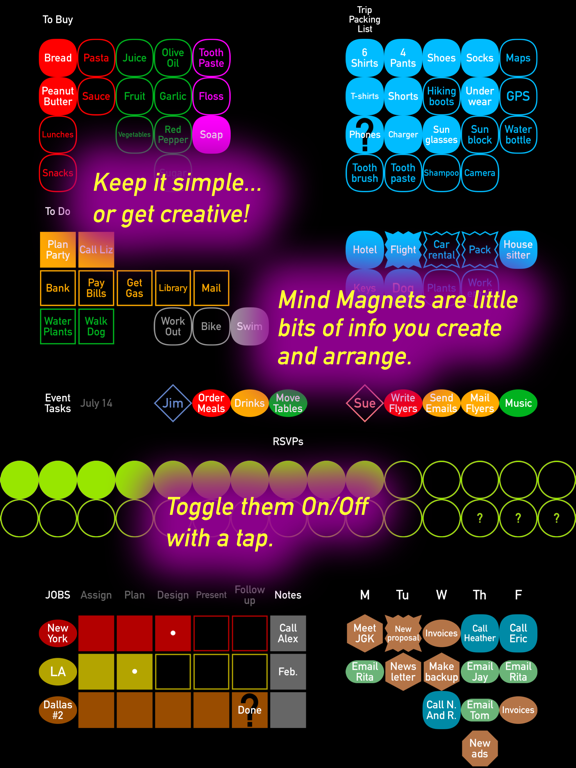
Free sale! Organize bits of info VISUALLY instead of using lists. TOGGLE your labeled “magnets” on/off with a tap. MOVE them, ARRANGE them, give them COLORS and SHAPES. It’s simple and fun!
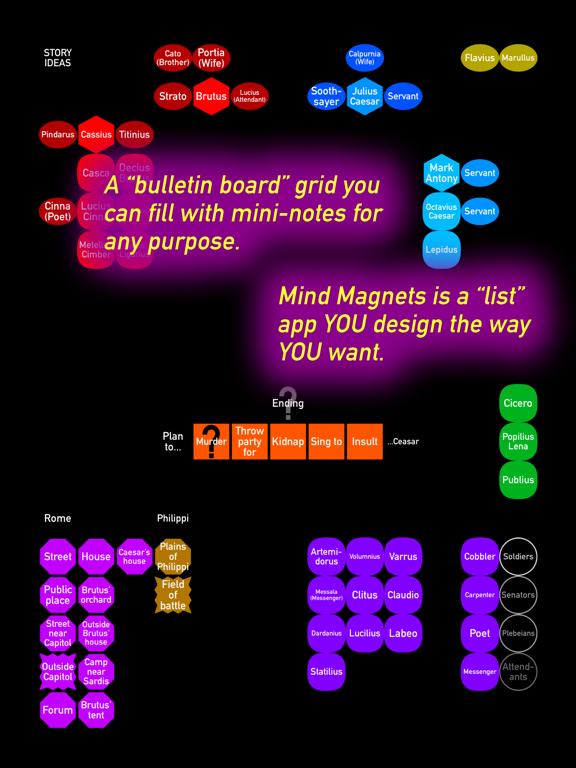
Mind Magnets is like a little “bulletin board” you can fill with mini-notes about anything you want. Your magnets always snap into place in tidy grid rows. Each magnet has three states: TAP it on/off, or DOUBLE-TAP for “maybe” with a question mark badge.
_______________
WHY IS A GRID BETTER THAN A LIST?
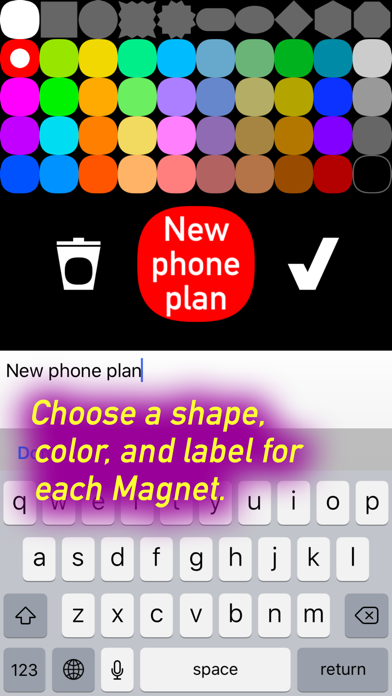
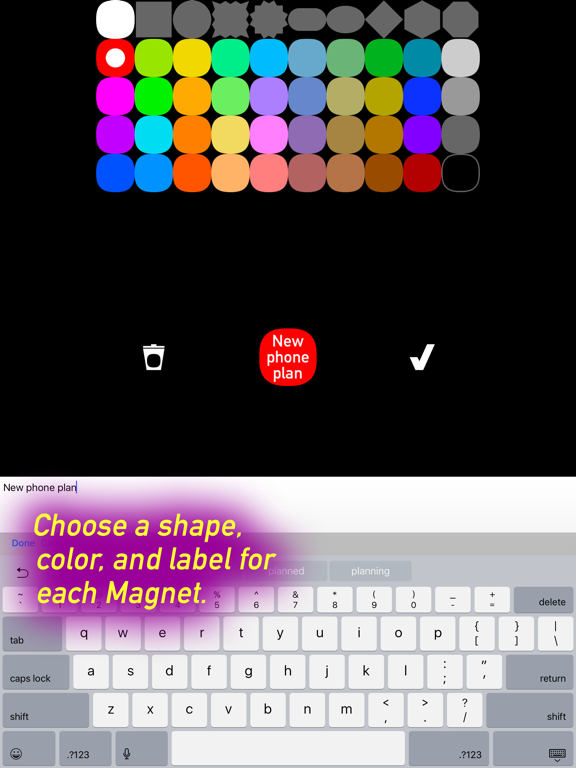
• Lists lack organization. But Mind Magnets can be moved around and grouped any way you like, with 10 shapes and 40 colors.
• No scrolling: see 45 items at once on an iPhone, or 108 on an iPad, or 300 on the 12.9-inch iPad Pro.
• Quick and easy: color, shape and position help you remember where each item is at a glance.
_______________
Use Mind Magnets as a visual shopping list, to-do list, trip packing list, task organizer, habit tracker, or a way to track any small bits of info—from game scores and character sheets, to event RSVPs, to brainstorming and planning, to exercise routines.
_______________
TIPS AND TRICKS:
• Finished with an item for now? Tap to “check it off” and it will turn dark until you need it again.
• Want a label with no shape around it? Just choose the black color.
• Export a screenshot by clicking the Home and Sleep buttons at the same time.
_______________
LIMITATIONS: This app does not support emoji, Voiceover mode, or cloud sync. Magnets are quite small on 10.5" iPads—but on the bright side, this lets you fit the same 300 magnets as the largest iPads!
THANKS FOR TRYING MY APP! I’d love to hear what uses you find for it. Problems? Feature requests? Let me know at adamsimmersive.com.
YOU CAN HELP me improve this app by telling your friends about Mind Magnets! (Formerly: DotSpace.)
— Morgan Adams
(If you like organized thinking, you might also like my iMessage sticker pack: “Logical Fallacies & Cognitive Biases.” 36 popular logical fallacies, cognitive biases, and red herrings, ready to rubber-stamp your friends’ messages.)
Quoi de neuf dans la dernière version ?
This update from Apple will improve the functionality of this app. No new features are included.
• Smoother motions and transitions, especially when dragging one magnet and others are “flowing” around it.
• New system for conserving power: the app now intelligently varies between three levels of power consumption.
• Minor UI tweaks.
• After changing a shape or color, the keyboard re-appears automatically after a short delay, saving a tap. (For people who like to set up shapes and colors first and add labels afterward, this should simplify the process.)
• Groundwork laid for bigger changes. (Stay tuned!)
AND IF YOU MISSED IT FROM VERSION 2.0: you can DOUBLE-TAP ANY MAGNET for a “?” state, neither On nor Off. (Plus there are new shapes and colors.)
I am working on other new features, guided by your helpful messages (while being careful not to lose the app’s simplicity). Need more space? So do I!
I can be reached at adamsimmersive.com. Thanks for letting me know how you use Mind Magnets, and how it could work better for you!
—Morgan Adams