ConMas i-Reporter
iOS Universel / Productivité
**** ConMas i-Reporter, brings to a new style paperless solution with iPad from the current various paper workflows like report, record and read. It can achieve to improve work efficiency, speed and operation quality. ****
---- What is ConMas i-Reporter? ----
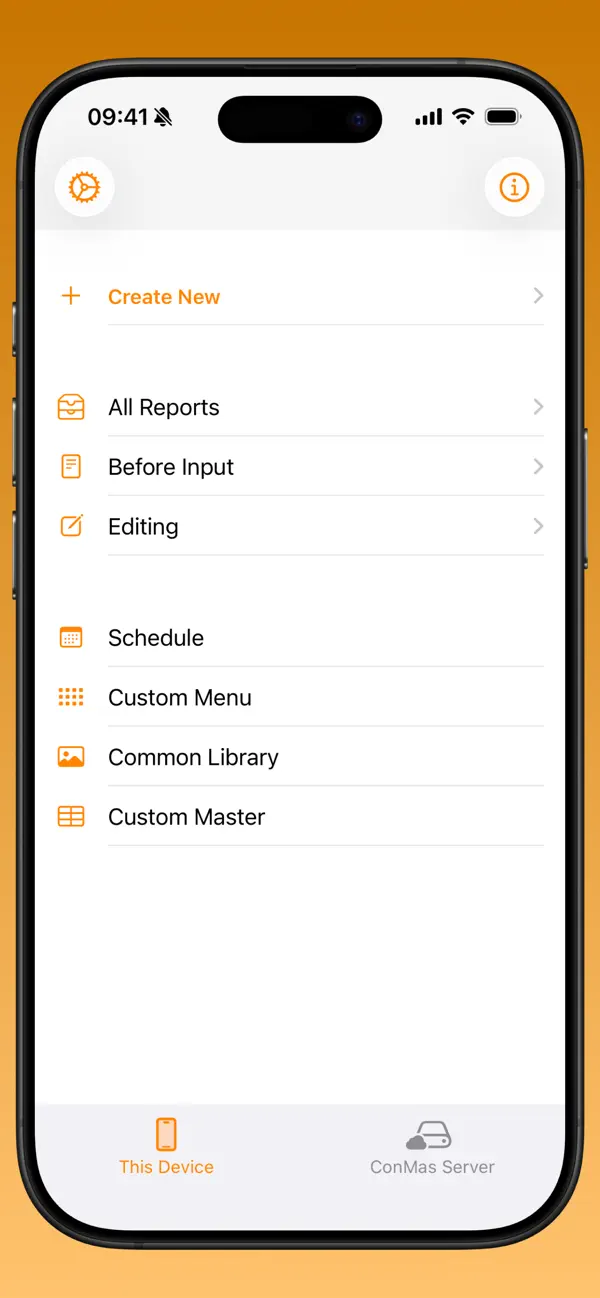
* You can use existing paper form without any changes and create input form on iPad.
* Advantage of handwriting document remains and then, achieve digitalization and paperless, systemization.
* As it is Native Application on iPad, very smooth operation and available to use under off-line circumstance.
* You can see relevant documents like drawing pictures, movies and any document files through referenced link.
* All documents issued on iPad are managed in ConMas database. It is easy to automatically connect to back-end system. Wealth of Web API module for automatic system coordination is prepared.
Old paper workflow that we couldn’t quit until now is finally possible to digitalize. It achieves to improve work efficiency, speed and cost reduction.
i-Reporter promotes paperless and refurbish old paper workflow like scanning, storage and copy.
---- Expected effects at various situations of field engineering. ----
* Reducing Man-Power from managing paper documents occurred at Manufacturing operation, Maintenance field and outside operation
* Cost reduction for Printout, Paper, and Storage brought about by paperless system
* Prevent input mistake and lack of information by system control
* Reduce Man-Power of double work as system input later
* Share the latest information immediately
---- 5-point Features ----
(1) Easy to input without any mistake with iPad at operation field
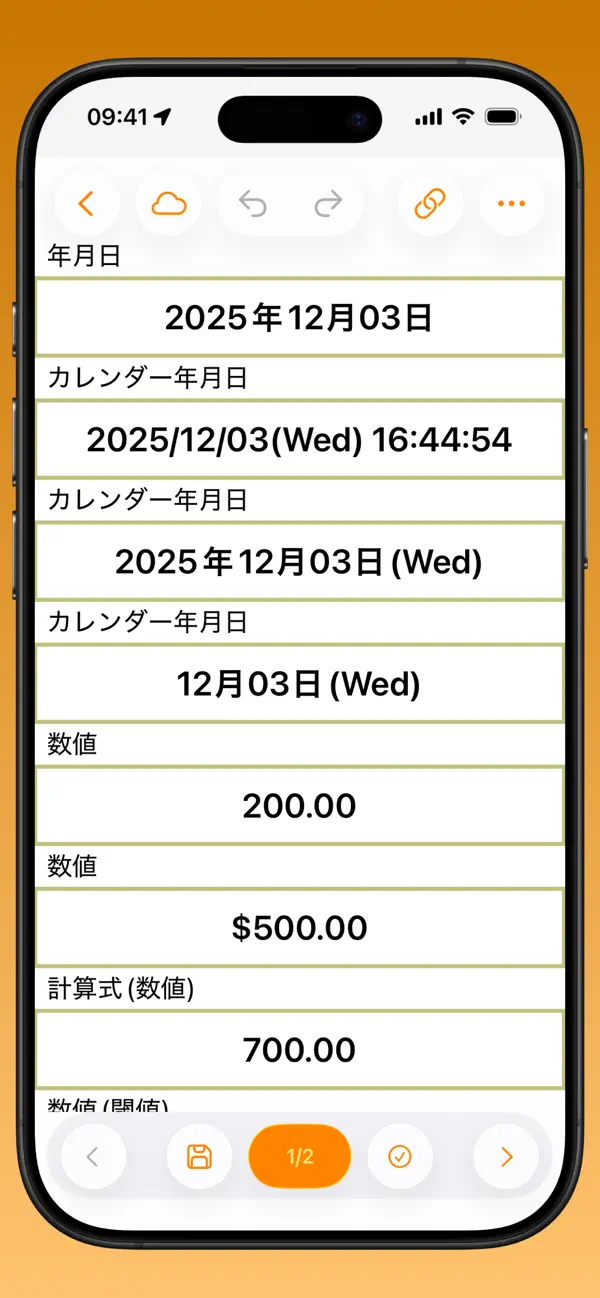
(2) Easy to design iPad input form by using EXCEL file. Then the document data created via iPad is available to be outputted as Excel file
(3) Available to take over the current paper workflow
(4) Necessary authority and security system are prepared
(5) Wealth of Web API module for coordination with external system
---- Available to browse the reference document from i-Reporter ----
* HTML document
* Movie
* PDF
* EXCEL
* WORD
* Picture
* 3D model
---- Introduction Example ----
* Report at manufacturing factory
* Repair and maintenance service at the machine installation, road maintenance etc.
* Report Attendant service for homecare or health industry
* Report and quality inspection at franchise chain stores
….Like above
Important: The software should connect to ConMas Server that the license is surely authorized. You cannot use all the functions without under the conditions.
***To whom it may concern to use ConMas i-Reporter ***
In order to use this App. version, your circumstance of ConMas Server should be also updated.
Please confirm if the App. version can be installed with your System Manager.
In addition, before updating the ConMas Server software, please upload the documents stored in iPad local database to ConMas Server.
Quoi de neuf dans la dernière version ?
[New Features/Enhancements]
- Added the following enhancements to the EdgeOCR cluster:
- Added a "Multi-line Scan" feature that recognizes multiple lines of text as different categories in a single scan, with the option to concatenate them into a single output as needed.
- This makes it possible to read multiple lines with different meanings (such as expiration dates and lot numbers) or addresses spanning multiple lines in a single scan.
- "Concatenate" or "do not concatenate" can be set for each line, allowing consecutive lines to be output either as a single concatenated value or as independent values per line.
- Added a "Dictionary Selection" feature that lets users choose from multiple similar candidates in the dictionary function.
- Previously, when multiple similar candidates existed, one was automatically selected and could not be changed to another candidate.
- Now, when there is no exact match and multiple candidates with high similarity exist, a dictionary selection screen is displayed, allowing users to choose from the list of candidates.
- The dictionary selection screen also supports narrowing down results by keyword search.
[Bug Fixes]
- Fixed a bug in the EdgeOCR cluster where an error could occur during the EdgeOCR usage period update process.