MDCollections
iOS Universel / Productivité
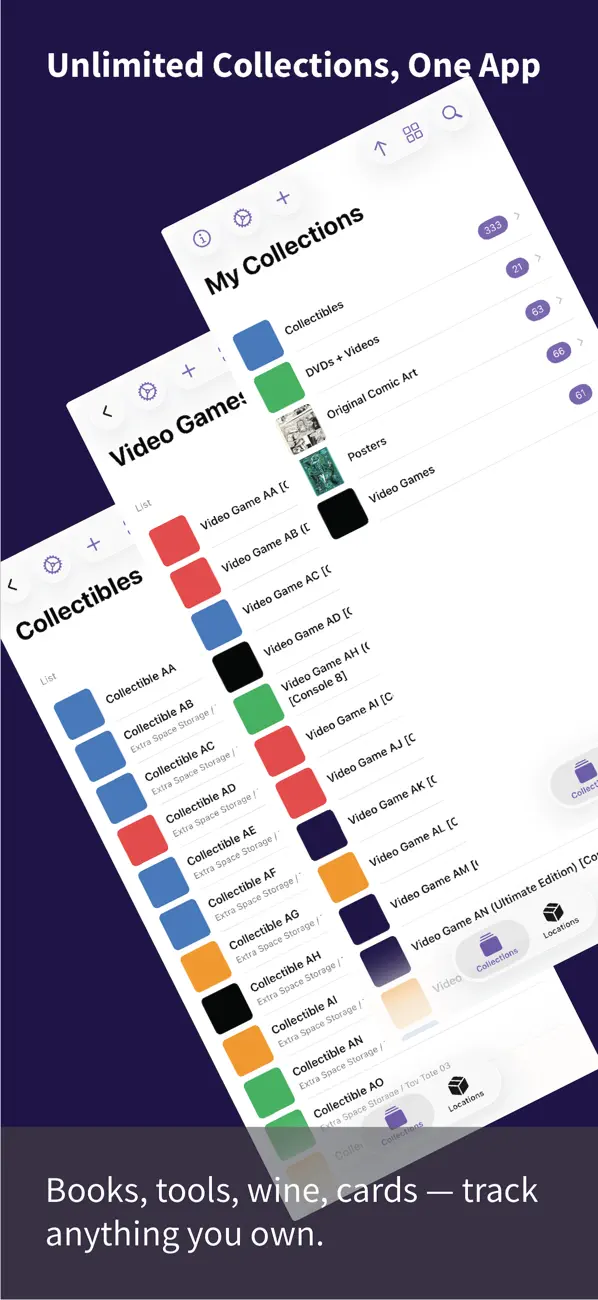
MDCollections is a fully customizable inventory and collection manager. Whether you're cataloging books, tools, trading cards, wine, or electronics, MDCollections adapts to how you think about your stuff.
Works out of the box:
No setup and no accounts. Create a collection and start adding items. The app organizes folders and templates for you, and you can browse everything in the Files app.
Know where it is:
Organize items by location, down to the specific shelf or container. Generate and print QR code labels so you can scan a box and instantly see what's inside.
Know what you have:
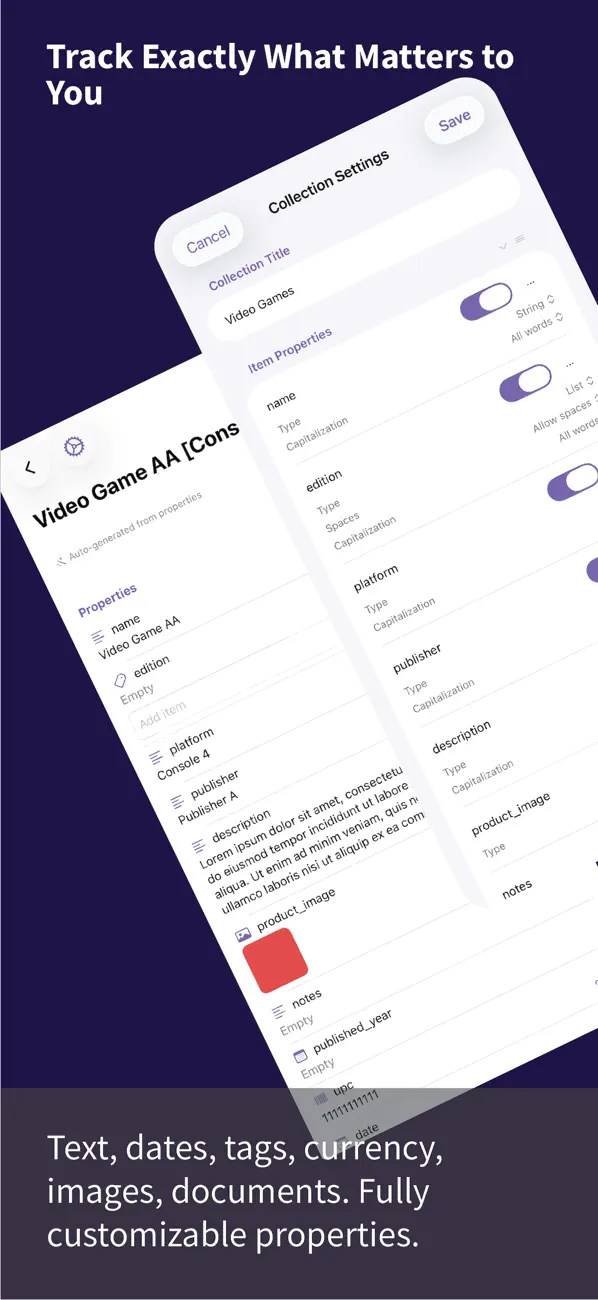
Create unlimited collections with fully customizable properties: text, numbers, dates, tags, currency, images, and documents. Track exactly what matters for each collection.
Add items fast:
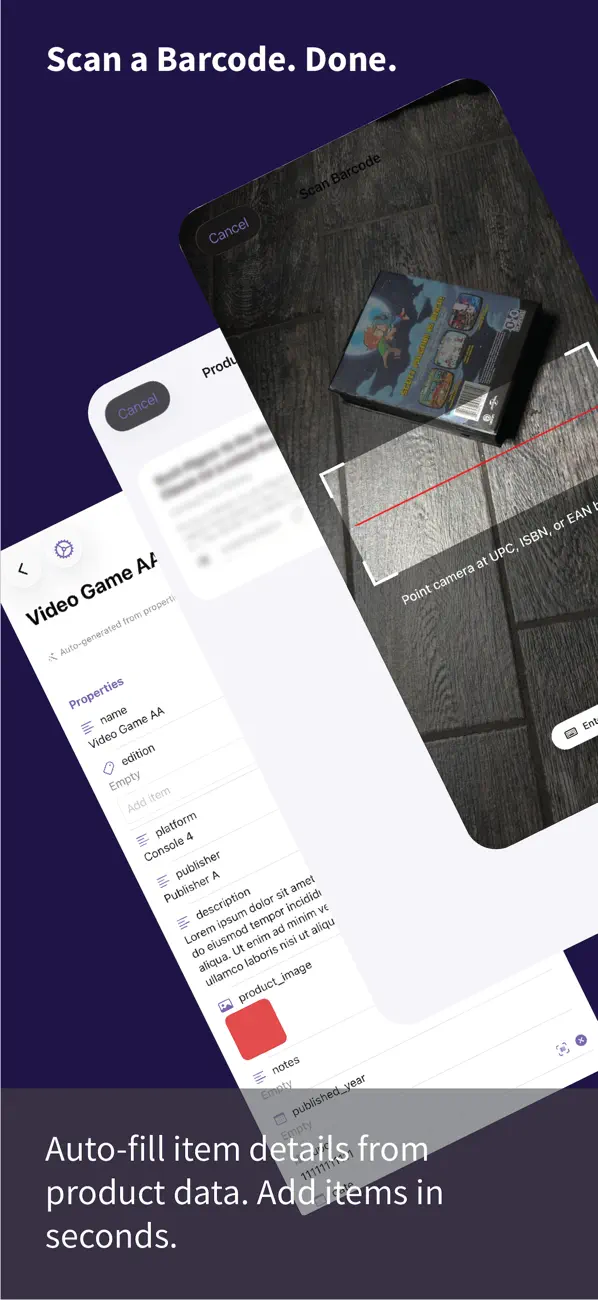
Scan a barcode to auto-fill product details from online databases. Simplify the capture interface to add items in seconds.
Find it instantly:
Search, sort, and filter across all your collections. View item details with images, notes, and every property at a glance. Pinch to zoom into any image.
Own your data:
Everything is stored as plain Markdown files with YAML frontmatter, right on your device. No cloud lock-in and no account required. Compatible with any app that reads Markdown. Point collections at your own folders to use them with an Obsidian vault, including Dataview and Templater.
View it your way:
Group items into stacks by any property. Choose custom thumbnails. Sort, filter, and search across everything you own.
No subscriptions. No ads. No tracking.
Quoi de neuf dans la dernière version ?
MDCollections 2.0 is simpler than ever.
- App-Managed Storage: new collections work out of the box, the app creates and organizes folders for you, visible anytime in the Files app. Prefer your own folders (like an Obsidian vault)? Turn it off in App Settings.
- Storage Locations now set themselves up automatically, no configuration step.
- Pinch-to-zoom: tap any image in a page preview to view it full screen, then pinch, pan, and double-tap to zoom.
- Swipe right to go back everywhere, help pages, page previews, and the image viewer.
- Major performance fix: browsing and editing many items in a row no longer slows the app down.
- Refreshed in-app help.