Carte Mentale : Idées, Notes
iOS Universel / Productivité
Certaines idées ne prennent sens qu'une fois qu'on peut les voir.
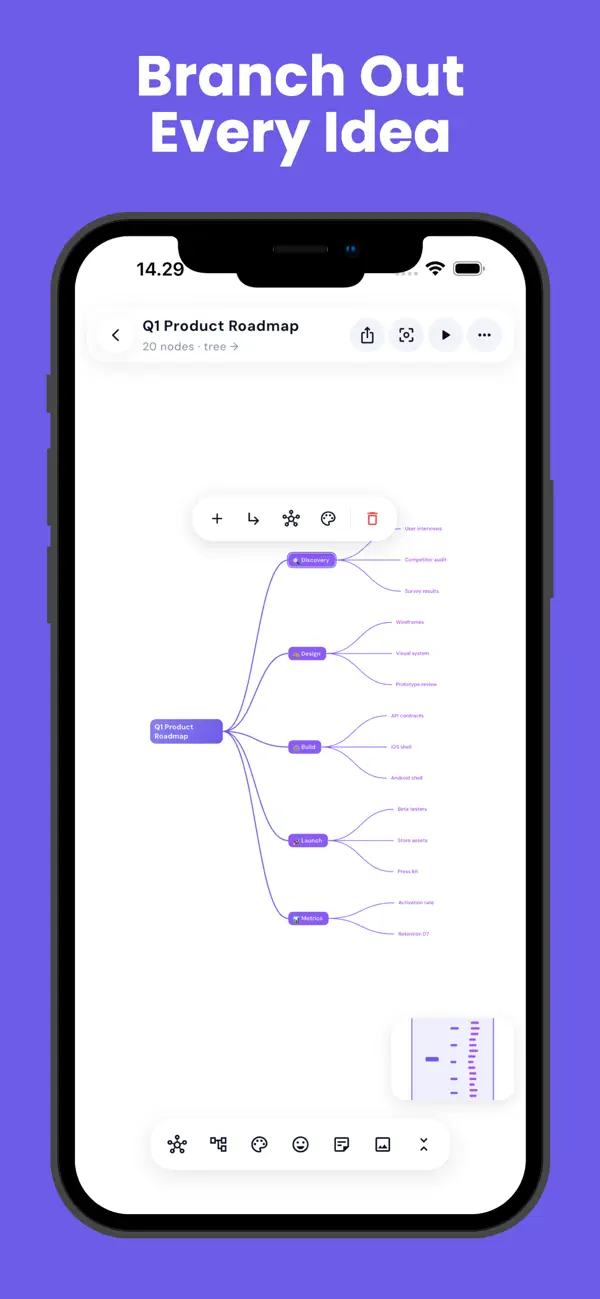
MindFlow vous donne un canevas infini et s'efface. Écrivez votre idée centrale, ramifiez-la, et regardez la forme de votre pensée apparaître.
CE QUI CHANGE TOUT
Vraiment hors ligne. Aucun compte, aucune inscription, aucune synchronisation. Vos cartes vivent sur votre appareil et nulle part ailleurs : MindFlow fonctionne en avion, dans le métro et en salle d'examen.
Sans abonnement. Tout le cœur de l'app est gratuit.
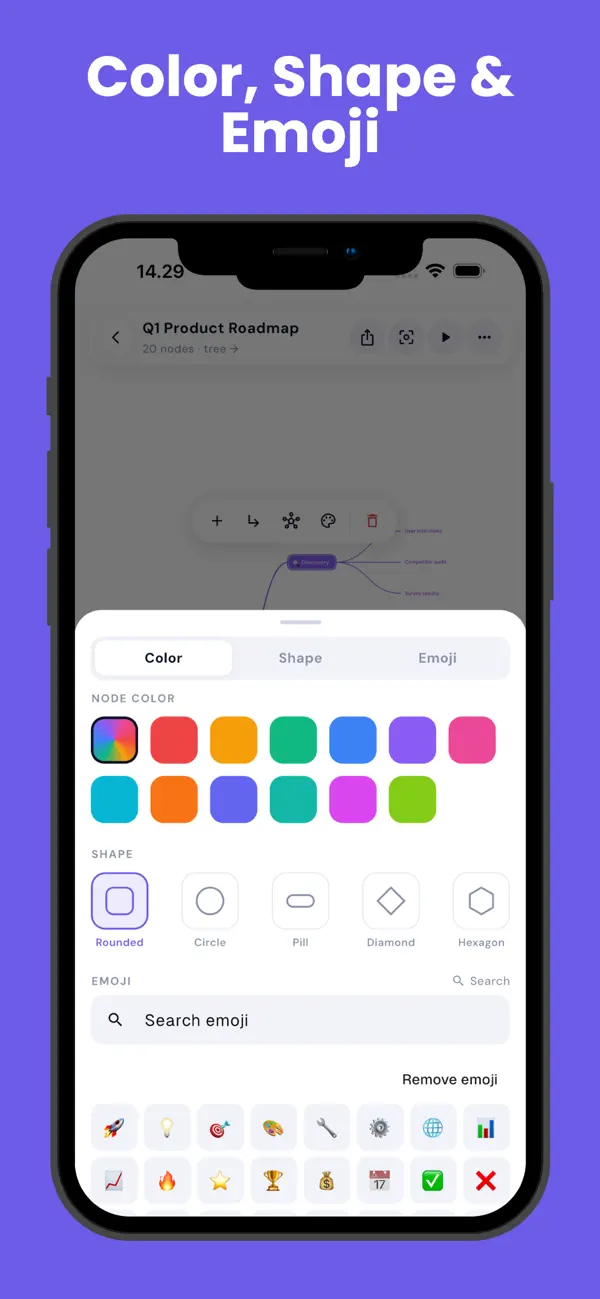
Six façons de voir la même idée. Libre, radial, arbre à droite, arbre vers le bas, organigramme et arête de poisson. Changez, et chaque nœud glisse à sa nouvelle place : les mêmes pensées, une perspective totalement différente.
Mode focus. Éclairez une branche, estompez le reste, et pensez à une seule chose.
Mode présentation. Parcourez votre carte branche par branche, avec zoom et surbrillance. Votre brainstorming devient une explication, sans travail supplémentaire.
Vue plan. Toute carte visuelle est aussi un plan indenté. Modifiez d'un côté ; les deux restent synchronisés.
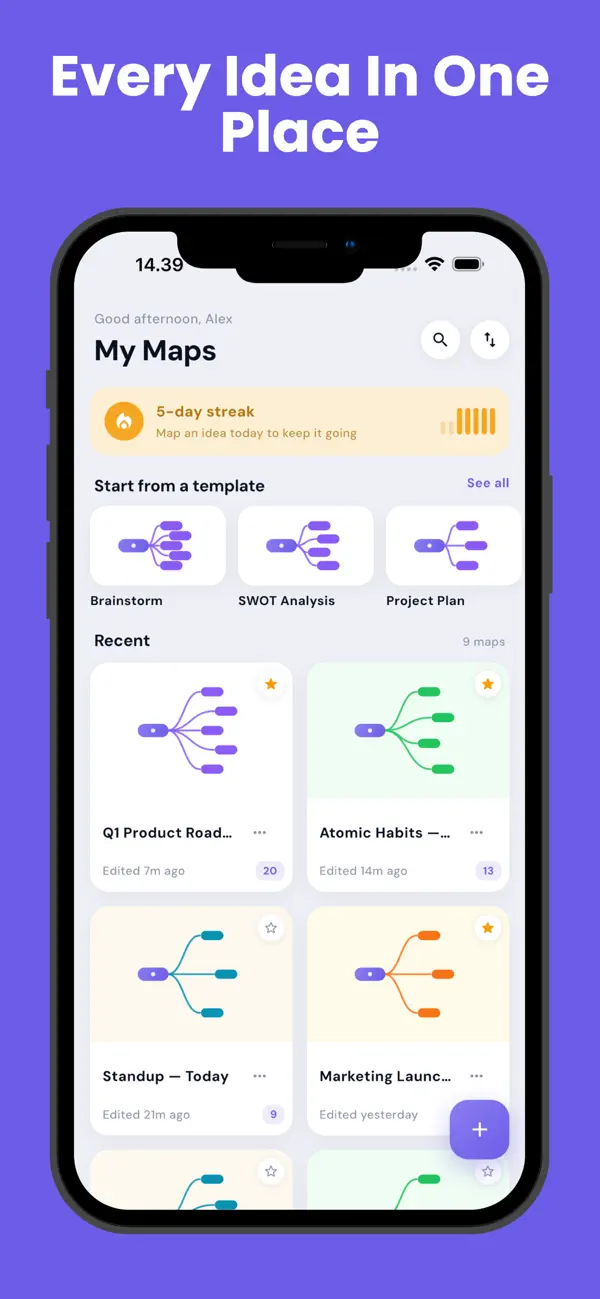
Quinze modèles. SWOT, arbre de décision, notes de cours, plan de projet, plan de dissertation, ordre du jour, agenda hebdomadaire et plus.
Exportez partout. PNG, PDF, plan texte, sauvegarde JSON ou OPML.
CONÇU POUR LE MOBILE
Un canevas qui reste fluide sous le pouce. Grandes zones tactiles. Sauvegarde automatique toutes les cinq secondes. Cartes illimitées.
CONFIDENTIALITÉ
Aucun compte. Aucune inscription. Aucune donnée personnelle. Vos cartes ne quittent jamais votre appareil. La connexion sert uniquement à afficher des publicités.
MindFlow est fait pour ce moment où vous avez trop d'idées et pas assez de forme. Donnez-leur-en une.
Quoi de neuf dans la dernière version ?
Nouveautés de la version 1.2.0
• Le déplacement des nœuds est entièrement repensé : ils suivent désormais votre doigt avec une fluidité totale, se soulèvent avec une ombre subtile et se saisissent bien plus vite.
• Corrigé : une carte en disposition libre pouvait revenir vide après la réouverture de l'app. Elle se restaure maintenant exactement comme vous l'aviez arrangée.
• Les grandes cartes sont plus légères : le texte, la grille et le mode focus se dessinent bien plus efficacement.
Merci de créer vos cartes avec nous !