Record My Hours
iPhone / Productivité
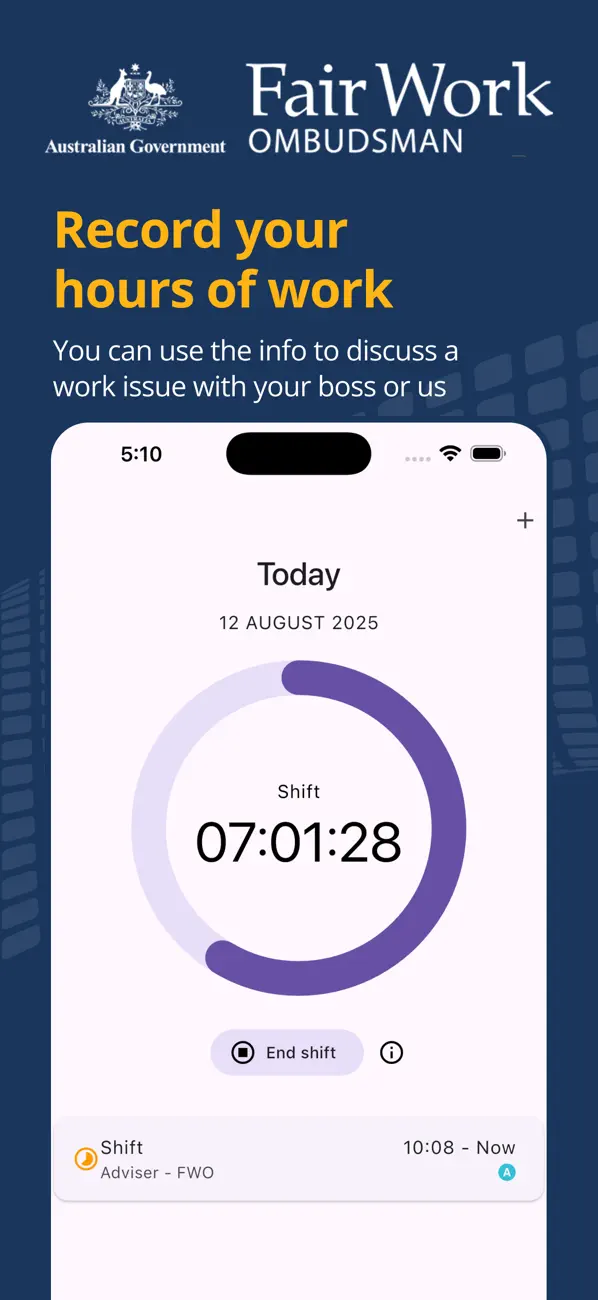
The Fair Work Ombudsman's Record My Hours app makes it easy for workers to record their hours of work and pass on information about their job.
The app allows users to:
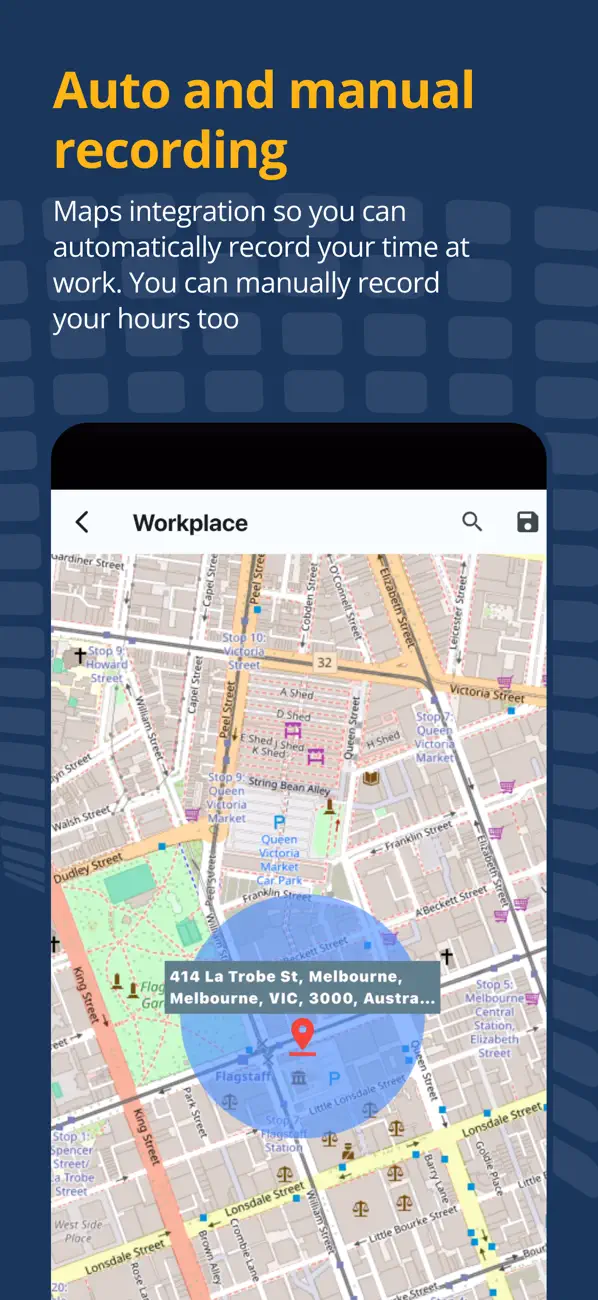
• automatically record their time at work
• manually input shifts or fine-tune shift details if they need to, for example, if they don’t leave their workplace during their lunch break
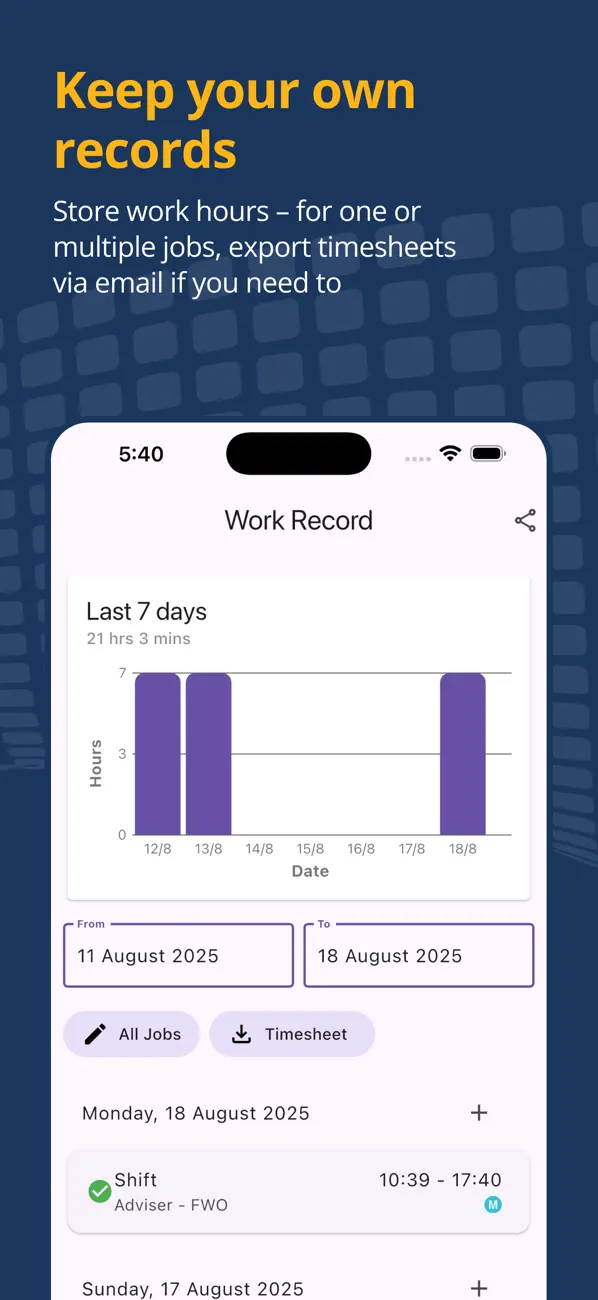
• export timesheets (and employment information) to store safely or share with a preferred representative if they have a workplace issue
The app also includes a range of helpful features:
• view, store and export shift history
• back up information to personal cloud storage and easily restore it on a new device or after a factory reset
• keep a record of work hours for multiple jobs and workplaces, all in one place
• take and add photos of employment information that belongs to an employee, like their own payslips
Privacy and Security
Only you have access to your information recorded by the app. No one can access your information unless you choose to share it. Privacy and confidentiality rules apply in the workplace. Don't take photos of other people or business information.
Important information for users:
* Users with an app version installed prior to May 2024 must export all their app data if they wish to keep it before upgrading to the latest version, as their data will not migrate across to the new version of the app.
* Before the update, make sure to save your work record outside the app so you’ve got a backup you can refer to later.
* Wi-Fi must be turned on in device settings for automatic shift recording to work
* Automatic shift recording won't work for all job types, such as people working in areas with no mobile or Wi-Fi coverage or people who frequently travel for work. It also won’t t work reliably in some circumstances, including when certain device settings are not enabled by the user. Manual recording has been incorporated to cater for this.
Terms and Conditions
By installing the app on your device, you agree to be bound by the terms and conditions governing its use. You can view these terms and conditions at fairwork.gov.au/apptermsandconditions
Support and Feedback
If you have any questions or feedback on the app, please email us at app@fwo.gov.au
Quoi de neuf dans la dernière version ?
What’s new in this version:
- updates for iOS 26 compatibility
- geofencing performance improvements
- an enhanced address look up feature for setting workplaces
- minor bug fixes and other performance improvements